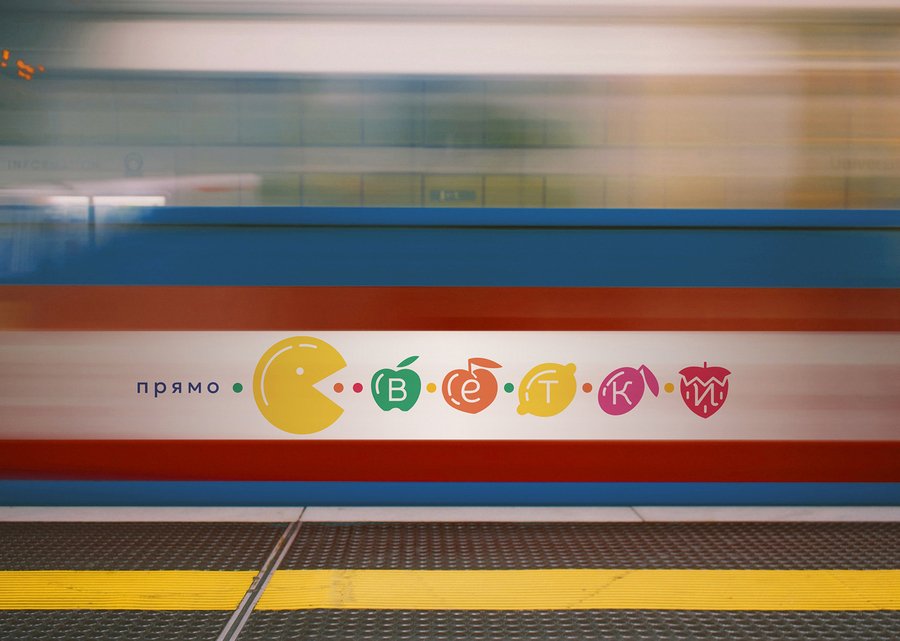
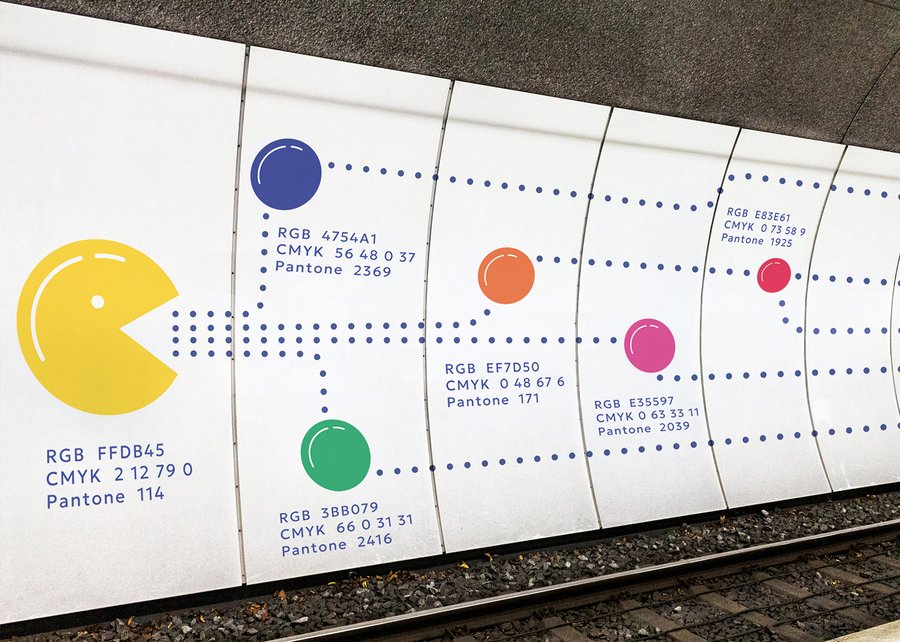
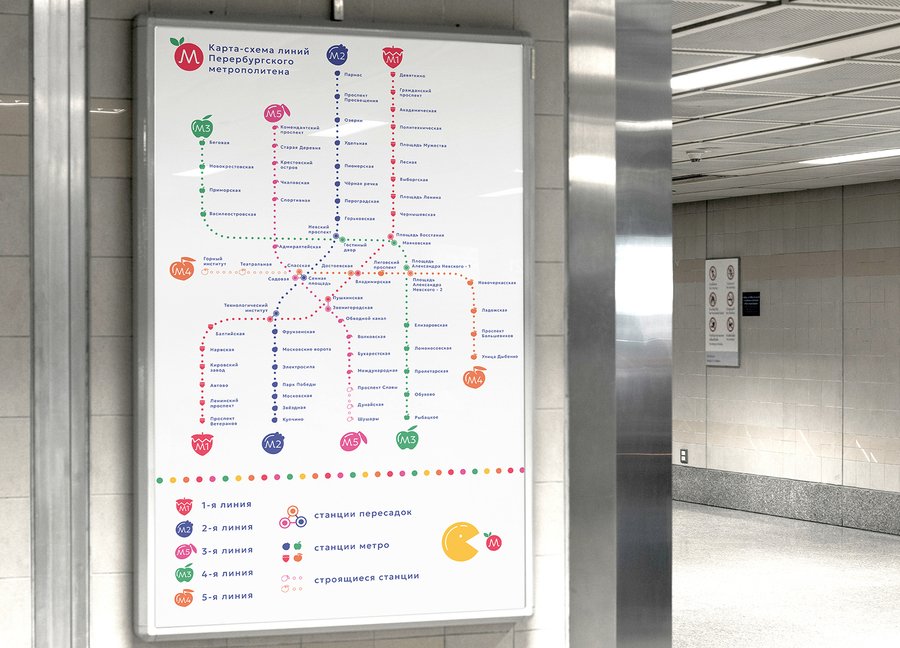
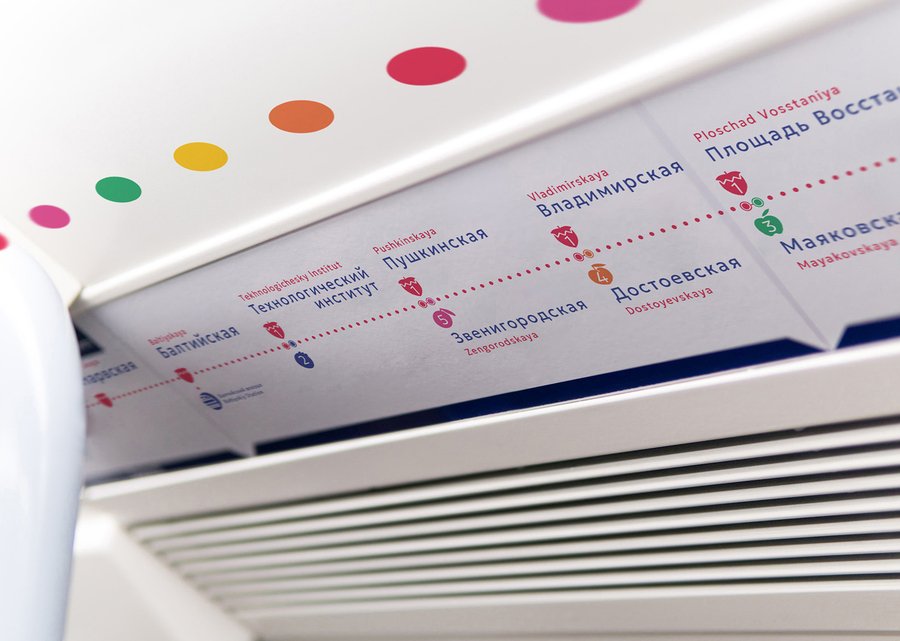
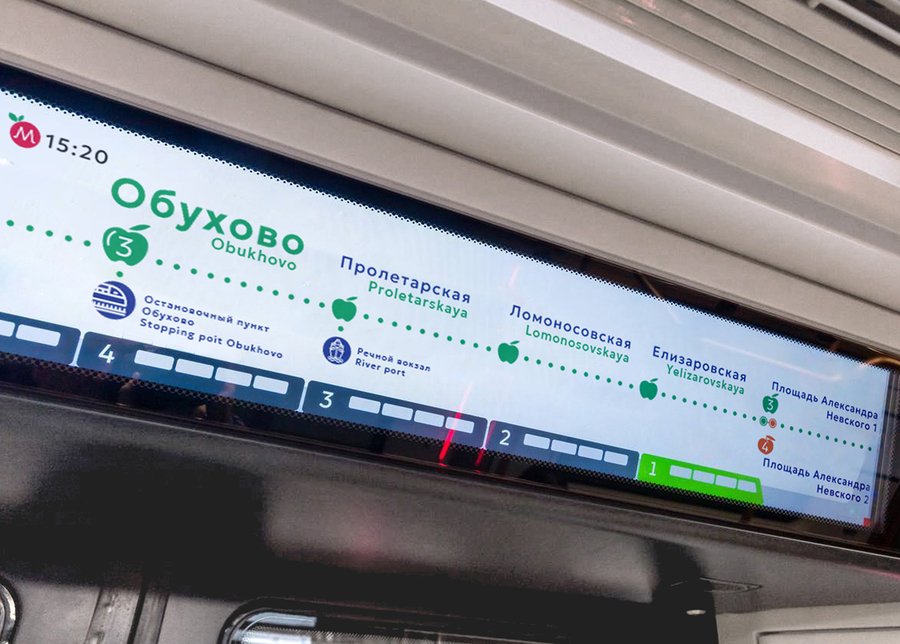
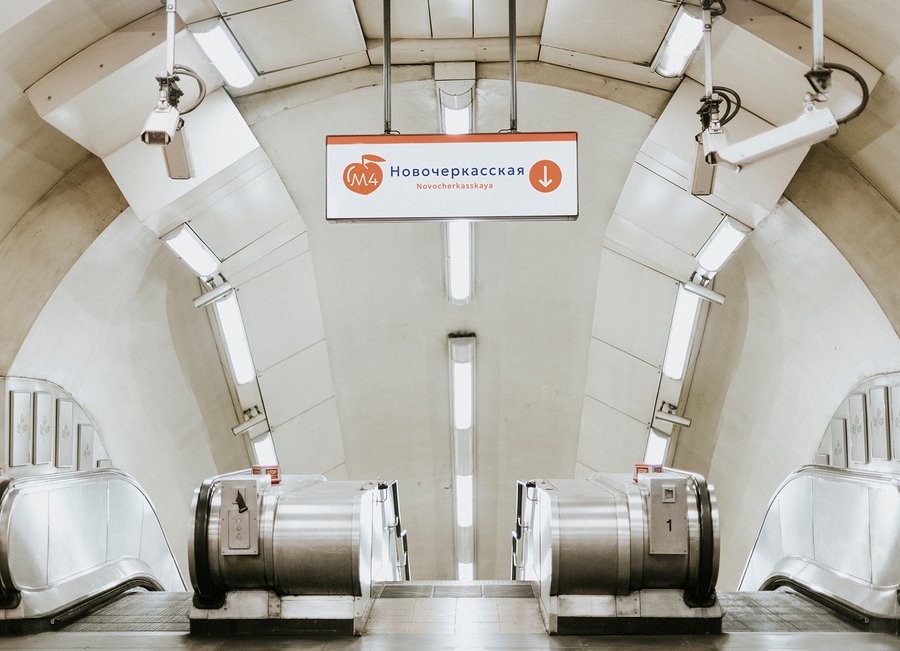
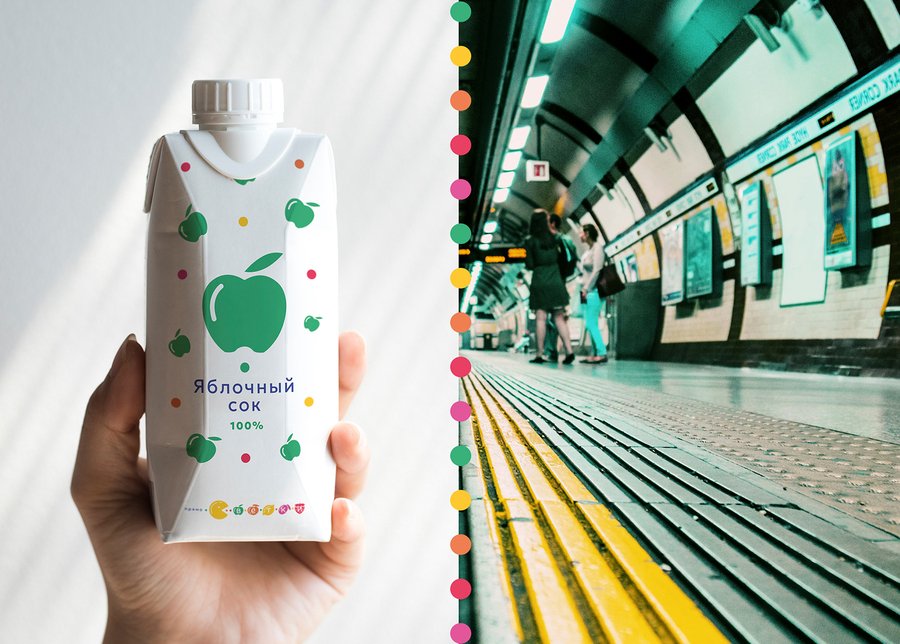
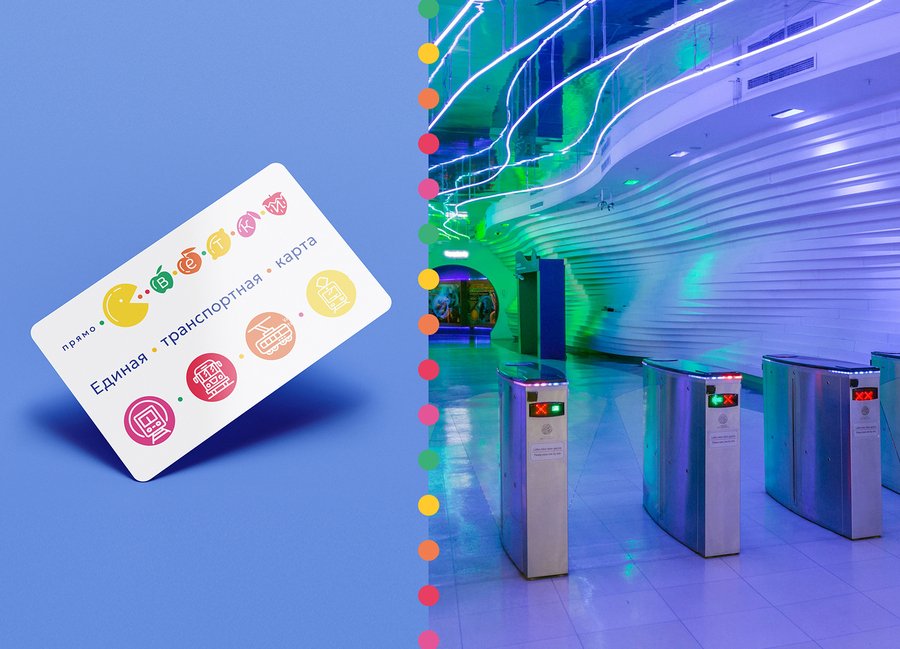
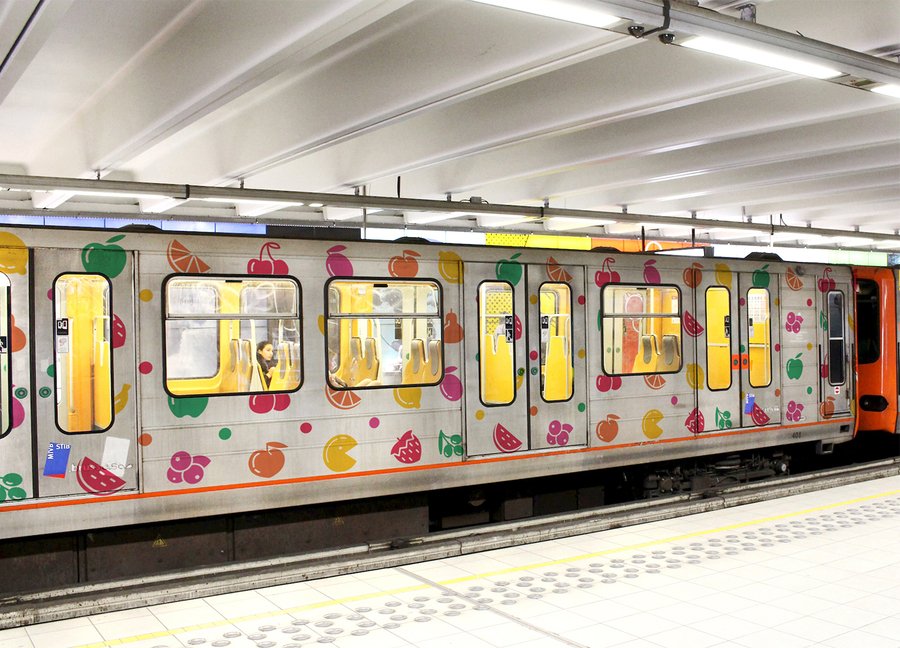
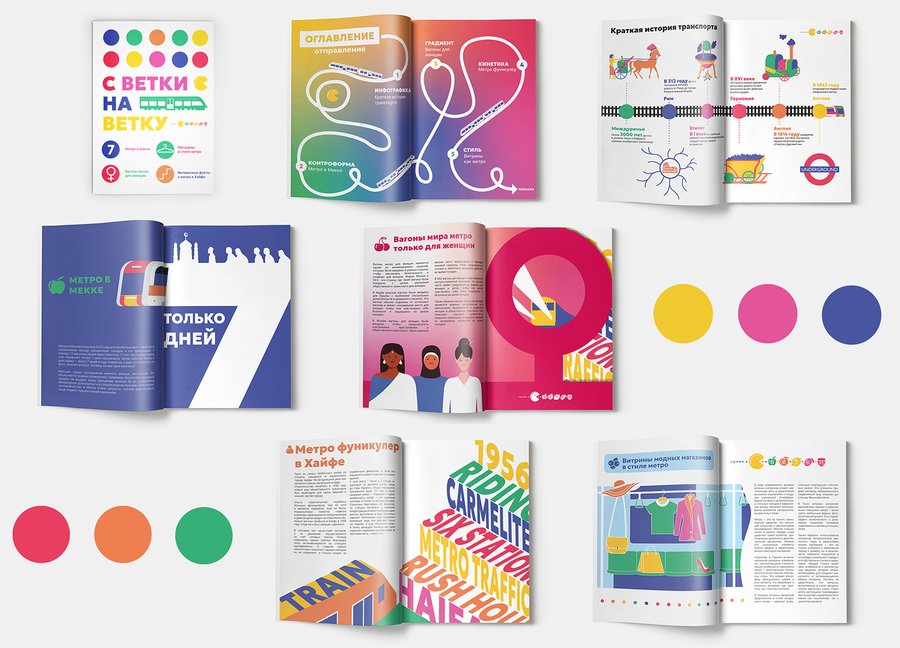
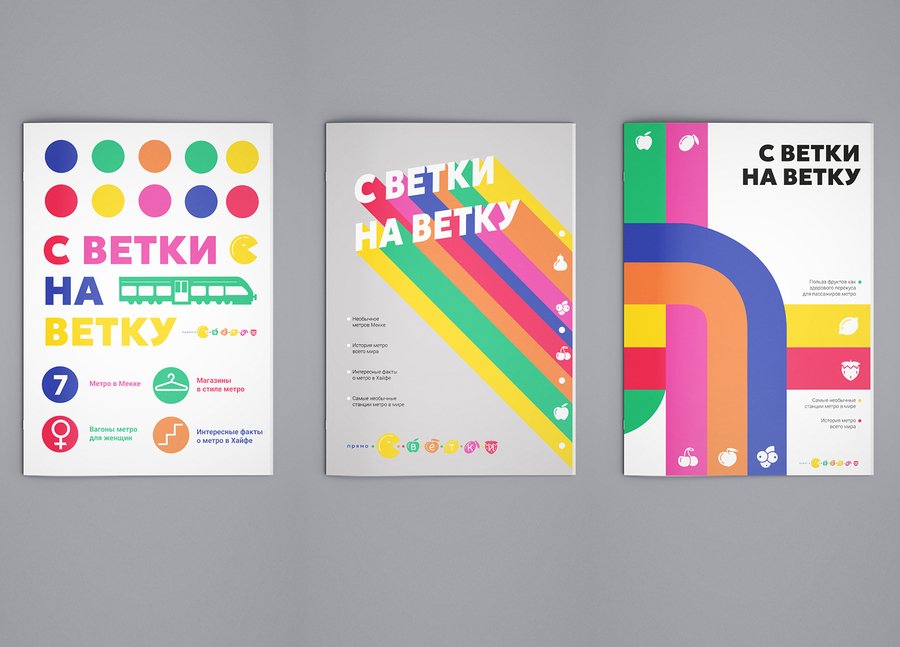
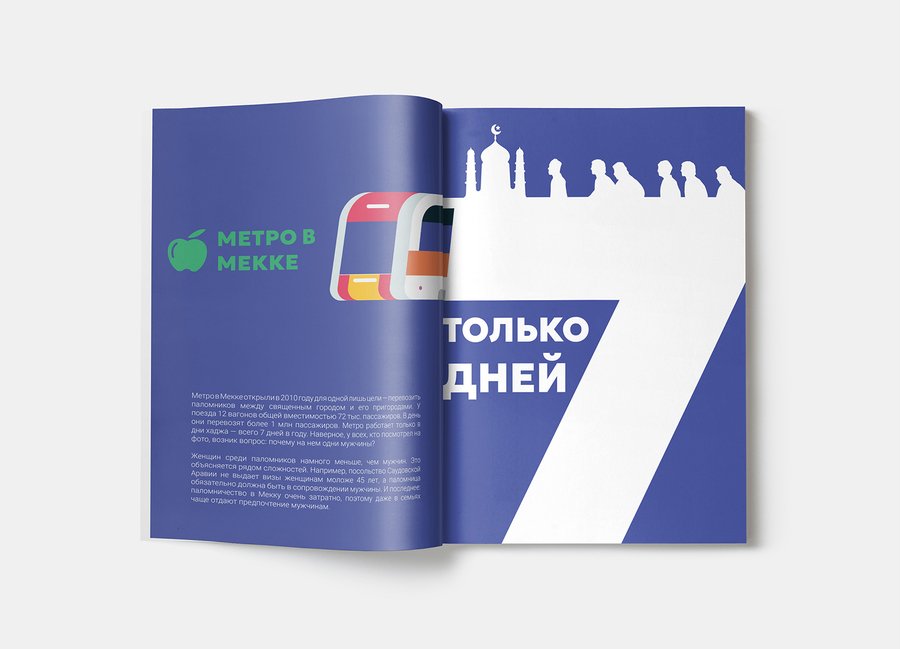
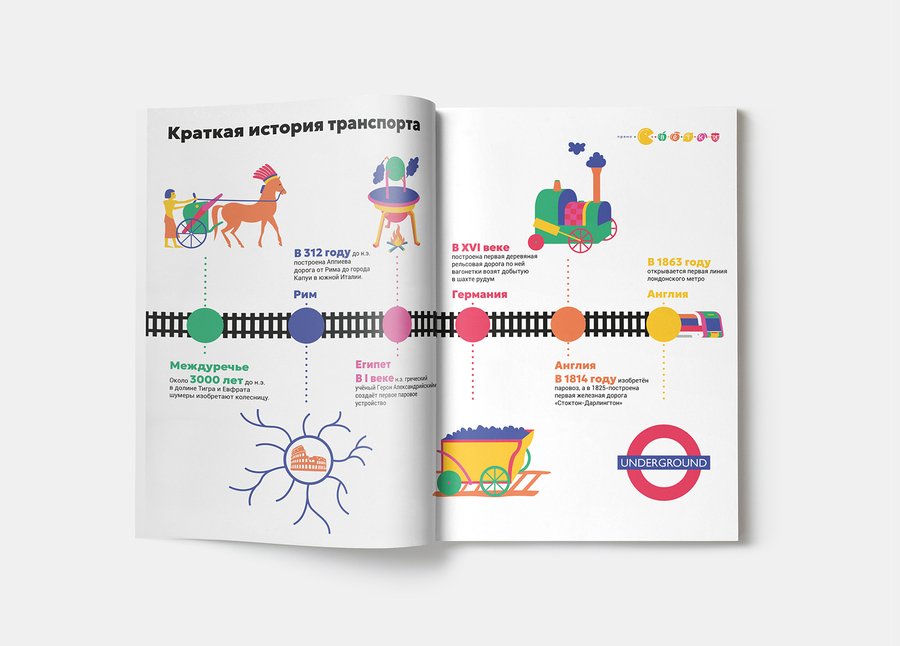
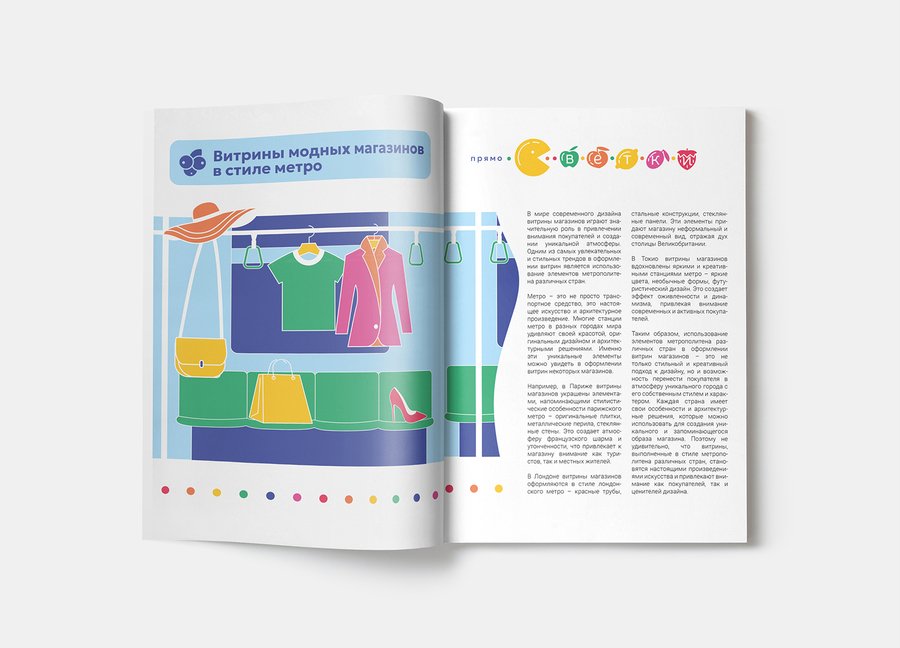
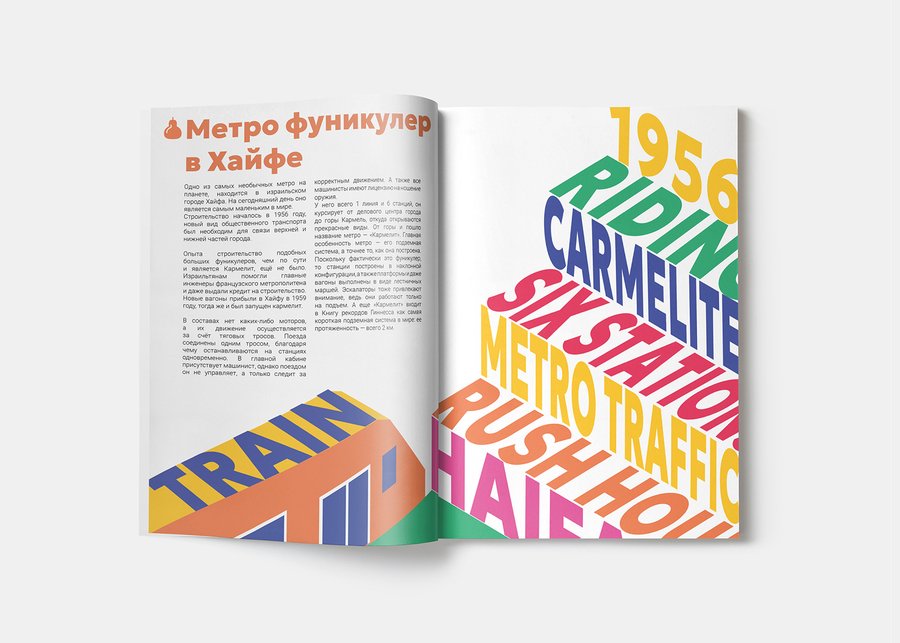
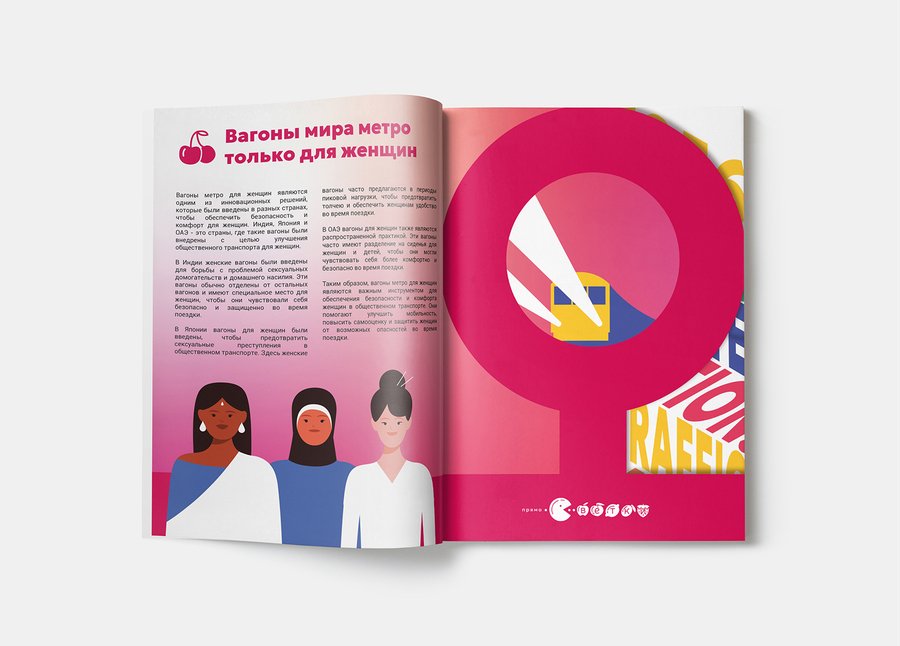
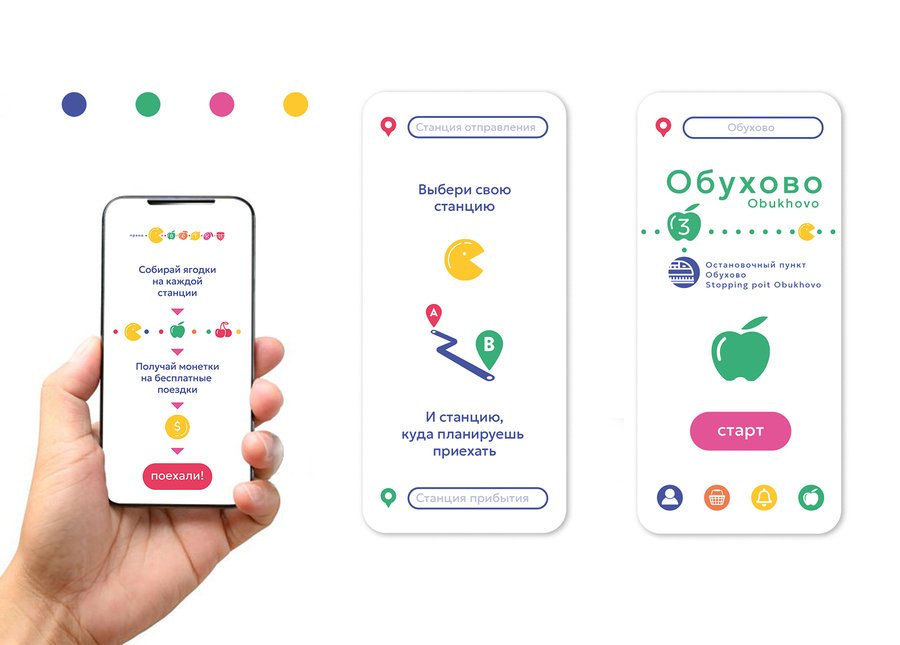
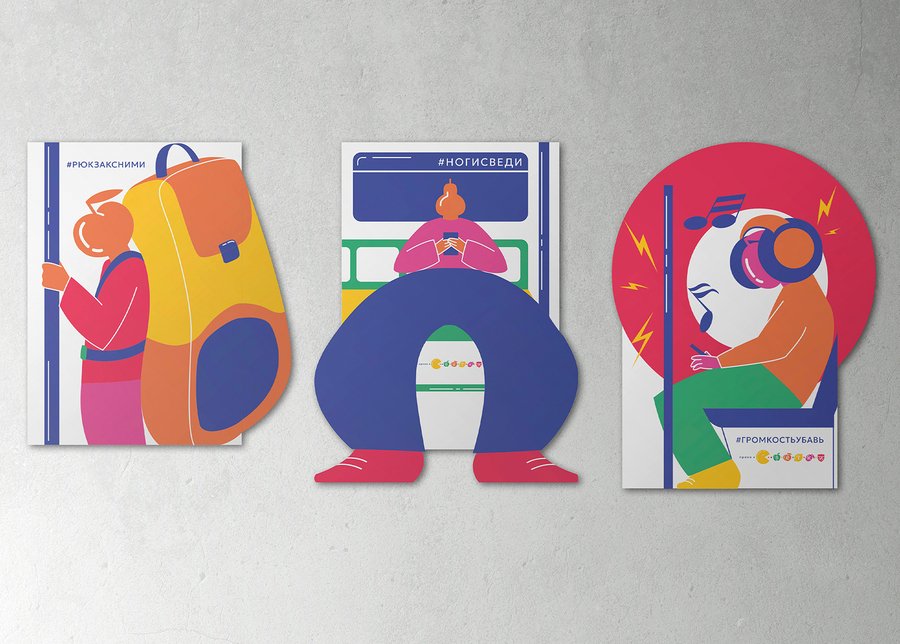
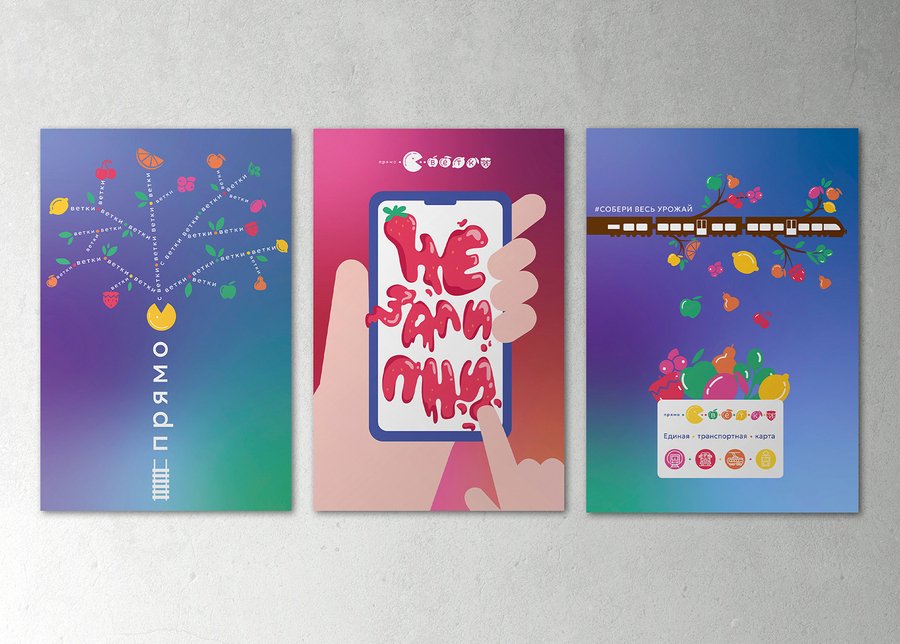
«Прямо с ветки» — это увлекательный проект, превращающий поездки в метро в захватывающую игру. Пассажир, собирает ягоды на разных станциях, чтобы затем получить бесплатные поездки. Визуально проект выполнен в ярком и радостном стиле, где ветки метро напоминают ветки деревьев, а станции — это фрукты.
«Прямо с ветки» призван добавить в поездки на метро элемент веселья и удовольствия.
Дарья Головятинская создала проект «Прямо с ветки», который превращает поездки в метро в интерактивную игру с ягодами и бесплатными поездками. Проект выполнен в ярком и радостном стиле, где ветки метро изображены как деревья, а станции — как фрукты.
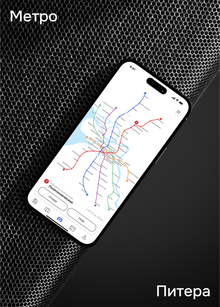
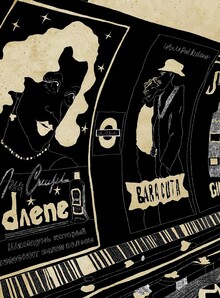
Наталия Ковалева создала исследование о метрополитене Санкт-Петербурга в формате текстовых материалов. Проект включает анализ структуры, айдентики и интерактивного прототипа с описанием пользовательского потока.
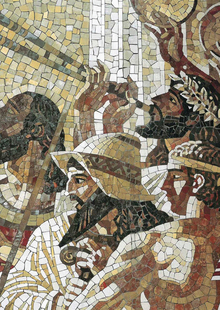
Полина Бондырева исследует мозаичное искусство в метрополитене Санкт-Петербурга, анализируя его исторические и художественные связи с древними традициями. Проект сравнивает современные мозаики с античными памятниками, выявляя общие визуальные каноны и символические образы в композициях.
Юлия Милютина создала текст, описывающий атмосферу метро через образы людей и его элементов. В работе подчёркивается ощущение суеты и плотности пространства в подземном транспорте.
Валерия Зеленова создала текст, в котором сравнивает станции Санкт-Петербургского метрополитена с искусством Древнего Рима. Проект выявляет визуальные и стилистические сходства между сталинским ампиром метрополитена и архитектурными элементами древнеримских сооружений.
We use cookies to improve the operation of the website and to enhance its usability. More detailed information on the use of cookies can be fo...
Show more
Press space bar to start a drag.
When dragging you can use the arrow keys to move the item around and escape to cancel.
Some screen readers may require you to be in focus mode or to use your pass through key
Press space bar to start a drag.
When dragging you can use the arrow keys to move the item around and escape to cancel.
Some screen readers may require you to be in focus mode or to use your pass through key
Press space bar to start a drag.
When dragging you can use the arrow keys to move the item around and escape to cancel.
Some screen readers may require you to be in focus mode or to use your pass through key
Press space bar to start a drag.
When dragging you can use the arrow keys to move the item around and escape to cancel.
Some screen readers may require you to be in focus mode or to use your pass through key
Press space bar to start a drag.
When dragging you can use the arrow keys to move the item around and escape to cancel.
Some screen readers may require you to be in focus mode or to use your pass through key
Press space bar to start a drag.
When dragging you can use the arrow keys to move the item around and escape to cancel.
Some screen readers may require you to be in focus mode or to use your pass through key
Press space bar to start a drag.
When dragging you can use the arrow keys to move the item around and escape to cancel.
Some screen readers may require you to be in focus mode or to use your pass through key
Press space bar to start a drag.
When dragging you can use the arrow keys to move the item around and escape to cancel.
Some screen readers may require you to be in focus mode or to use your pass through key
Press space bar to start a drag.
When dragging you can use the arrow keys to move the item around and escape to cancel.
Some screen readers may require you to be in focus mode or to use your pass through key
Press space bar to start a drag.
When dragging you can use the arrow keys to move the item around and escape to cancel.
Some screen readers may require you to be in focus mode or to use your pass through key