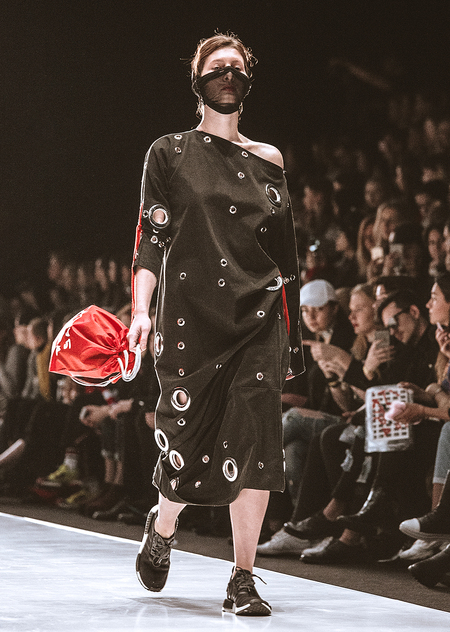
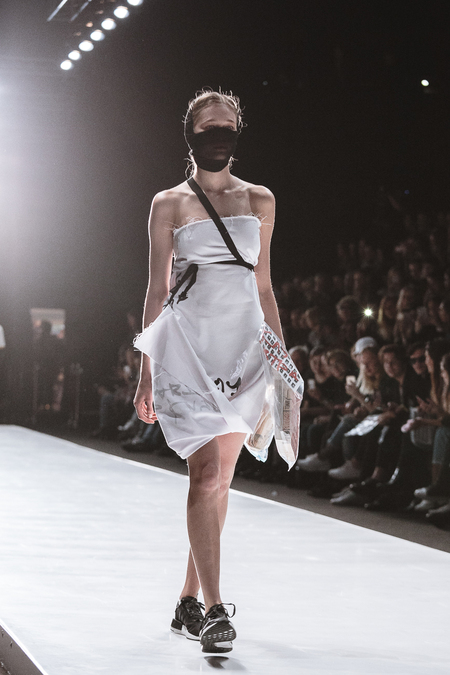
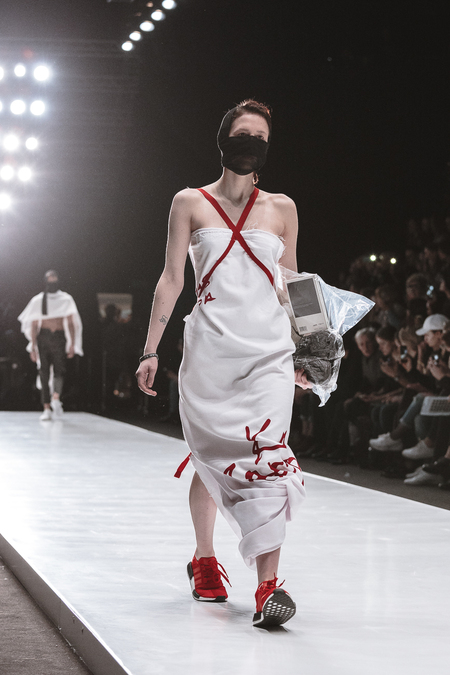
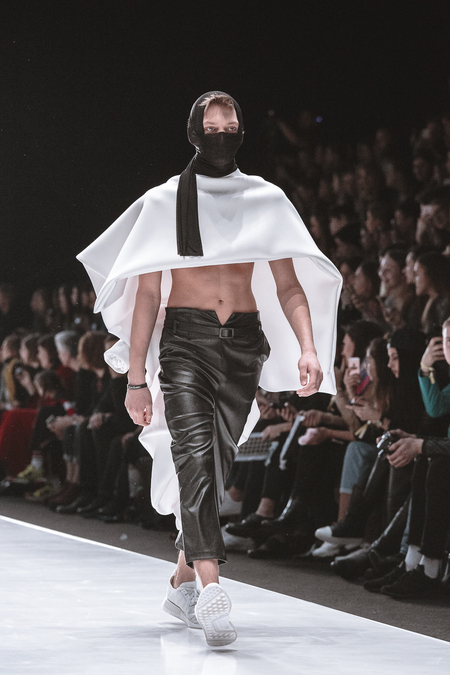
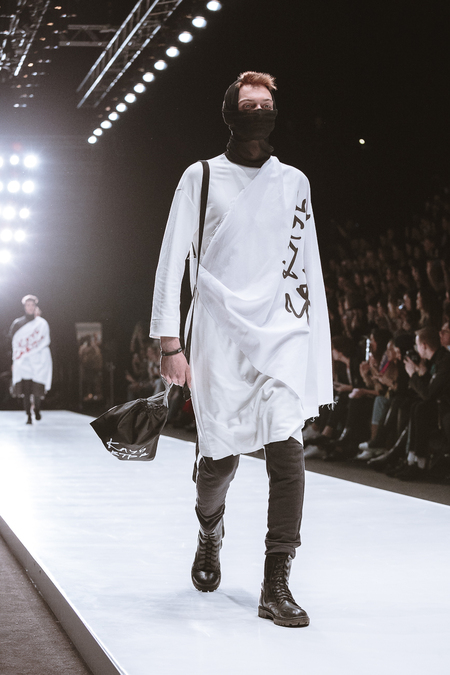
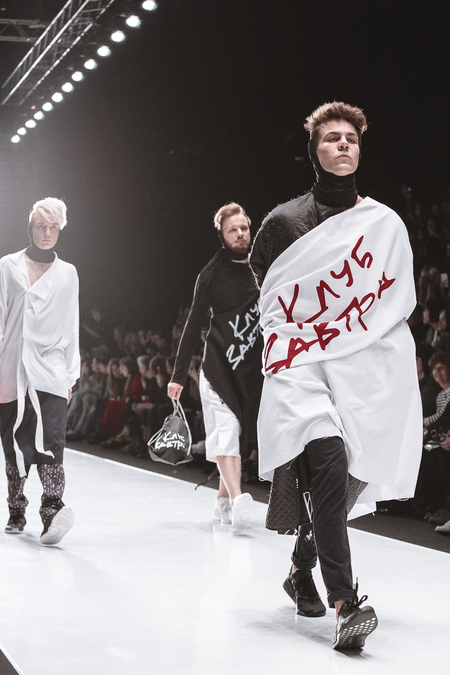
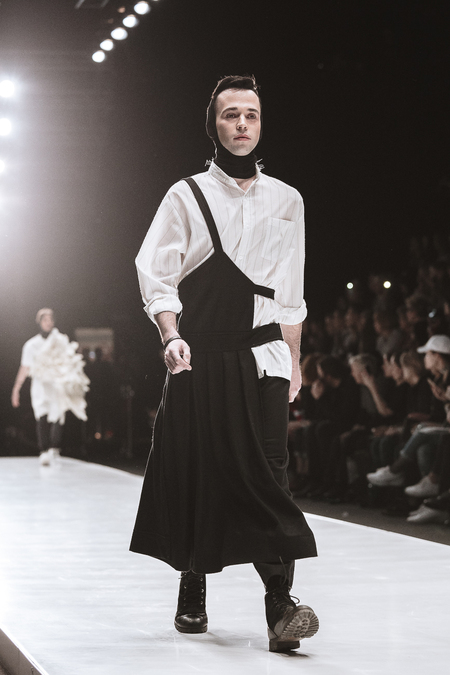
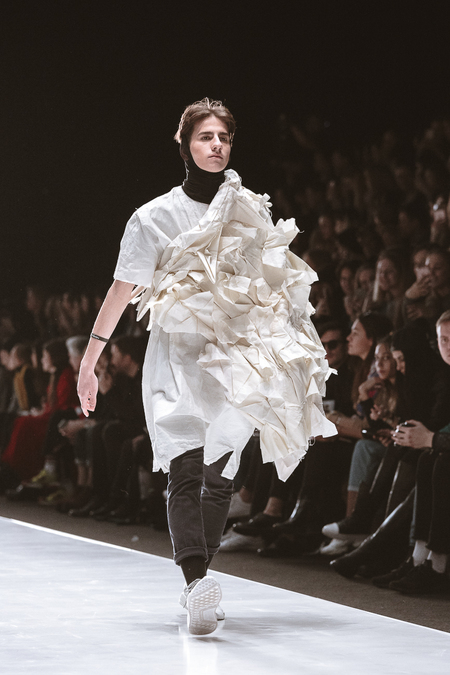
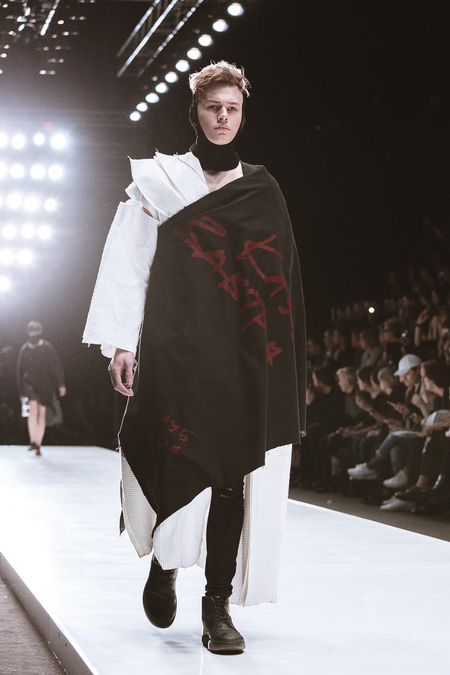
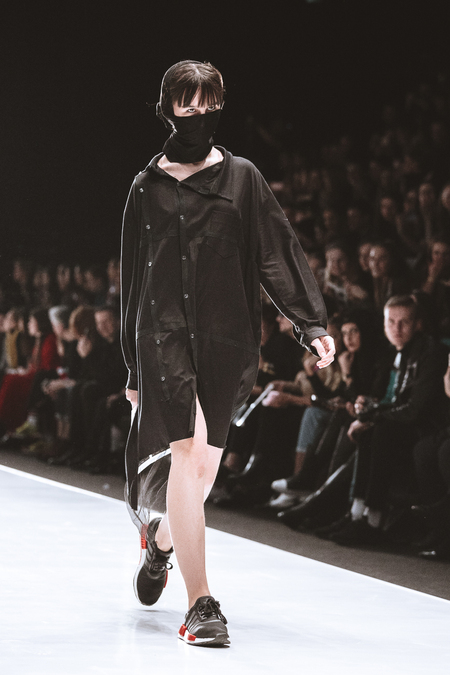
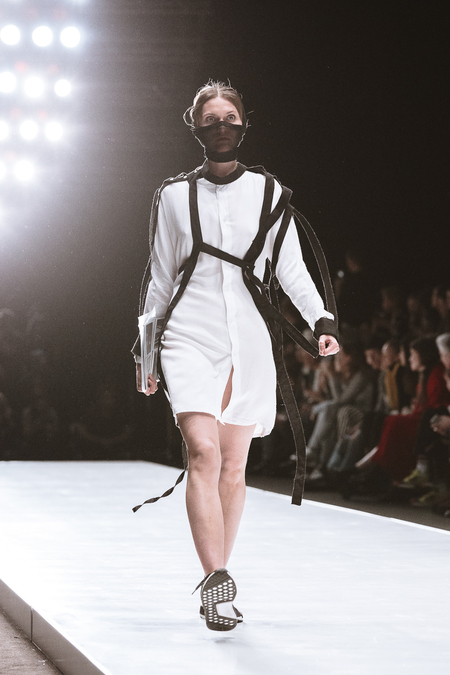
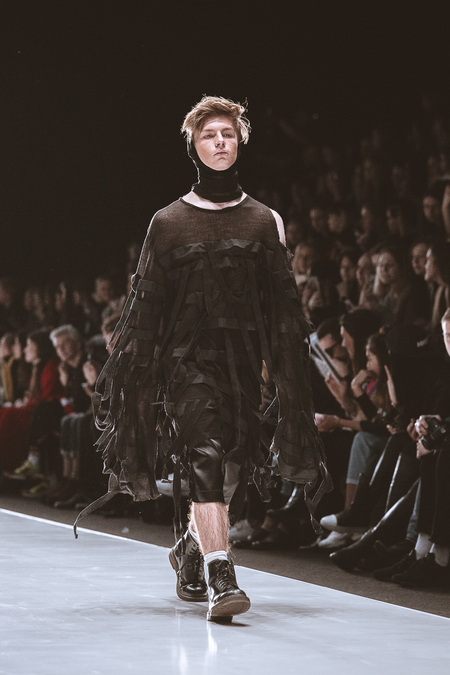
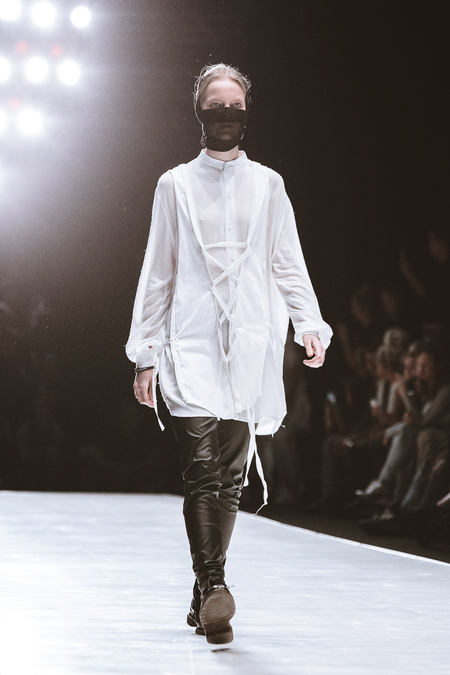
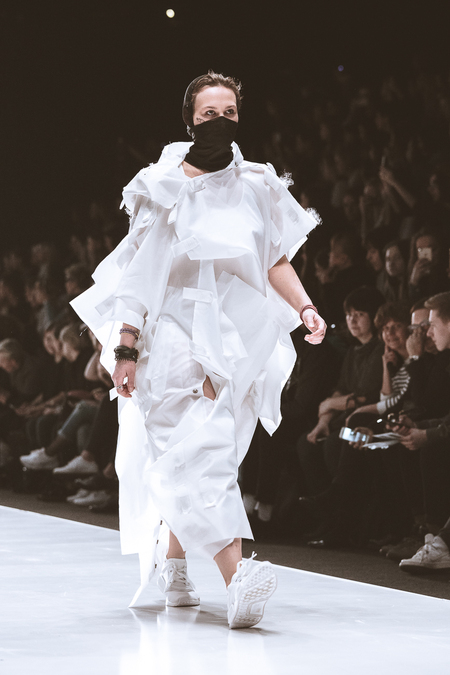
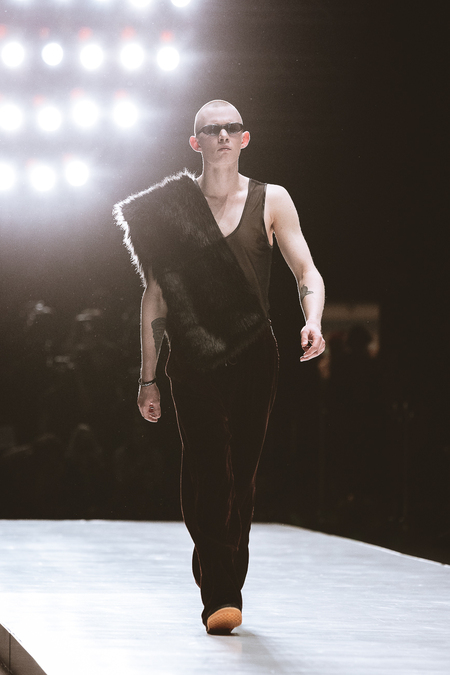
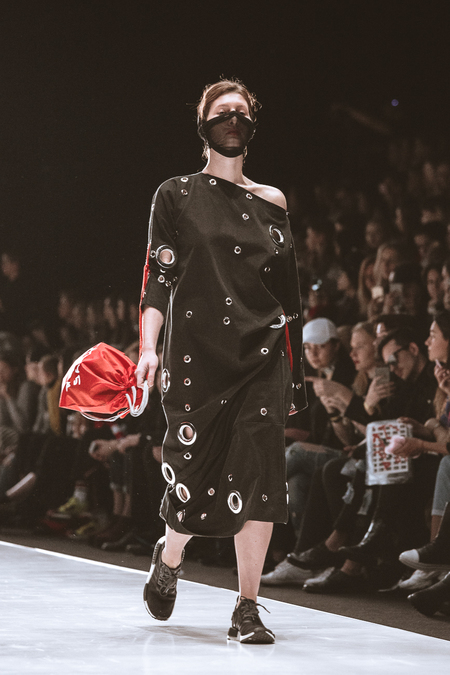
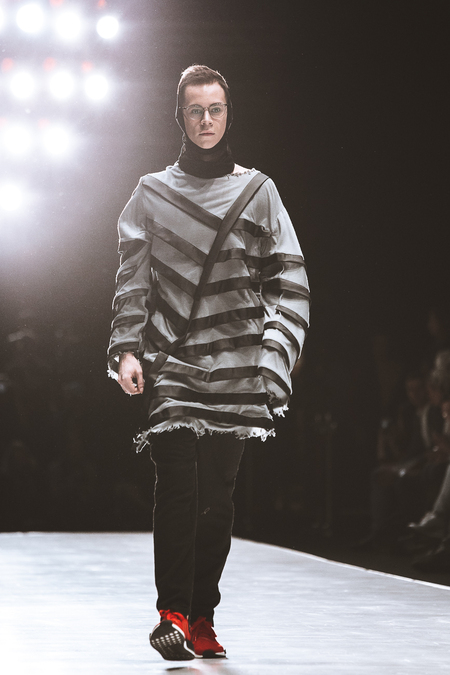
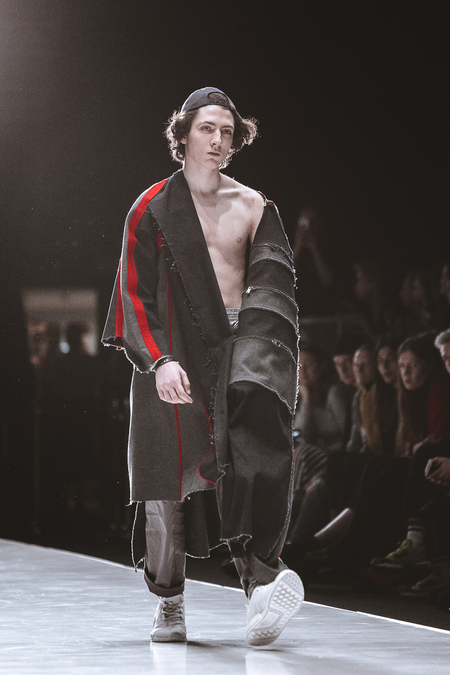
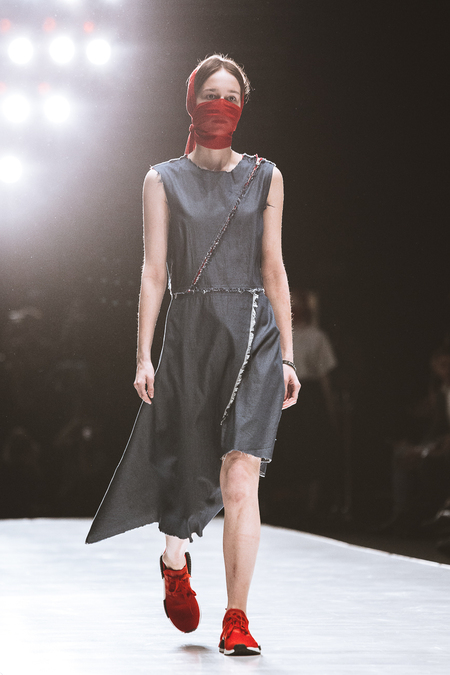
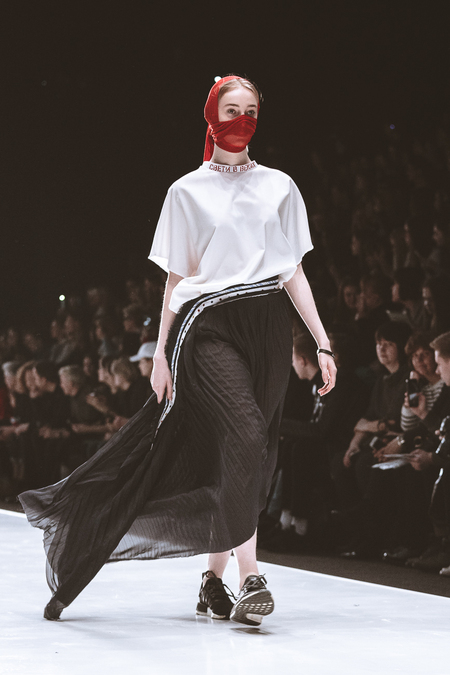
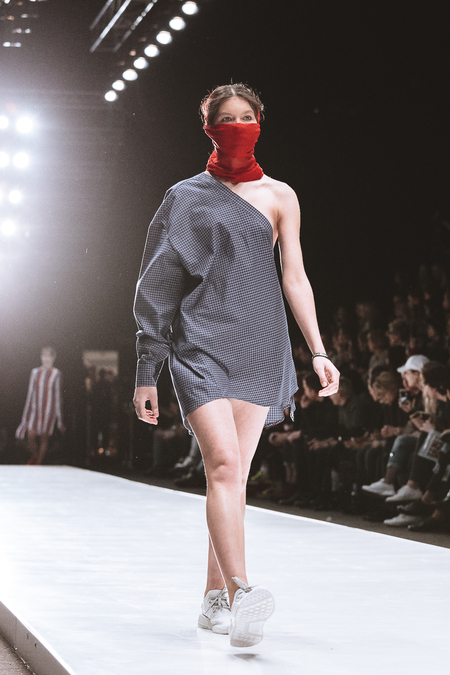
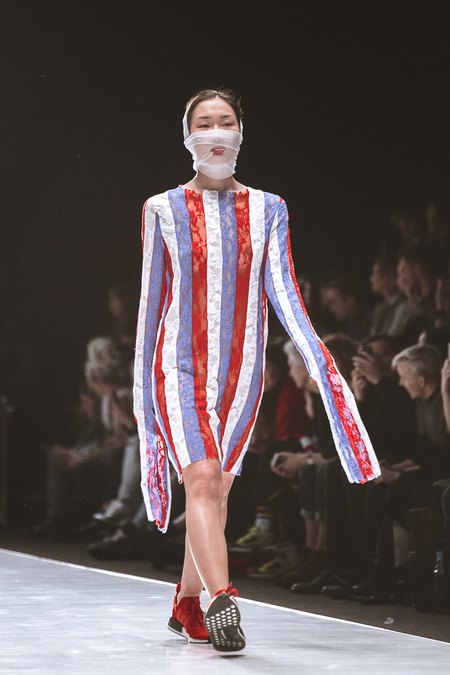
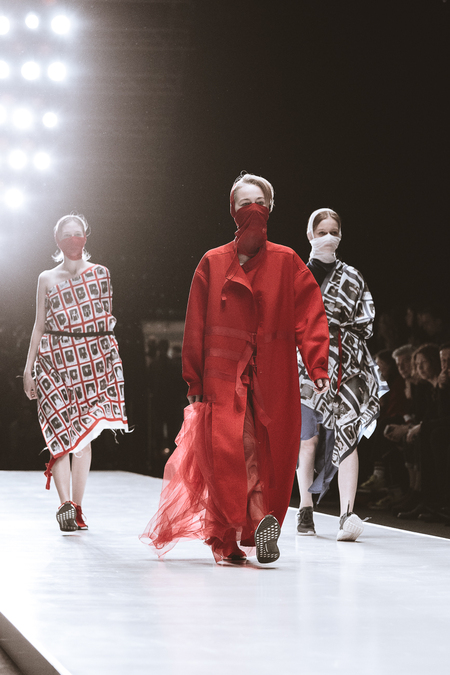
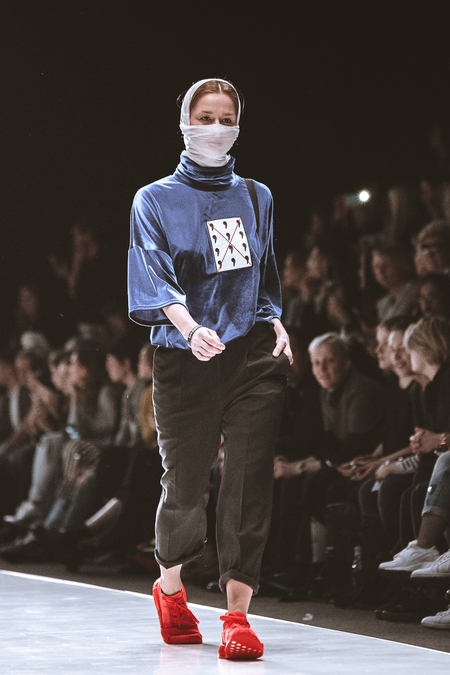
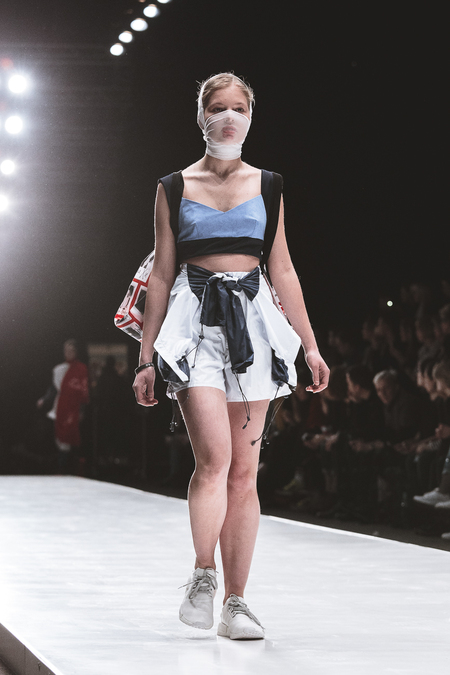
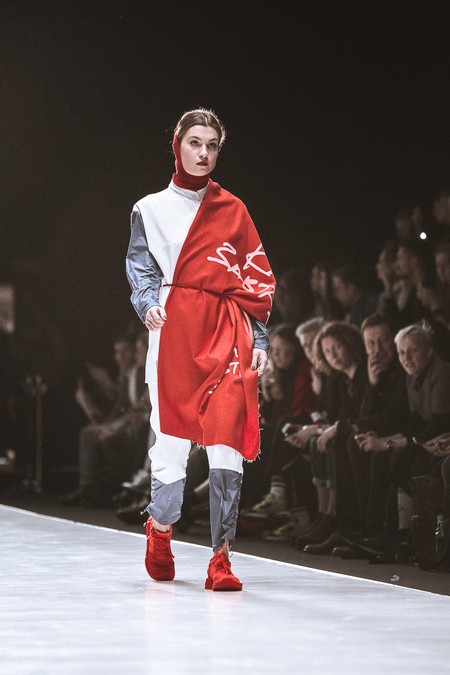
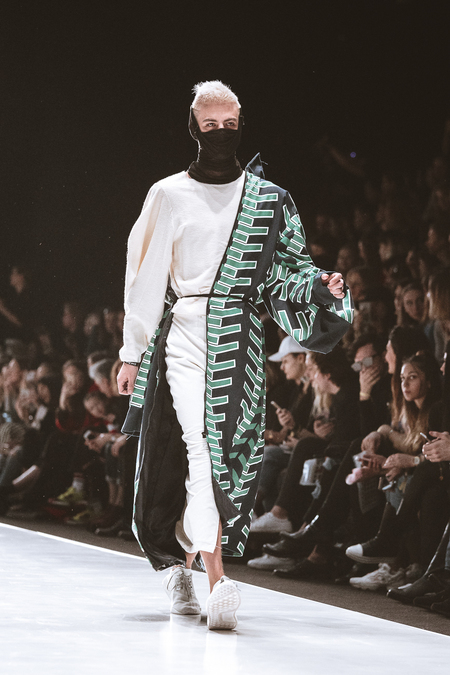
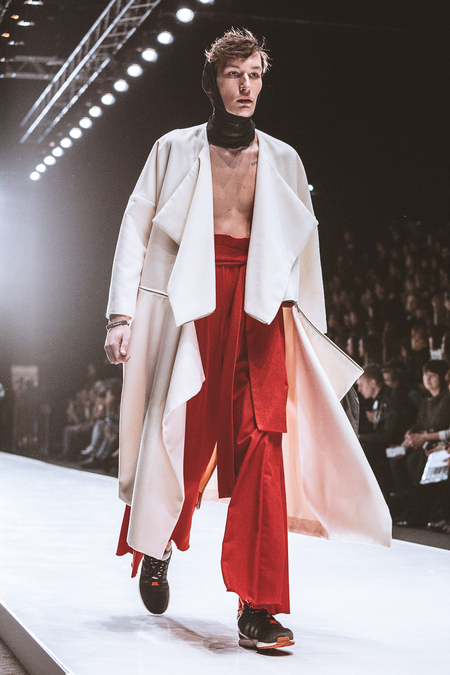
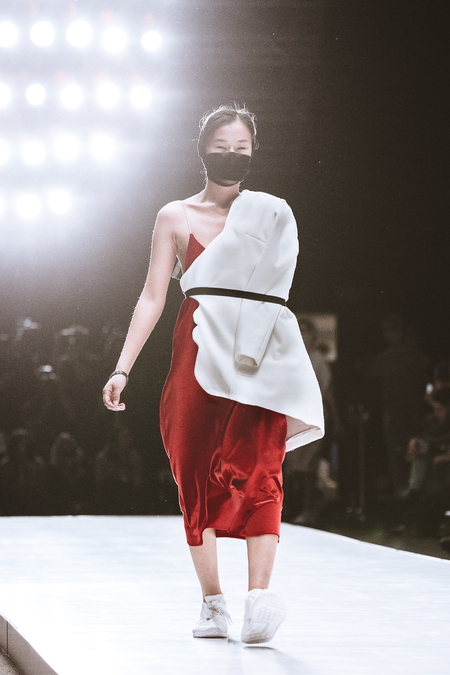
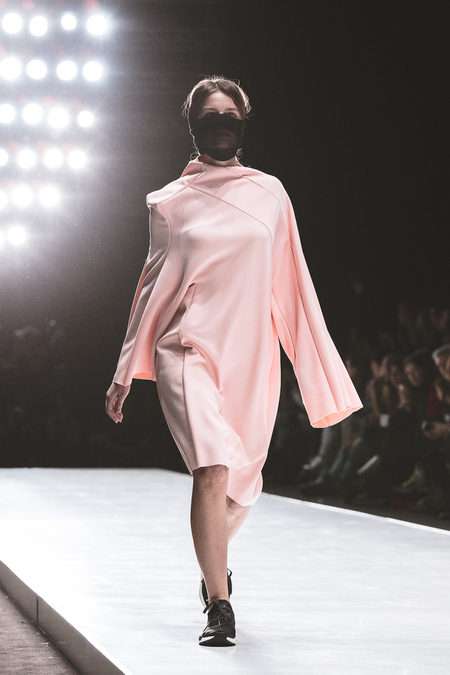
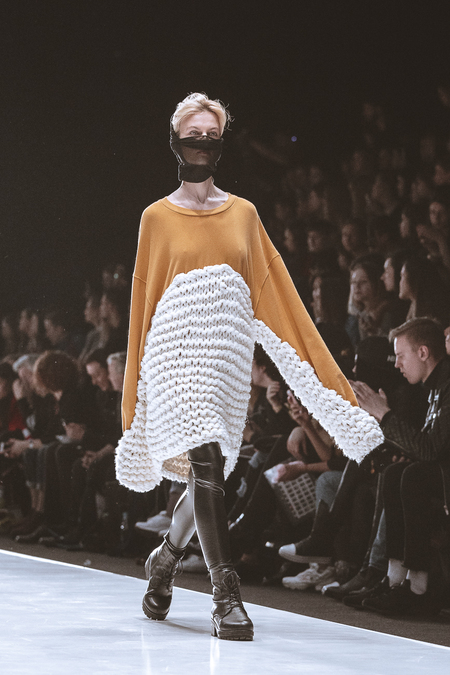
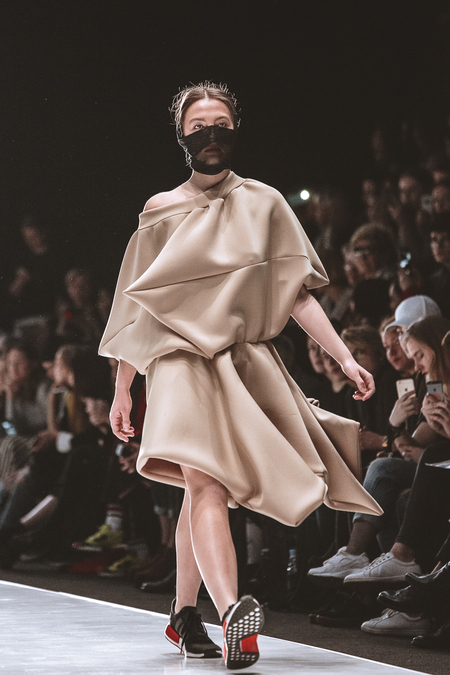
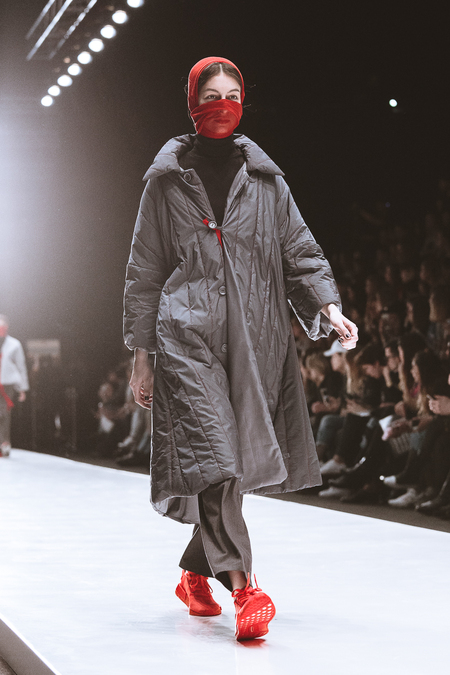
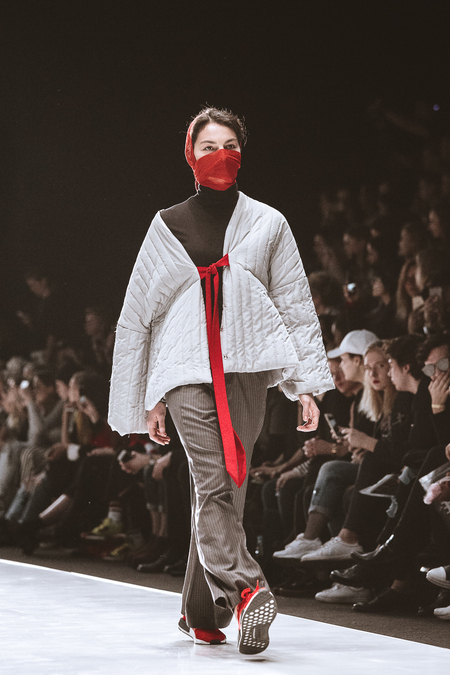
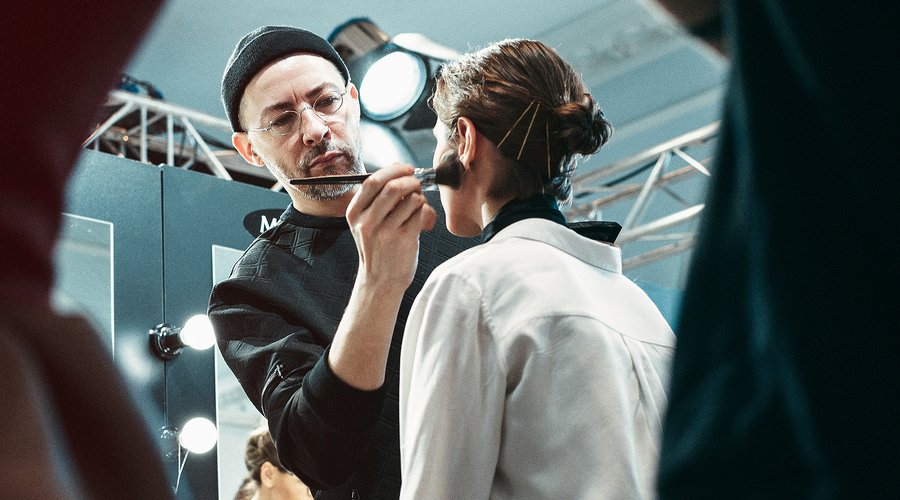
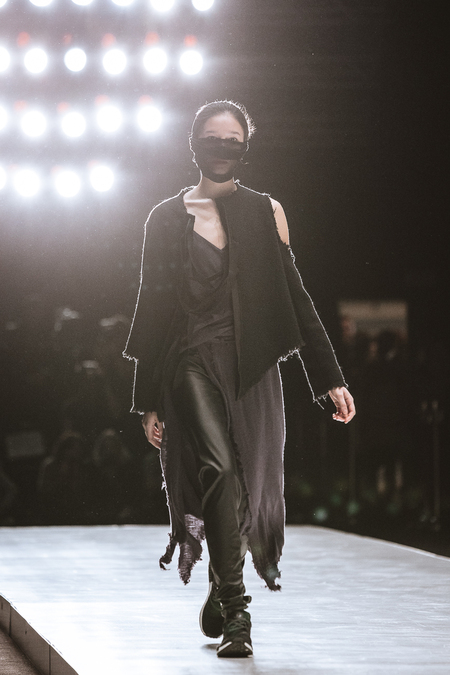
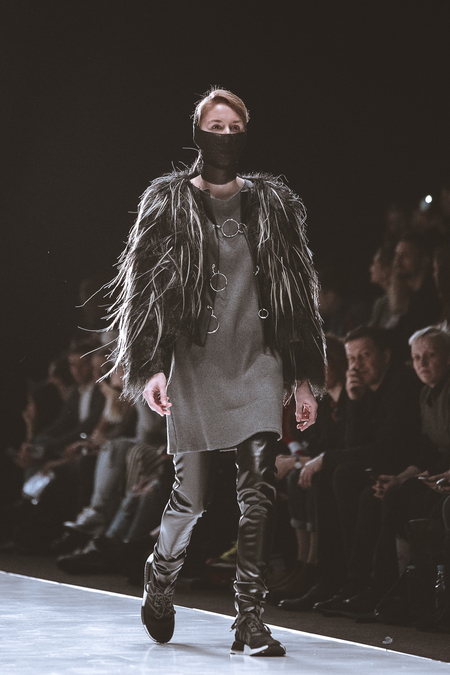
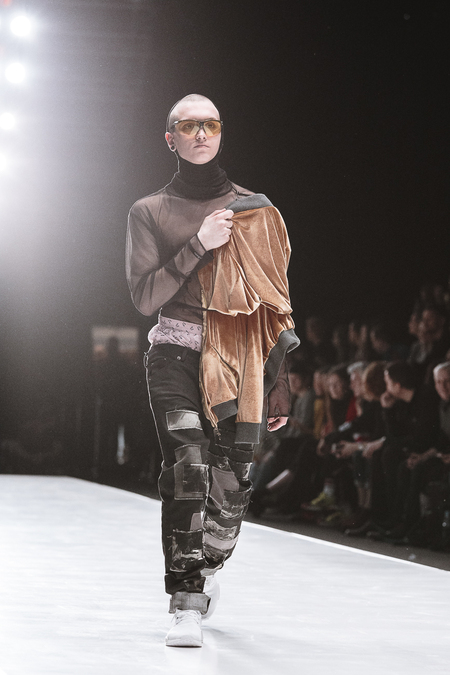
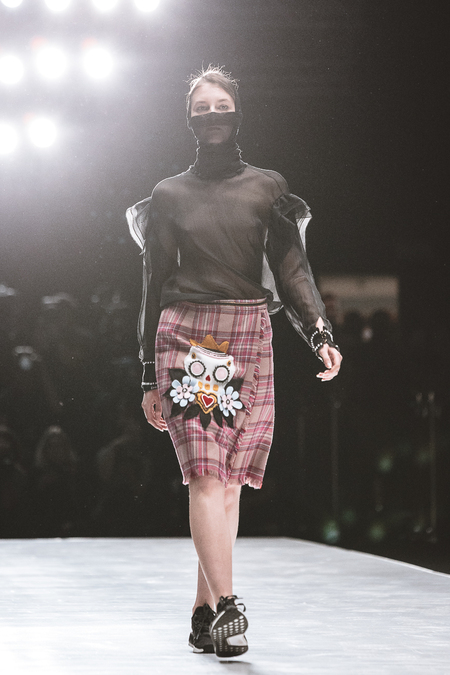
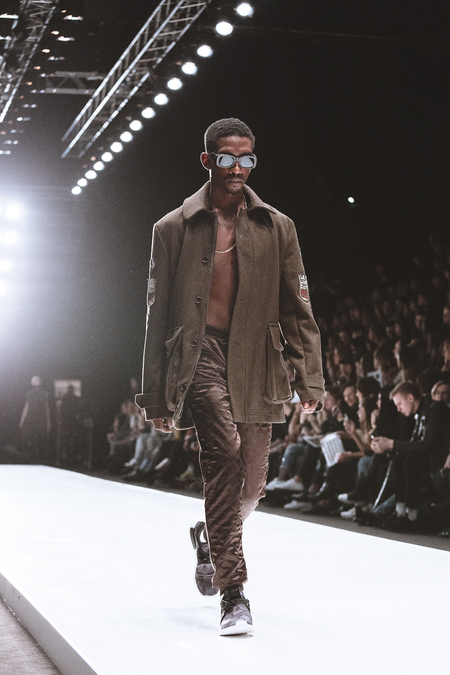
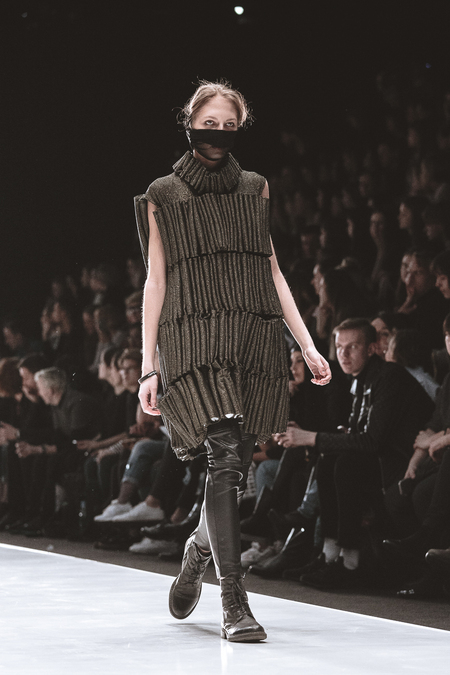
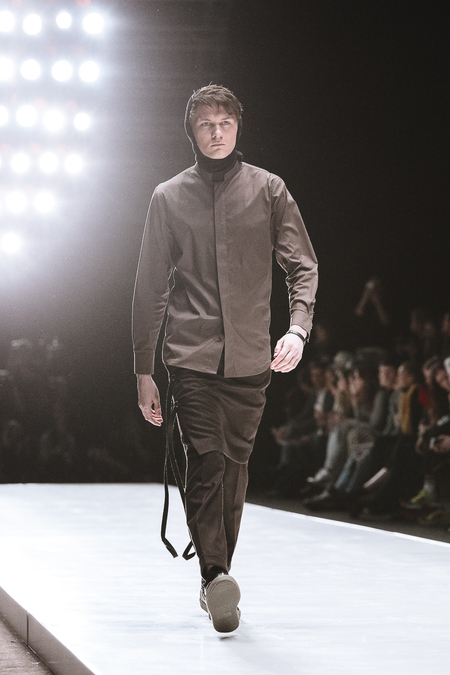
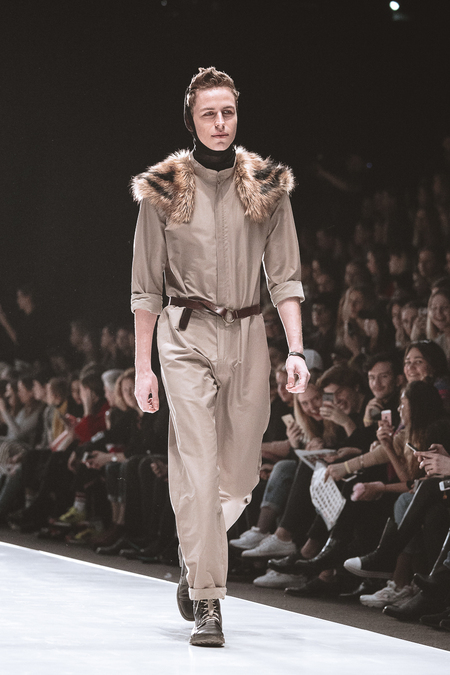
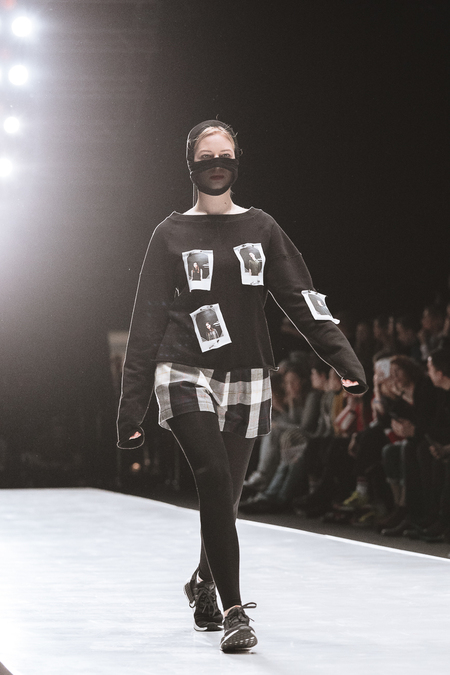
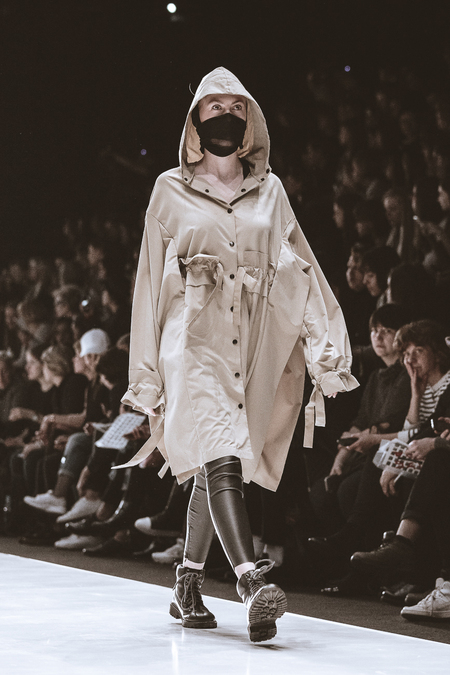
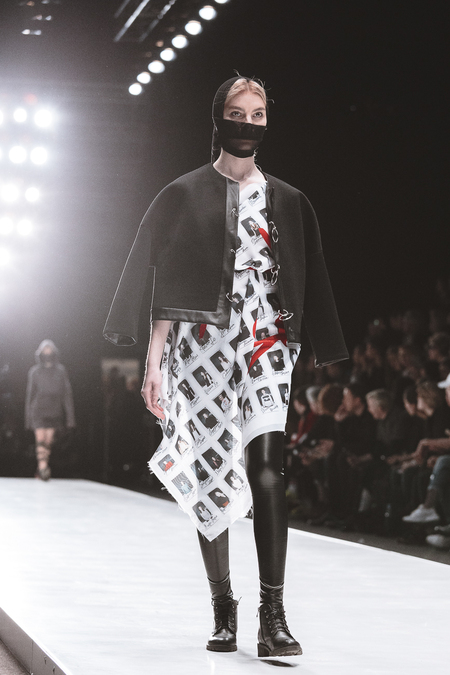
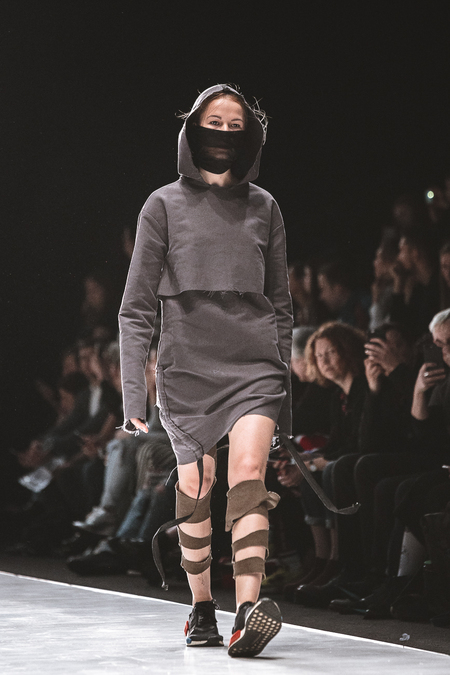
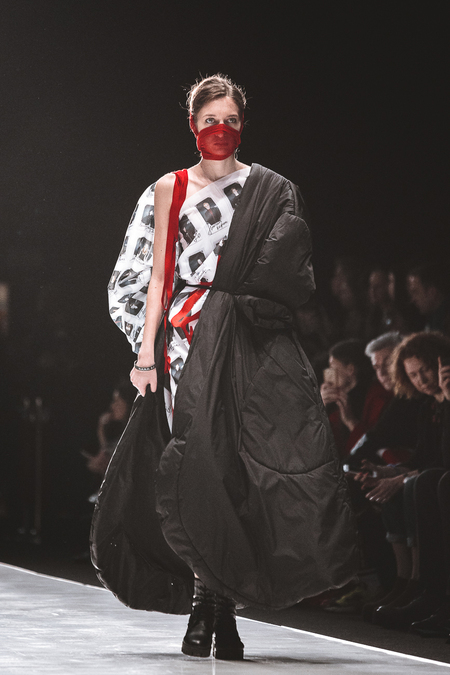
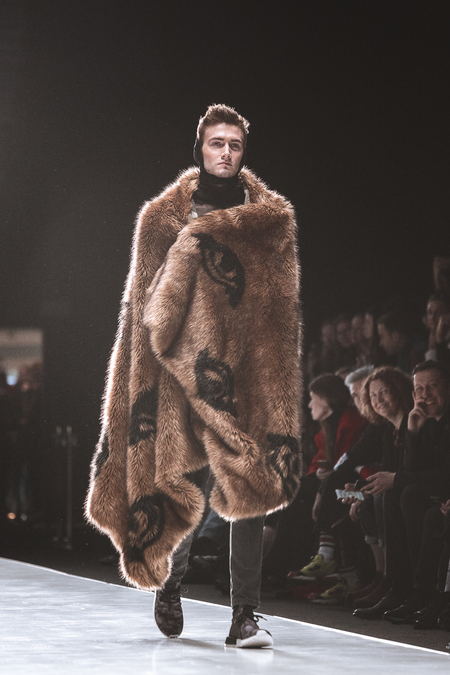
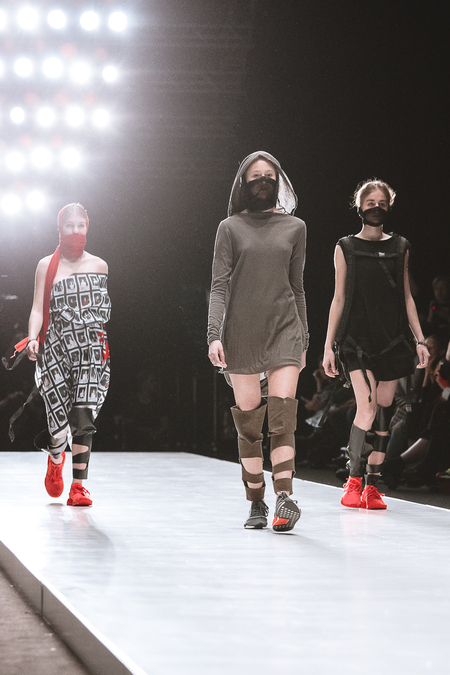
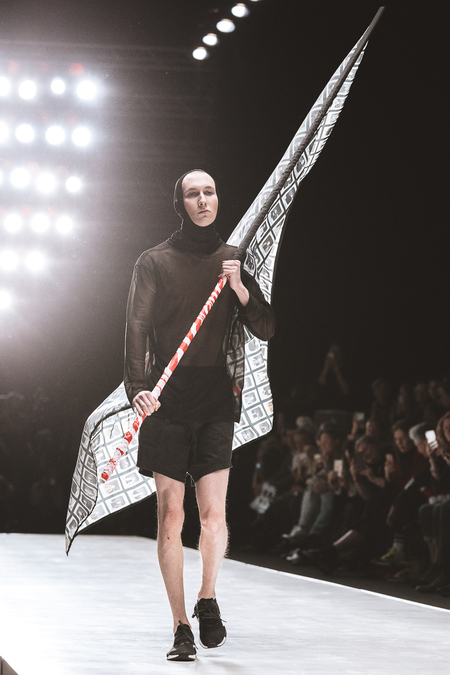
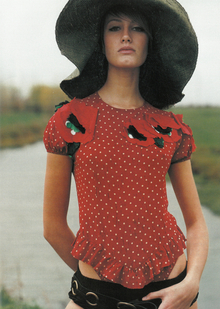
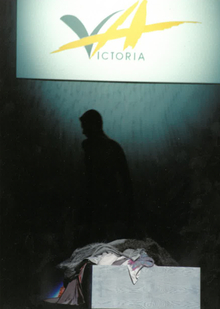
В марте 2017 года Школа дизайна НИУ ВШЭ в третий раз представила коллекции студентов профиля «Дизайн одежды» под общим брендом HARD на Merсedes-Benz Fashion Week Russia. Коллекция студентов Школы дизайна НИУ ВШЭ — это результат работы дизайнеров разных курсов бакалавриата и магистратуры, объединенной общей темой «Клуб Завтра».
Показ был частью учебной задачи студентов третьего курса, которые под руководством куратора Екатерины Сычевой подготовили образы, разработали концепцию показа, занимались кастингом моделей, подбором музыки, режиссурой и т. д. В показе участвовали работы студенток второго курса профиля «Дизайн одежды» Екатерины Ежуковой, Марии Забуслаевой, Татьяны Катаровой, Анны Корнеенковой, Полины Лобановой, Анастасии Морозовой, Натальи Мотиенко, Дианы Раимжановой, Татьяны Сидоровой.
HARD 003: Клуб Завтра. Mercedes-Benz Fashion Week Russia. Март 2017 года
HSE Fashion представила коллекцию студентов под брендом HARD на Mercedes-Benz Fashion Week Russia в марте 2017 года. Проект включал участие студенток второго курса, которые создавали образы под общую тему «Клуб Завтра».
Елена Ермаковишна создала выставку-исследование "Мода, которой нет", посвящённую истории моды Южного Урала за последние 30 лет. Проект включал экспозицию с архивными материалами, эскизами и документами, а также образовательные лекции и экскурсии по городу.
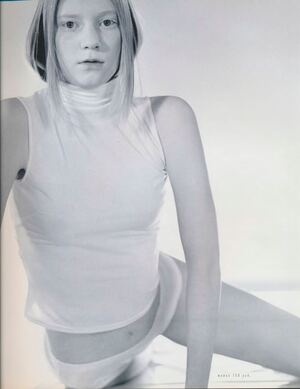
Hse Fashion Archive изучил материалы журнала «Птюч» о моде начала 2000-х и описал эволюцию российской модной сцены. Проект включает интервью с дизайнерами, критику индустрии и отчёт о событиях, таких как фестивали и недели моды в Москве и Тбилиси.
Hse Fashion Archive подготовил анализ упоминаний российских дизайнеров в журнале Vogue с 1998 по 2004 год. Проект включает подборку материалов, интервью, съемок и спецпроектов, отражающих развитие модной индустрии в России в начале 2000-х.
Hse Fashion Archive изучил историю российских недель моды 90-х и 00-х, систематизировав ключевые события и форматы. Проект включает интервью с участниками, описание альтернативных фестивалей и анализ эволюции модной индустрии в России.
We use cookies to improve the operation of the website and to enhance its usability. More detailed information on the use of cookies can be fo...
Show more
Press space bar to start a drag.
When dragging you can use the arrow keys to move the item around and escape to cancel.
Some screen readers may require you to be in focus mode or to use your pass through key
Press space bar to start a drag.
When dragging you can use the arrow keys to move the item around and escape to cancel.
Some screen readers may require you to be in focus mode or to use your pass through key
Press space bar to start a drag.
When dragging you can use the arrow keys to move the item around and escape to cancel.
Some screen readers may require you to be in focus mode or to use your pass through key
Press space bar to start a drag.
When dragging you can use the arrow keys to move the item around and escape to cancel.
Some screen readers may require you to be in focus mode or to use your pass through key
Press space bar to start a drag.
When dragging you can use the arrow keys to move the item around and escape to cancel.
Some screen readers may require you to be in focus mode or to use your pass through key
Press space bar to start a drag.
When dragging you can use the arrow keys to move the item around and escape to cancel.
Some screen readers may require you to be in focus mode or to use your pass through key
Press space bar to start a drag.
When dragging you can use the arrow keys to move the item around and escape to cancel.
Some screen readers may require you to be in focus mode or to use your pass through key
Press space bar to start a drag.
When dragging you can use the arrow keys to move the item around and escape to cancel.
Some screen readers may require you to be in focus mode or to use your pass through key
Press space bar to start a drag.
When dragging you can use the arrow keys to move the item around and escape to cancel.
Some screen readers may require you to be in focus mode or to use your pass through key
Press space bar to start a drag.
When dragging you can use the arrow keys to move the item around and escape to cancel.
Some screen readers may require you to be in focus mode or to use your pass through key
Press space bar to start a drag.
When dragging you can use the arrow keys to move the item around and escape to cancel.
Some screen readers may require you to be in focus mode or to use your pass through key
Press space bar to start a drag.
When dragging you can use the arrow keys to move the item around and escape to cancel.
Some screen readers may require you to be in focus mode or to use your pass through key
Press space bar to start a drag.
When dragging you can use the arrow keys to move the item around and escape to cancel.
Some screen readers may require you to be in focus mode or to use your pass through key
Press space bar to start a drag.
When dragging you can use the arrow keys to move the item around and escape to cancel.
Some screen readers may require you to be in focus mode or to use your pass through key
Press space bar to start a drag.
When dragging you can use the arrow keys to move the item around and escape to cancel.
Some screen readers may require you to be in focus mode or to use your pass through key
Press space bar to start a drag.
When dragging you can use the arrow keys to move the item around and escape to cancel.
Some screen readers may require you to be in focus mode or to use your pass through key
Press space bar to start a drag.
When dragging you can use the arrow keys to move the item around and escape to cancel.
Some screen readers may require you to be in focus mode or to use your pass through key
Press space bar to start a drag.
When dragging you can use the arrow keys to move the item around and escape to cancel.
Some screen readers may require you to be in focus mode or to use your pass through key
Press space bar to start a drag.
When dragging you can use the arrow keys to move the item around and escape to cancel.
Some screen readers may require you to be in focus mode or to use your pass through key
Press space bar to start a drag.
When dragging you can use the arrow keys to move the item around and escape to cancel.
Some screen readers may require you to be in focus mode or to use your pass through key
Press space bar to start a drag.
When dragging you can use the arrow keys to move the item around and escape to cancel.
Some screen readers may require you to be in focus mode or to use your pass through key
Press space bar to start a drag.
When dragging you can use the arrow keys to move the item around and escape to cancel.
Some screen readers may require you to be in focus mode or to use your pass through key
Press space bar to start a drag.
When dragging you can use the arrow keys to move the item around and escape to cancel.
Some screen readers may require you to be in focus mode or to use your pass through key
Press space bar to start a drag.
When dragging you can use the arrow keys to move the item around and escape to cancel.
Some screen readers may require you to be in focus mode or to use your pass through key
Press space bar to start a drag.
When dragging you can use the arrow keys to move the item around and escape to cancel.
Some screen readers may require you to be in focus mode or to use your pass through key