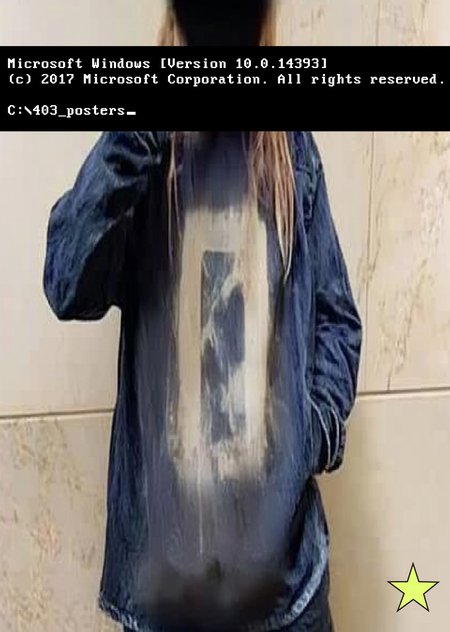
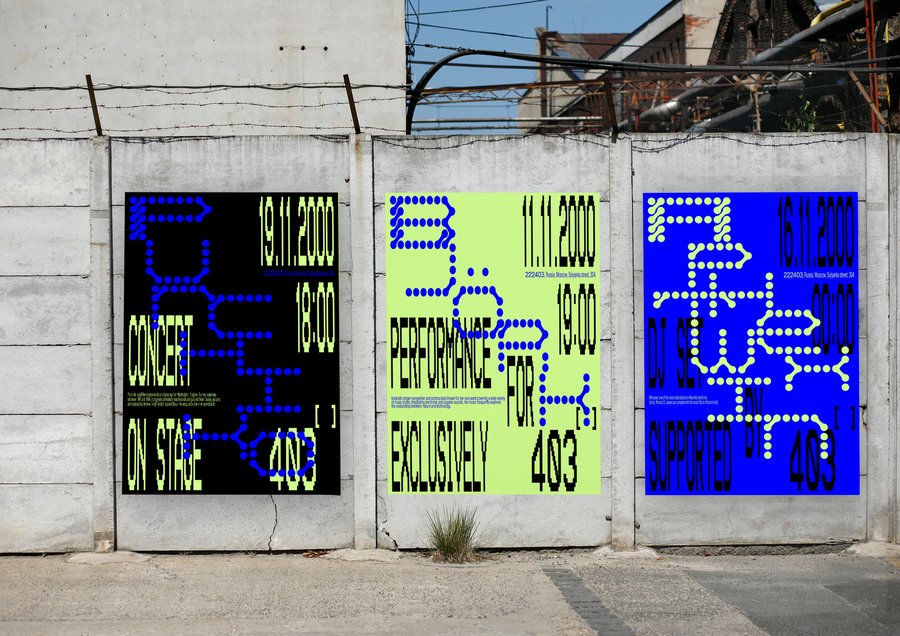
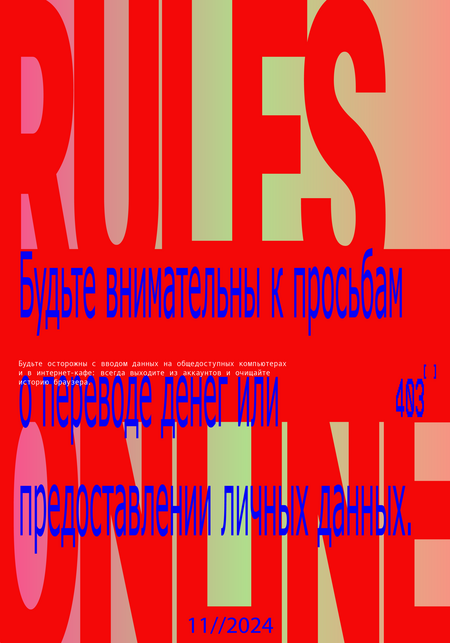
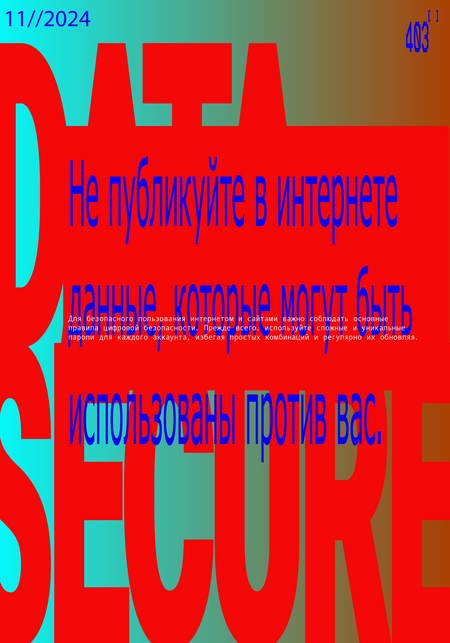
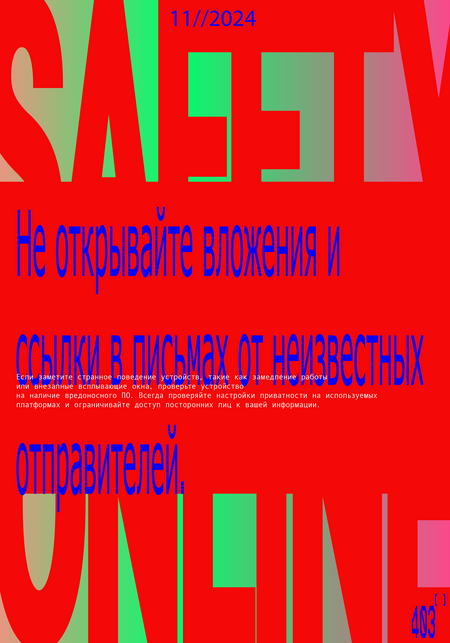
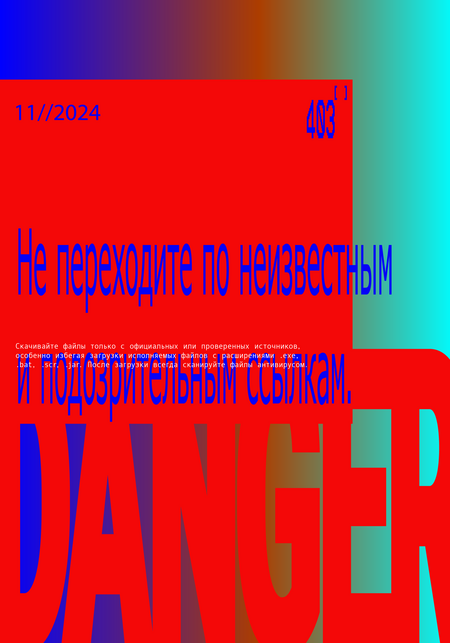
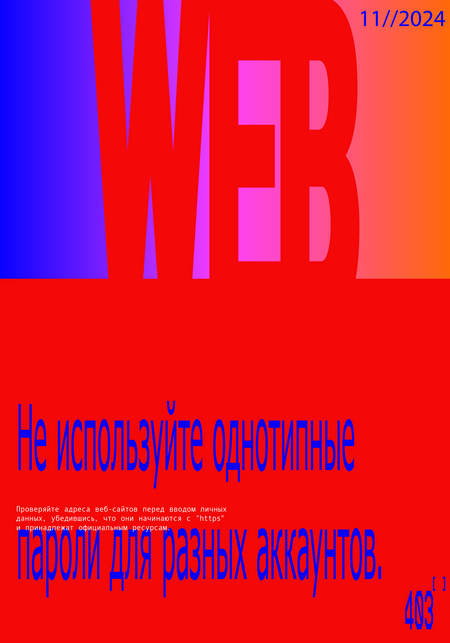
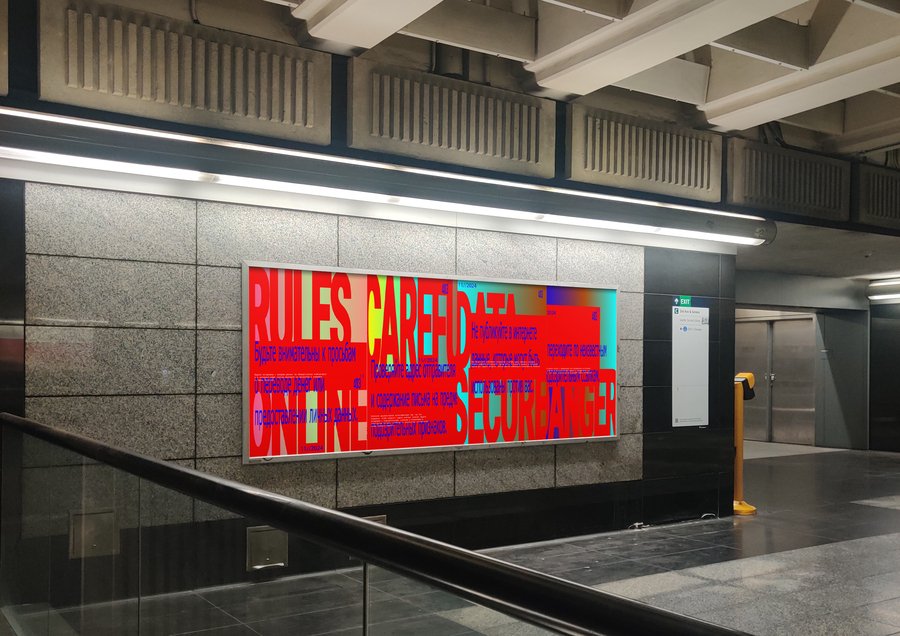
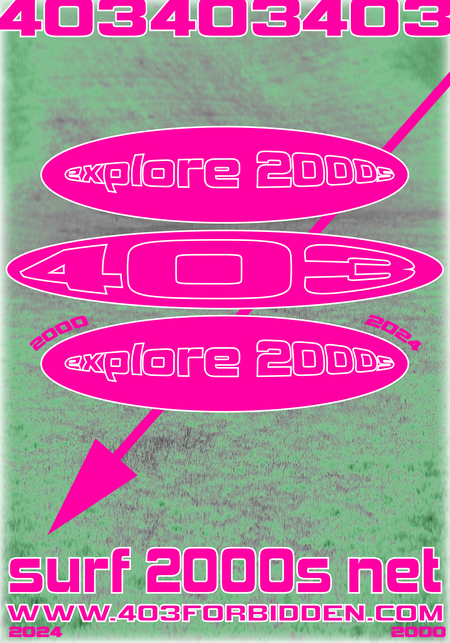
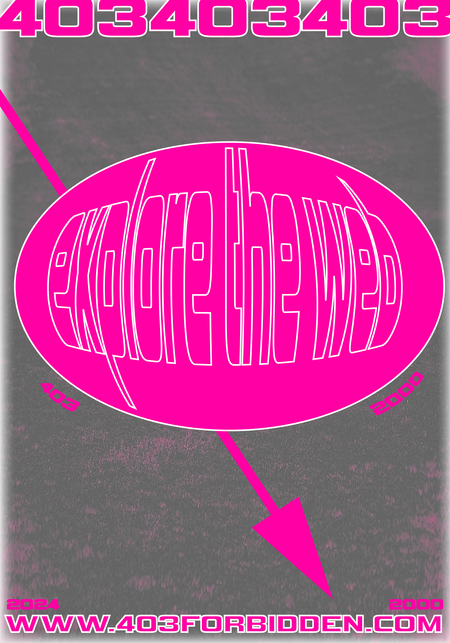
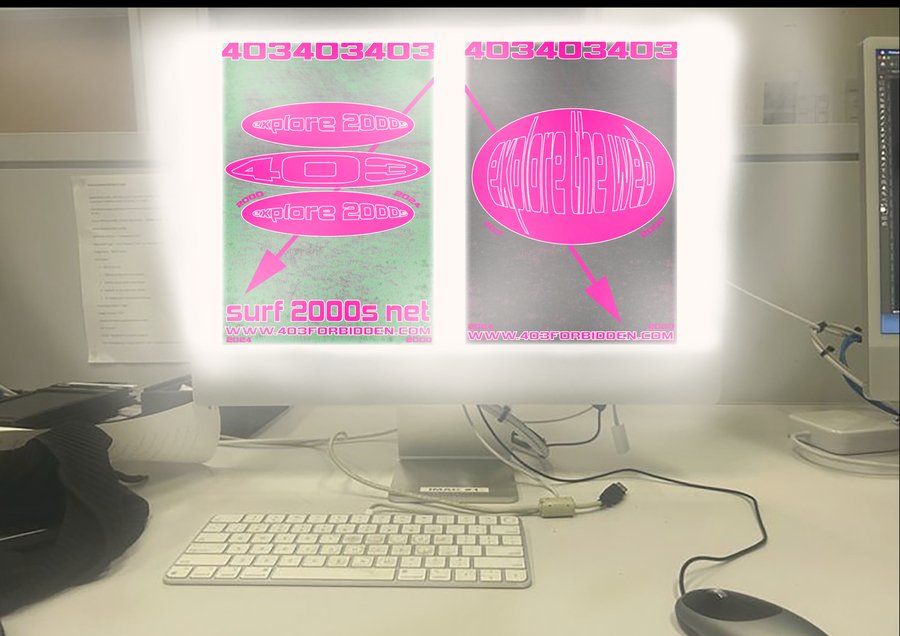
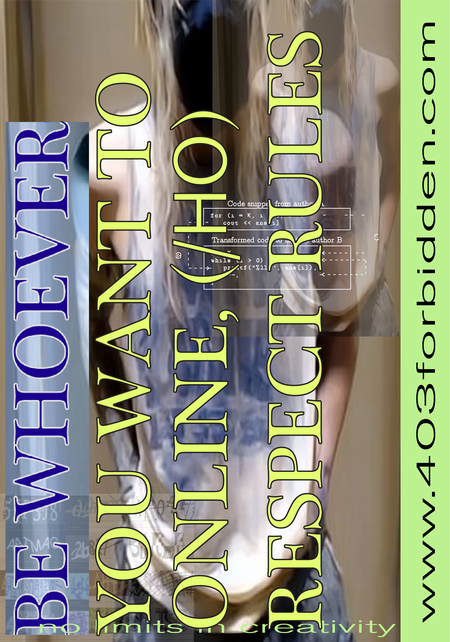
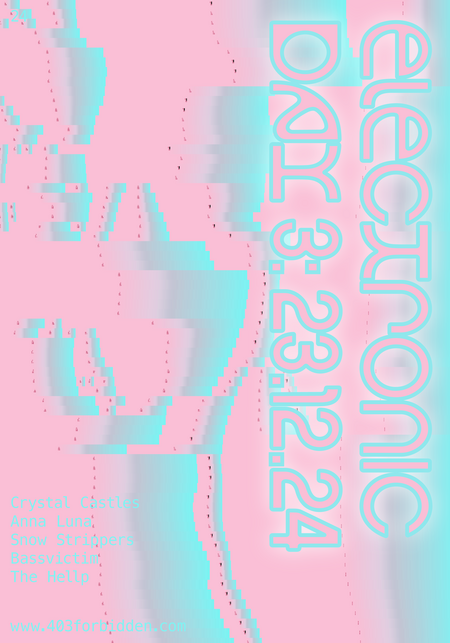
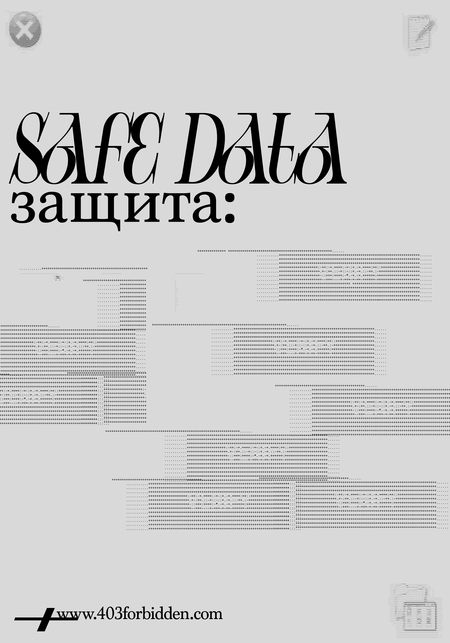
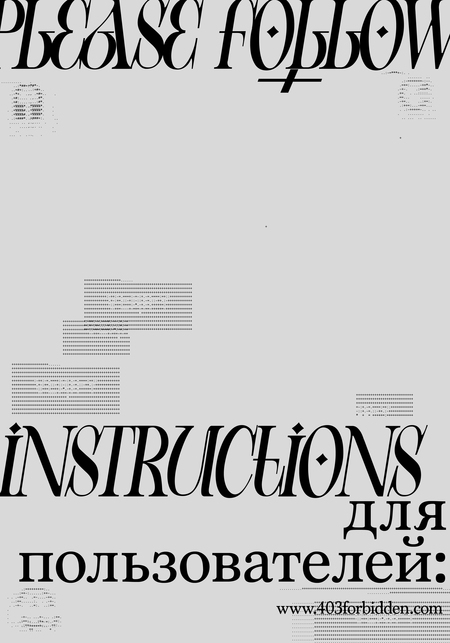
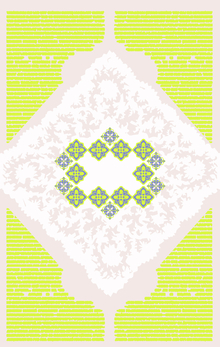
403 is an organization that allows you to access the Internet interface of the 2000s and study it from the inside, as well as create your own websites. 403 Presents posters that open up to the organization from various sides. [Know what we’re doing]
Анна Качаева подготовила плакаты для организации 403, которая позволяет исследовать интерфейс интернета 2000-х и создавать собственные сайты. Плакаты раскрывают с разных сторон суть деятельности этой организации.
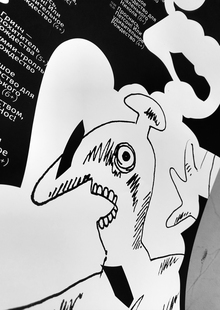
Полина Артемьева подготовила афишу для Детского Драматического Театра «На Неве». Театр был основан в 1987 году и предлагает спектакли для детей дошкольного возраста.
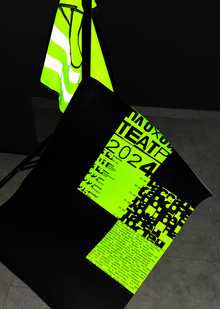
Степан Разорёнов создал афишу для театра KARLSSON HAUS, который работает в Петербурге с 2006 года. Афиша использует образ пятна, составленного из букв определённого слова, как элемент визуального выражения спектакля.
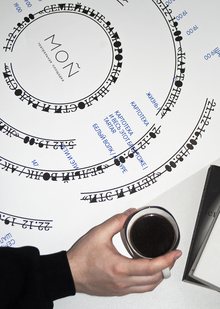
Карина Гафарова создала репертуарную афишу для театра МОН, отражающую его кросс-жанровую суть и музыкальные ассоциации. Афиша использует сетку на основе чисел Фиббоначи и кастомизированный шрифт Source Serif для визуального воплощения концепции.
We use cookies to improve the operation of the website and to enhance its usability. More detailed information on the use of cookies can be fo...
Show more
Press space bar to start a drag.
When dragging you can use the arrow keys to move the item around and escape to cancel.
Some screen readers may require you to be in focus mode or to use your pass through key
Press space bar to start a drag.
When dragging you can use the arrow keys to move the item around and escape to cancel.
Some screen readers may require you to be in focus mode or to use your pass through key
Press space bar to start a drag.
When dragging you can use the arrow keys to move the item around and escape to cancel.
Some screen readers may require you to be in focus mode or to use your pass through key
Press space bar to start a drag.
When dragging you can use the arrow keys to move the item around and escape to cancel.
Some screen readers may require you to be in focus mode or to use your pass through key
Press space bar to start a drag.
When dragging you can use the arrow keys to move the item around and escape to cancel.
Some screen readers may require you to be in focus mode or to use your pass through key
Press space bar to start a drag.
When dragging you can use the arrow keys to move the item around and escape to cancel.
Some screen readers may require you to be in focus mode or to use your pass through key
Press space bar to start a drag.
When dragging you can use the arrow keys to move the item around and escape to cancel.
Some screen readers may require you to be in focus mode or to use your pass through key
Press space bar to start a drag.
When dragging you can use the arrow keys to move the item around and escape to cancel.
Some screen readers may require you to be in focus mode or to use your pass through key
Press space bar to start a drag.
When dragging you can use the arrow keys to move the item around and escape to cancel.
Some screen readers may require you to be in focus mode or to use your pass through key
Press space bar to start a drag.
When dragging you can use the arrow keys to move the item around and escape to cancel.
Some screen readers may require you to be in focus mode or to use your pass through key