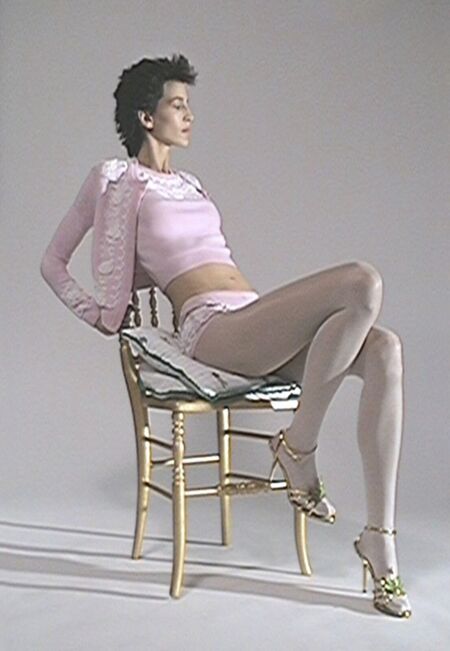
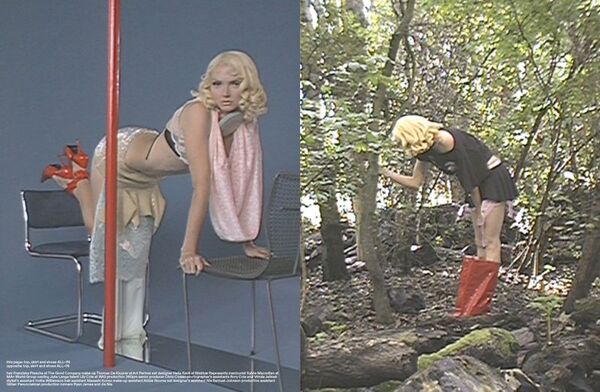
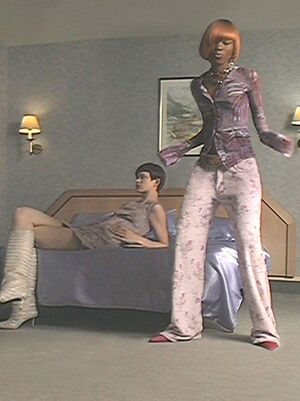
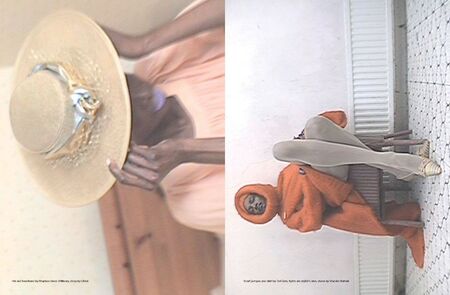
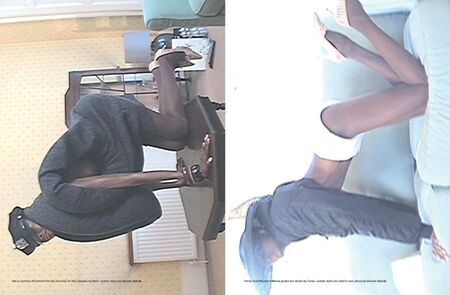
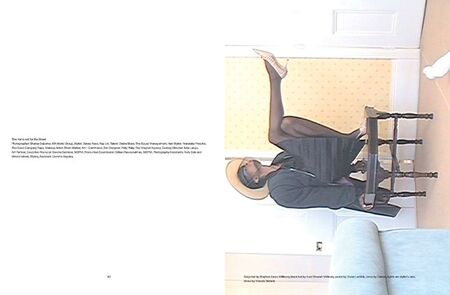
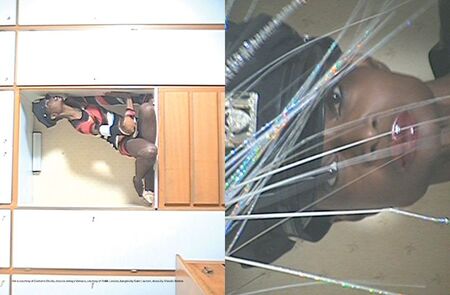
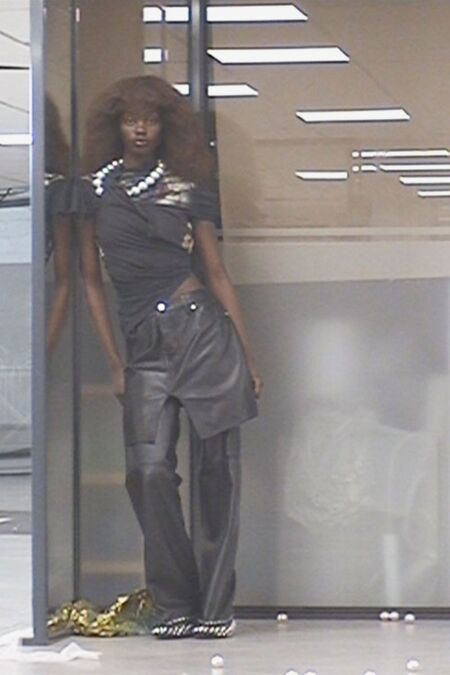
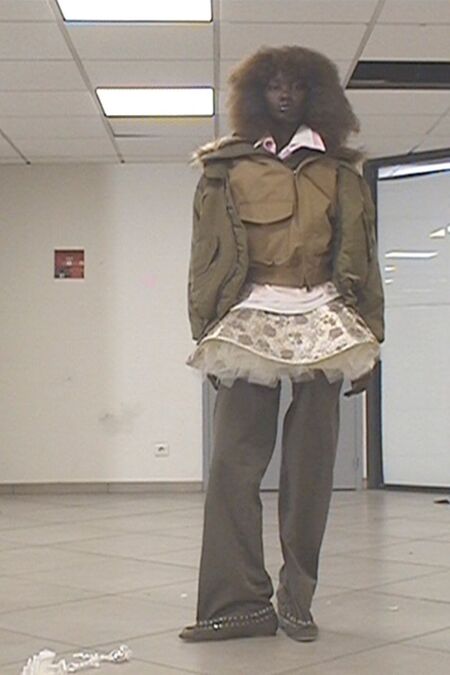
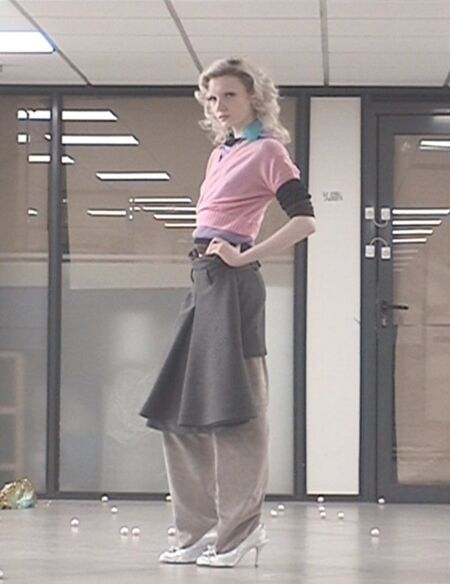
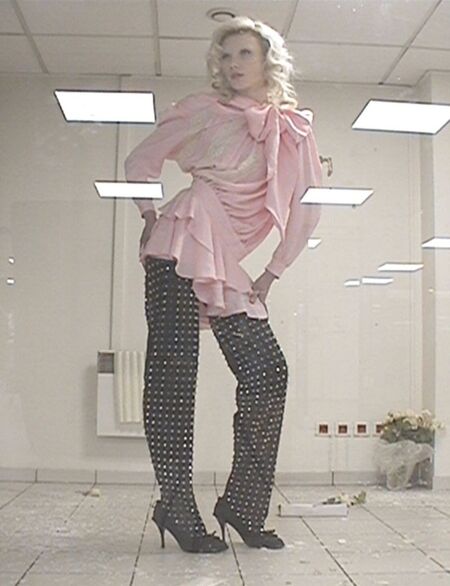
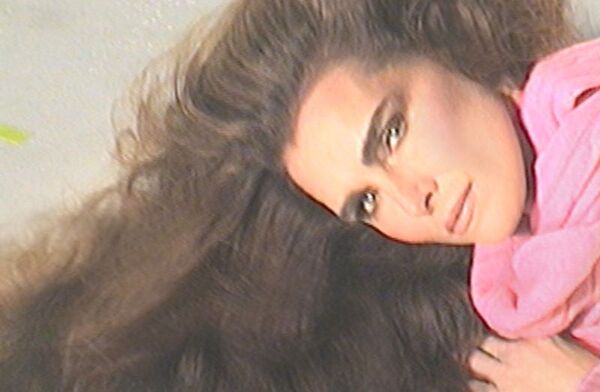
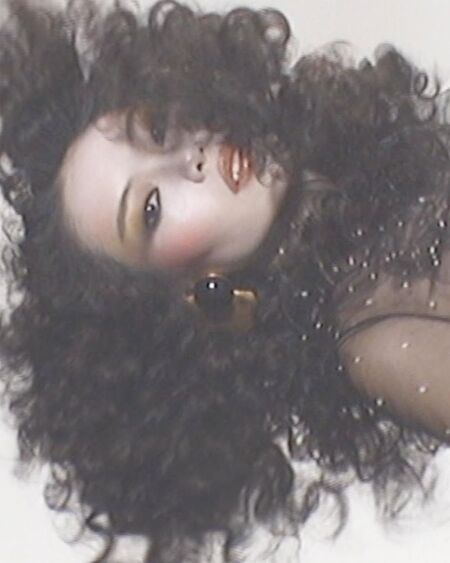
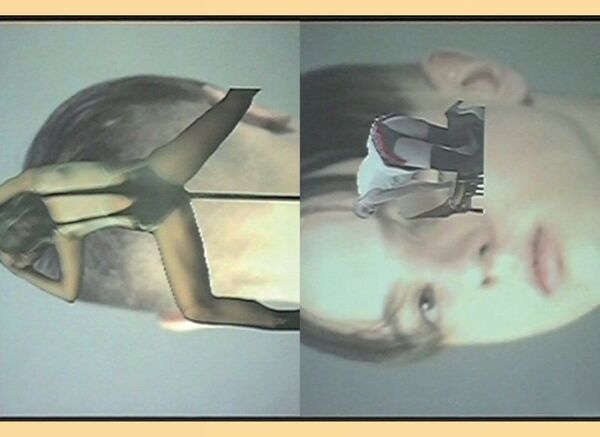
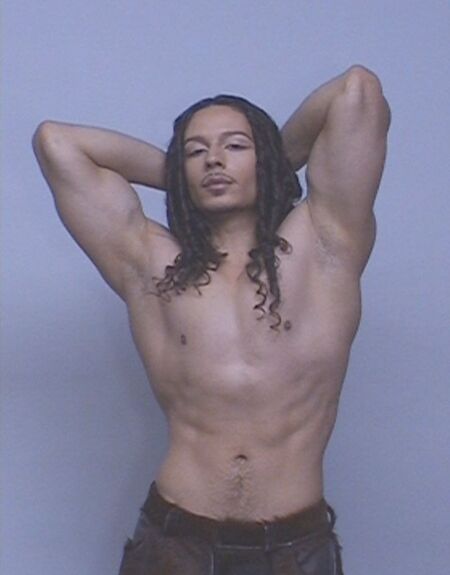
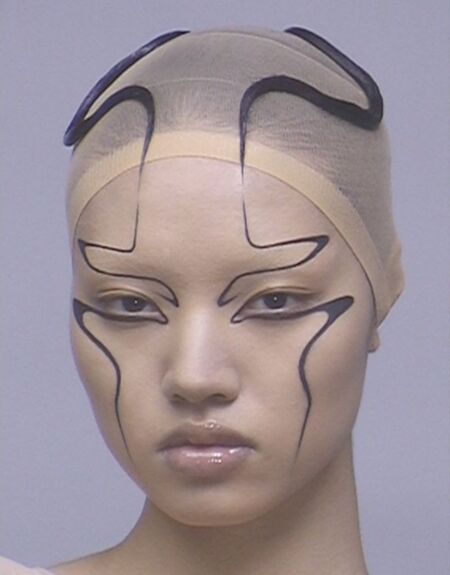
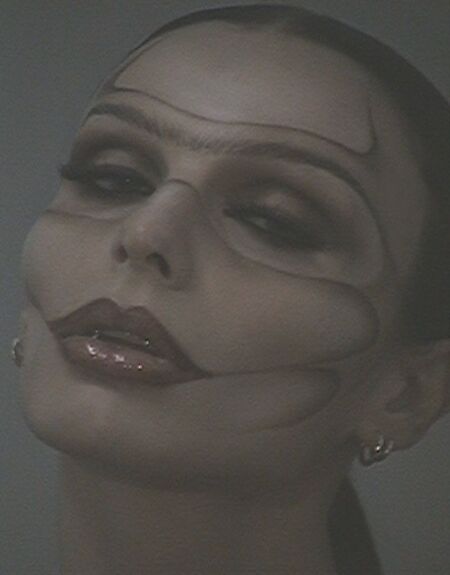
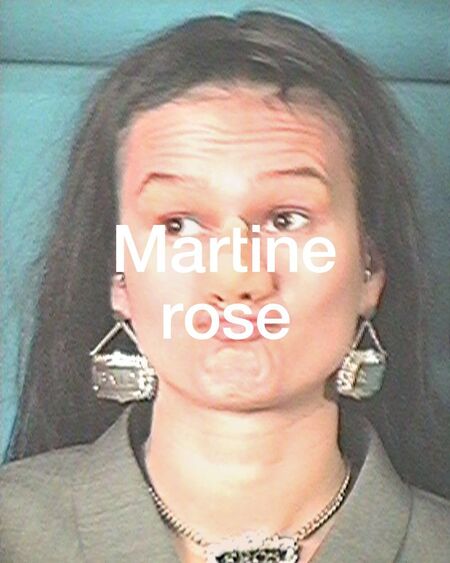
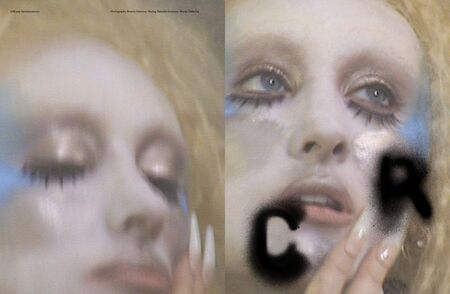
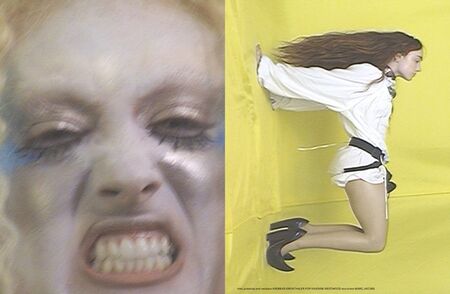
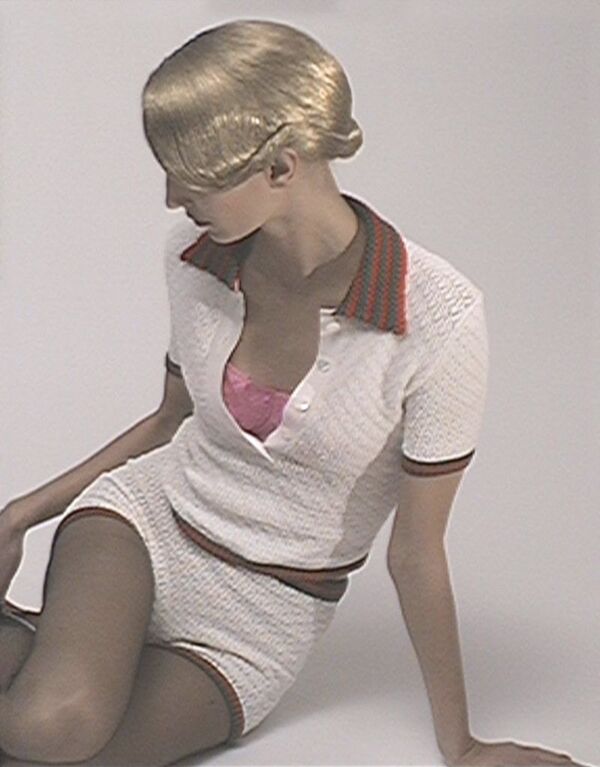
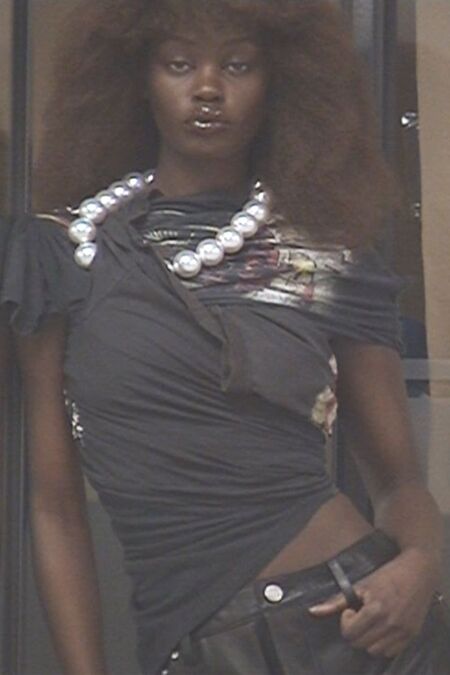
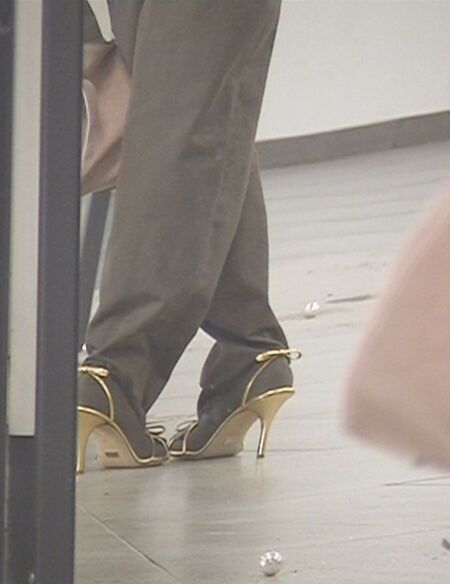
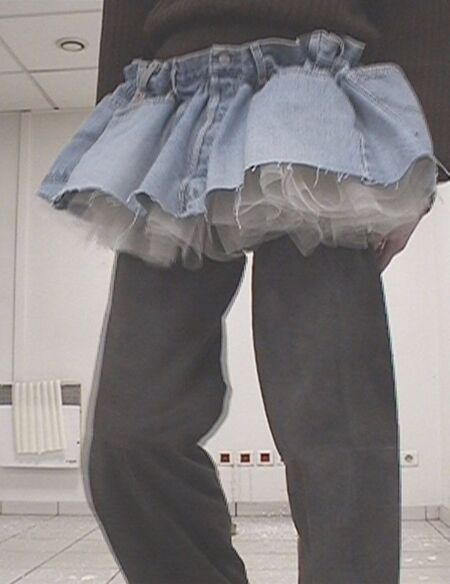
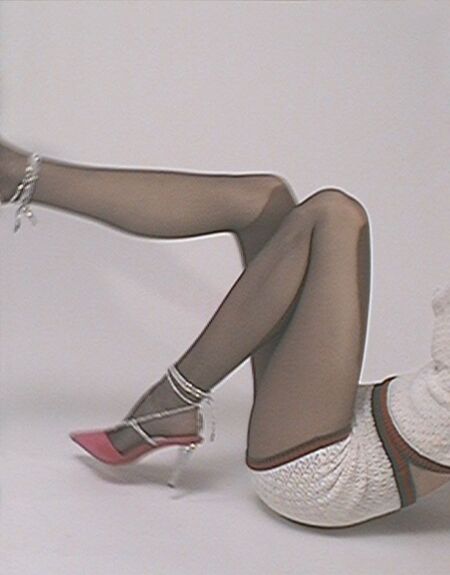
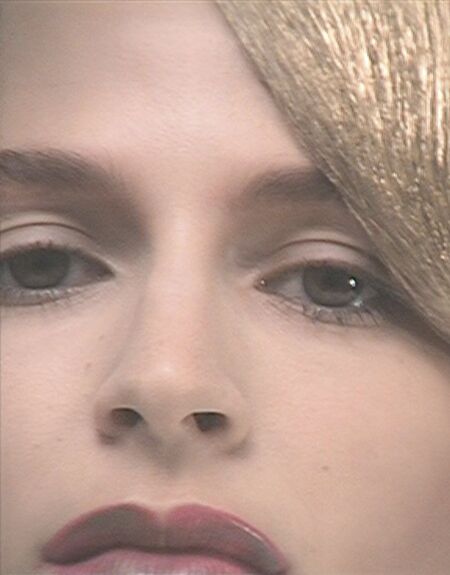
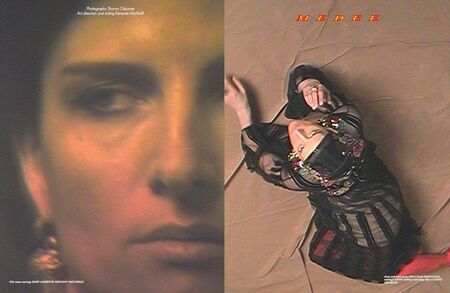
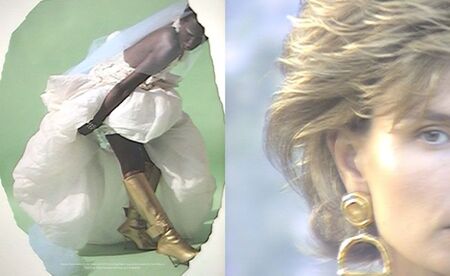
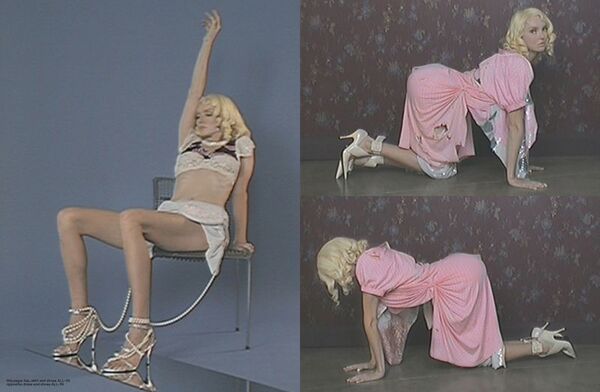
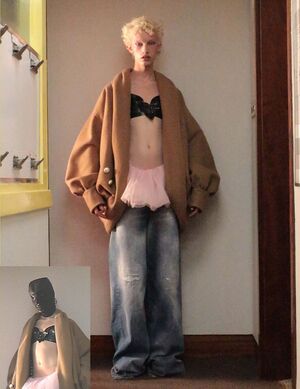
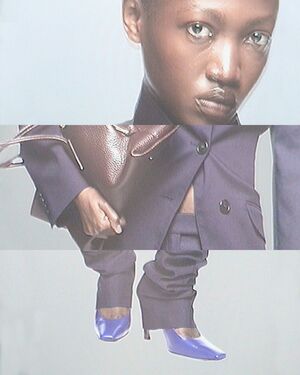
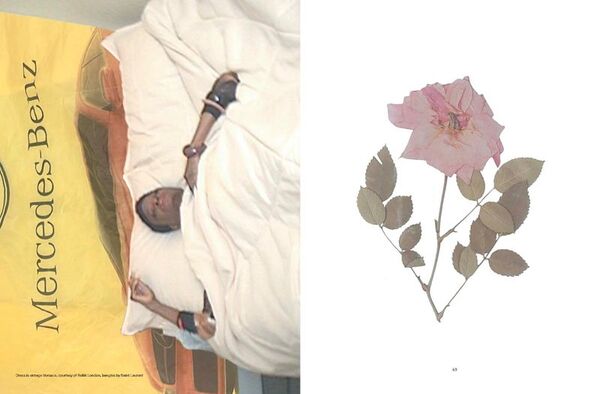
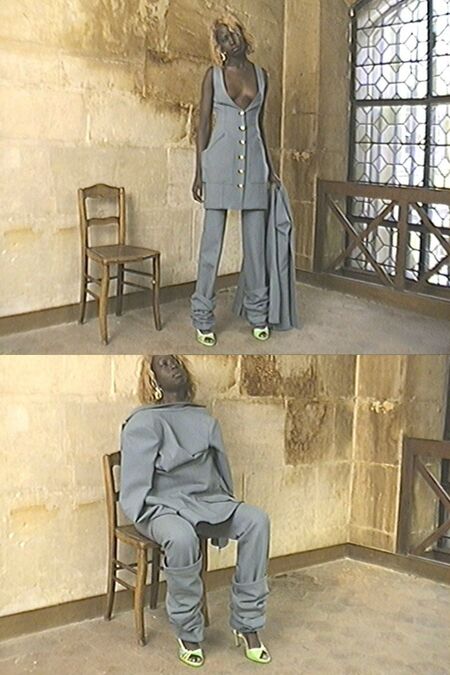
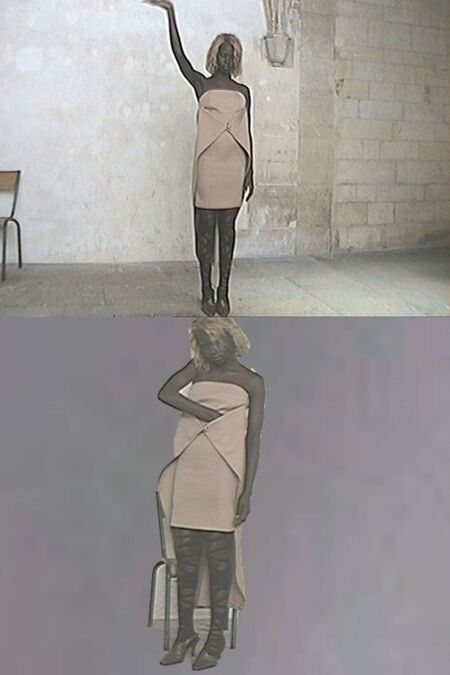
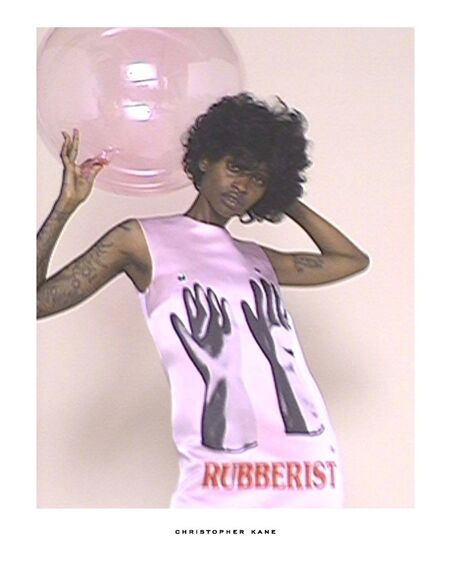
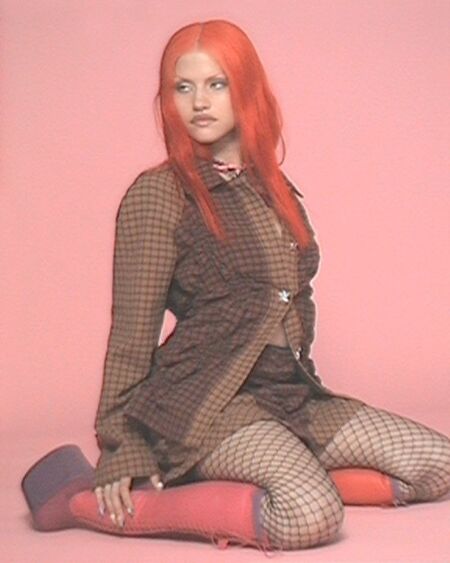
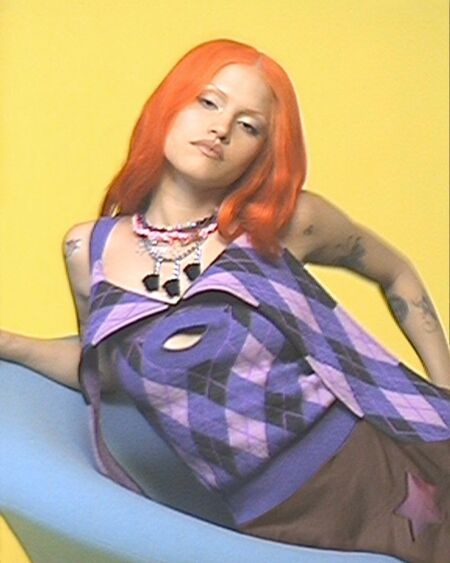
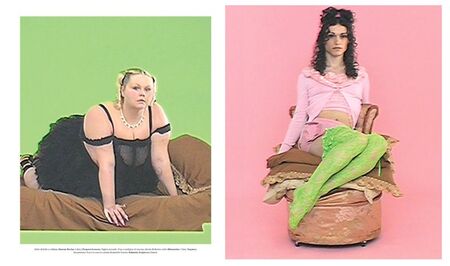
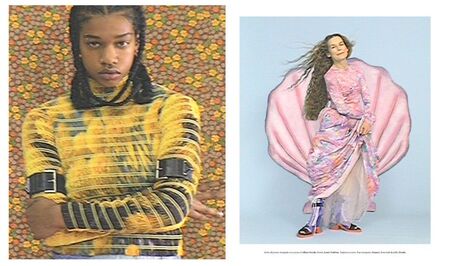
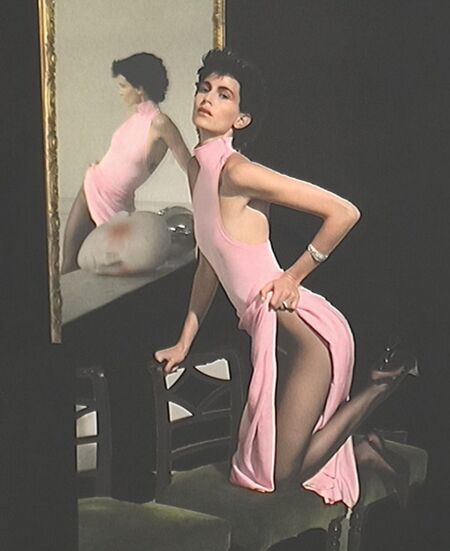
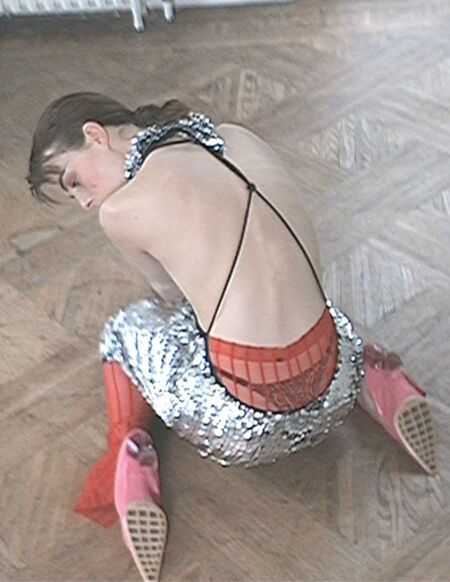
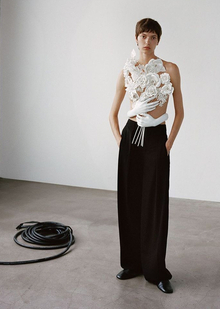
Шарна Осборн — фотограф и кинорежиссер, чье уникальное видение и стиль позволили ей снимать редакционные статьи и обложки для таких журналов, как Dazed, i-D, Vogue Italia и System. Ее фирменное использование низкокачественных цифровых изображений и непредвзятый подход к человеческому образу делают ее мгновенно узнаваемой.
Мария Мельникова подготовила исследование работ фотографа Sharna Osborne. Проект включает анализ её фирменного стиля, включая использование низкокачественных цифровых изображений и непредвзятый подход к человеческому образу.
Авторский бренд одежды KOTOVA Татьяны Котовой представляет коллекции, сочетающие ретро-элементы и футуристические детали, созданные вручную без использования швейного цеха и лекал. Проект включает показы на Московской, Парижской и Миланской неделях моды, а также интервью с дизайнером в изданиях вроде BLUR и Губерния.
Анастасия Плотникова создала визуальное исследование стилиста Vittoria Cerciello, подчеркивая её уникальный подход к моде как средству самовыражения и рассказа истории. Проект включает в себя анализ анималистичных принтов, ретро-отсылок, экспериментов с формами и фактурами, а также работы с цветом.
Фильм «Красиво» рассказывает о влиянии моды на мировоззрение и её развитии в России с 2011 по 2021 год. Проект включает 11 серий и основывается на сотрудничестве звёзд и экспертов в индустрии моды.
Yallo Fashion brand представила профайл, описывающий развитие нижегородского проекта с 2016 года. Проект известен индивидуальным подходом к пошиву одежды и отказом от сотрудничества с фабриками.
We use cookies to improve the operation of the website and to enhance its usability. More detailed information on the use of cookies can be fo...
Show more
Press space bar to start a drag.
When dragging you can use the arrow keys to move the item around and escape to cancel.
Some screen readers may require you to be in focus mode or to use your pass through key
Press space bar to start a drag.
When dragging you can use the arrow keys to move the item around and escape to cancel.
Some screen readers may require you to be in focus mode or to use your pass through key
Press space bar to start a drag.
When dragging you can use the arrow keys to move the item around and escape to cancel.
Some screen readers may require you to be in focus mode or to use your pass through key
Press space bar to start a drag.
When dragging you can use the arrow keys to move the item around and escape to cancel.
Some screen readers may require you to be in focus mode or to use your pass through key
Press space bar to start a drag.
When dragging you can use the arrow keys to move the item around and escape to cancel.
Some screen readers may require you to be in focus mode or to use your pass through key
Press space bar to start a drag.
When dragging you can use the arrow keys to move the item around and escape to cancel.
Some screen readers may require you to be in focus mode or to use your pass through key
Press space bar to start a drag.
When dragging you can use the arrow keys to move the item around and escape to cancel.
Some screen readers may require you to be in focus mode or to use your pass through key
Press space bar to start a drag.
When dragging you can use the arrow keys to move the item around and escape to cancel.
Some screen readers may require you to be in focus mode or to use your pass through key
Press space bar to start a drag.
When dragging you can use the arrow keys to move the item around and escape to cancel.
Some screen readers may require you to be in focus mode or to use your pass through key
Press space bar to start a drag.
When dragging you can use the arrow keys to move the item around and escape to cancel.
Some screen readers may require you to be in focus mode or to use your pass through key
Press space bar to start a drag.
When dragging you can use the arrow keys to move the item around and escape to cancel.
Some screen readers may require you to be in focus mode or to use your pass through key
Press space bar to start a drag.
When dragging you can use the arrow keys to move the item around and escape to cancel.
Some screen readers may require you to be in focus mode or to use your pass through key
Press space bar to start a drag.
When dragging you can use the arrow keys to move the item around and escape to cancel.
Some screen readers may require you to be in focus mode or to use your pass through key
Press space bar to start a drag.
When dragging you can use the arrow keys to move the item around and escape to cancel.
Some screen readers may require you to be in focus mode or to use your pass through key
Press space bar to start a drag.
When dragging you can use the arrow keys to move the item around and escape to cancel.
Some screen readers may require you to be in focus mode or to use your pass through key
Press space bar to start a drag.
When dragging you can use the arrow keys to move the item around and escape to cancel.
Some screen readers may require you to be in focus mode or to use your pass through key
Press space bar to start a drag.
When dragging you can use the arrow keys to move the item around and escape to cancel.
Some screen readers may require you to be in focus mode or to use your pass through key
Press space bar to start a drag.
When dragging you can use the arrow keys to move the item around and escape to cancel.
Some screen readers may require you to be in focus mode or to use your pass through key
Press space bar to start a drag.
When dragging you can use the arrow keys to move the item around and escape to cancel.
Some screen readers may require you to be in focus mode or to use your pass through key
Press space bar to start a drag.
When dragging you can use the arrow keys to move the item around and escape to cancel.
Some screen readers may require you to be in focus mode or to use your pass through key
Press space bar to start a drag.
When dragging you can use the arrow keys to move the item around and escape to cancel.
Some screen readers may require you to be in focus mode or to use your pass through key
Press space bar to start a drag.
When dragging you can use the arrow keys to move the item around and escape to cancel.
Some screen readers may require you to be in focus mode or to use your pass through key
Press space bar to start a drag.
When dragging you can use the arrow keys to move the item around and escape to cancel.
Some screen readers may require you to be in focus mode or to use your pass through key