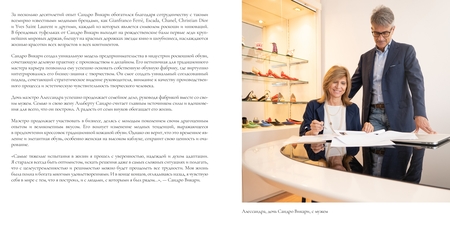
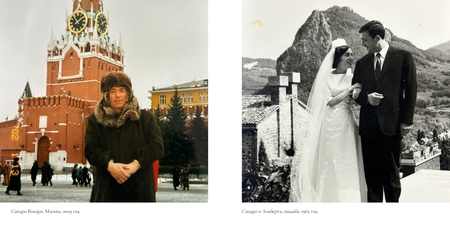
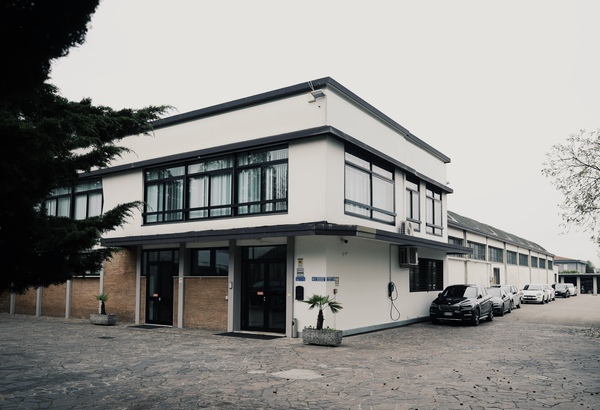
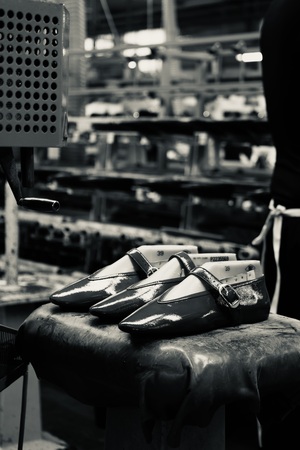
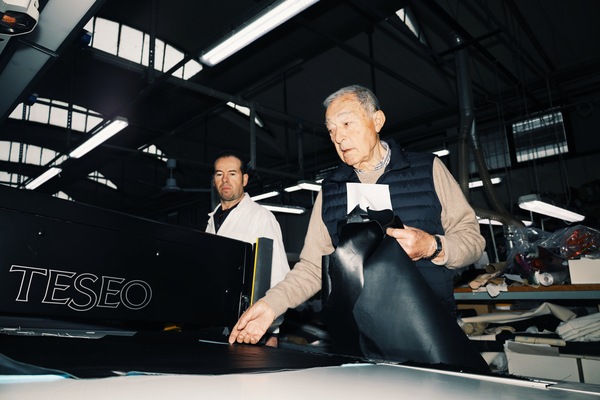
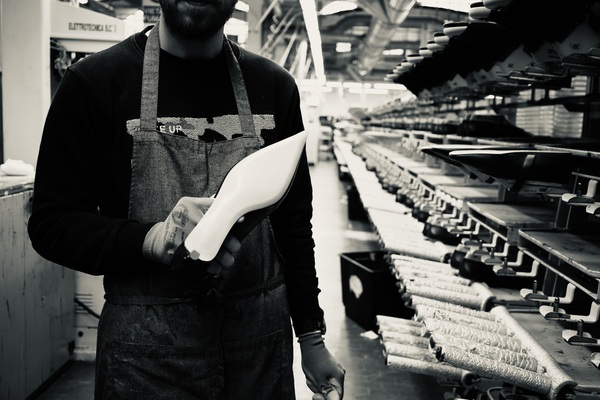
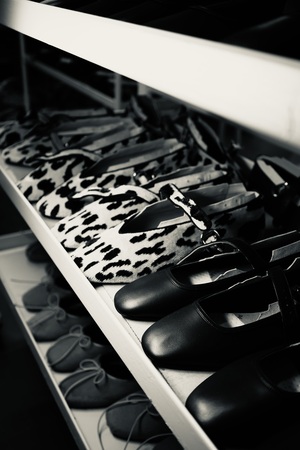
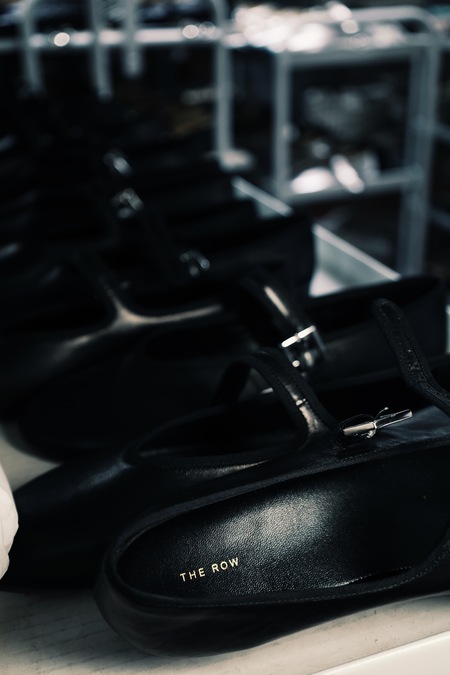
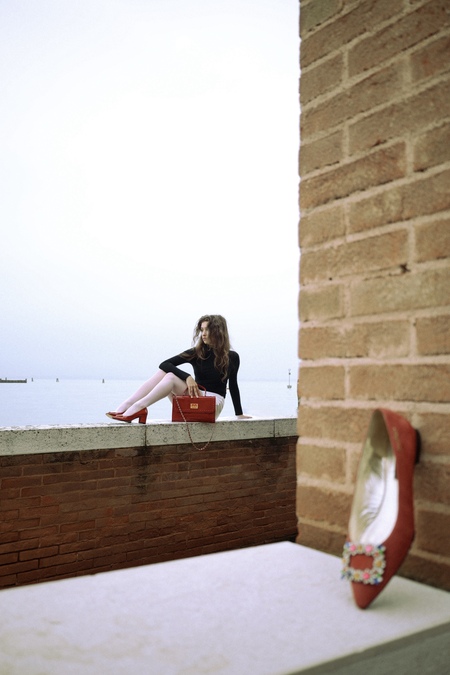
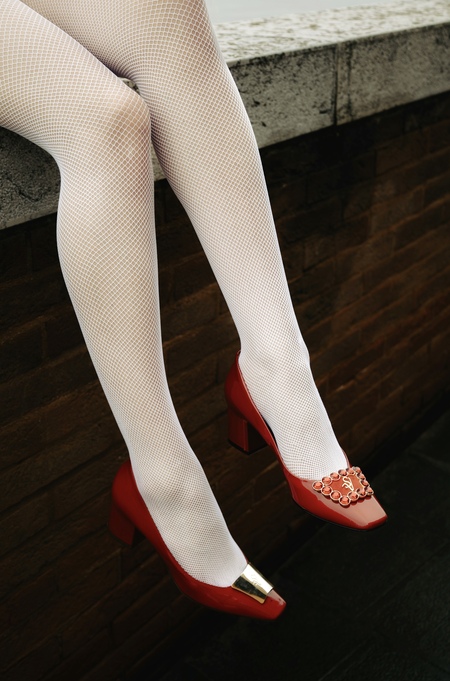
Эта книга посвящена вдохновляющей истории маленького мальчика из простой итальянской семьи, прошедшего большой путь от рабочего обувной фабрики до предпринимателя с мировым именем.
Его упорный труд, преданность ремеслу
и безграничное желание развиваться
привели его к успеху.
Деликатно раскрывая биографию мастера, погрузимся в итальянскую культуру.
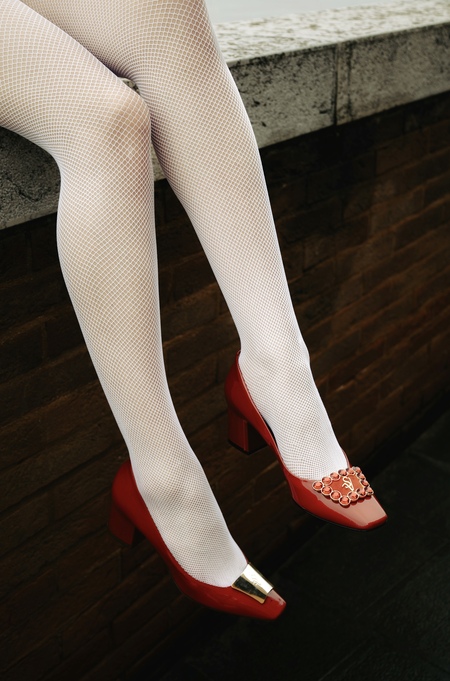
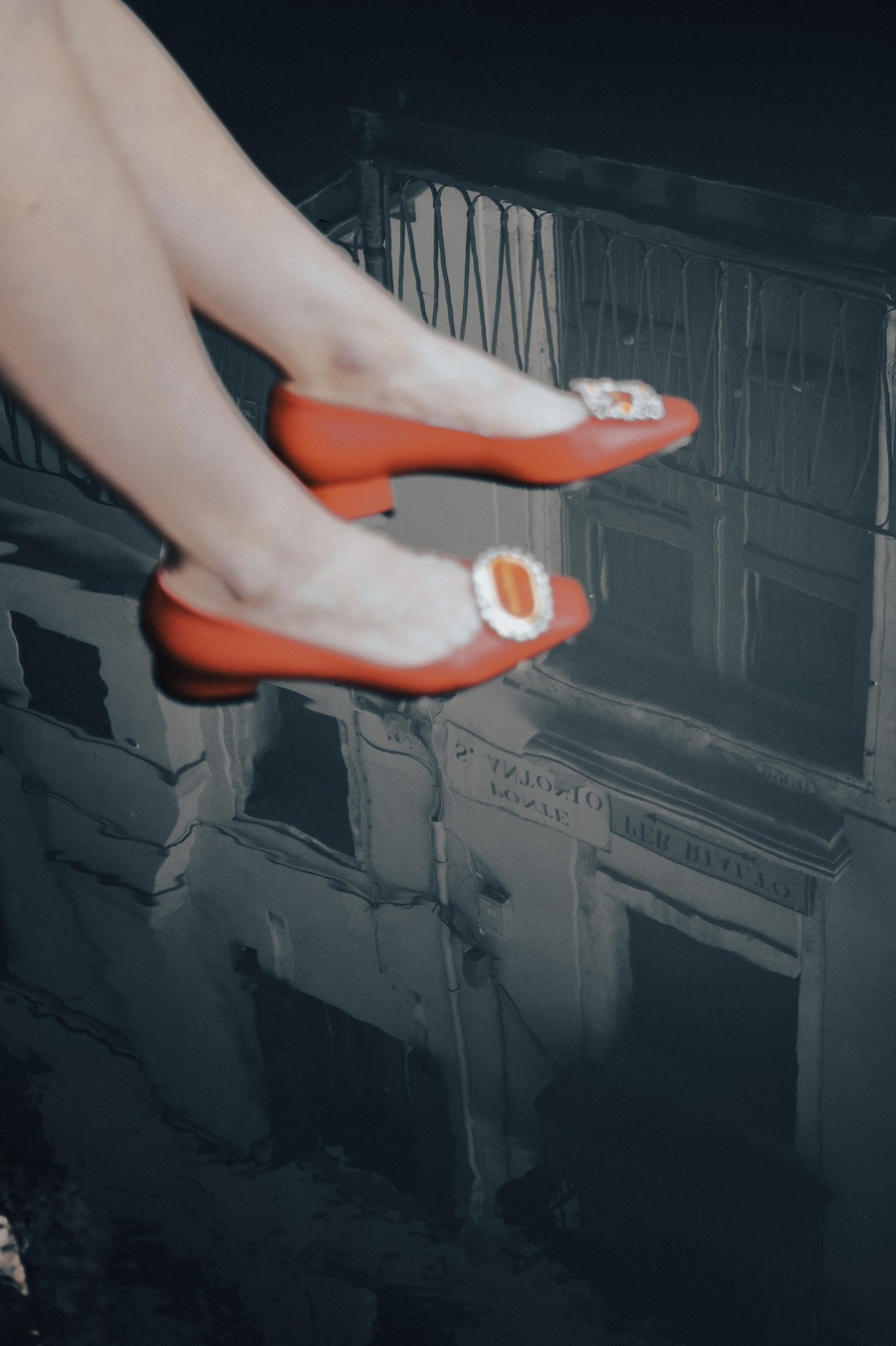
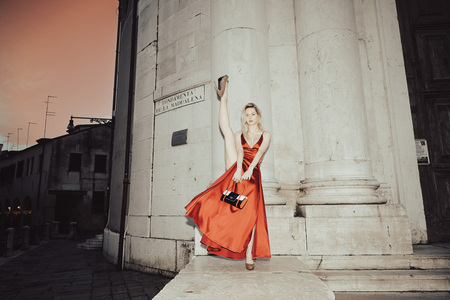
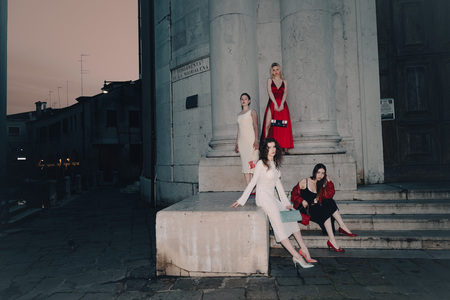
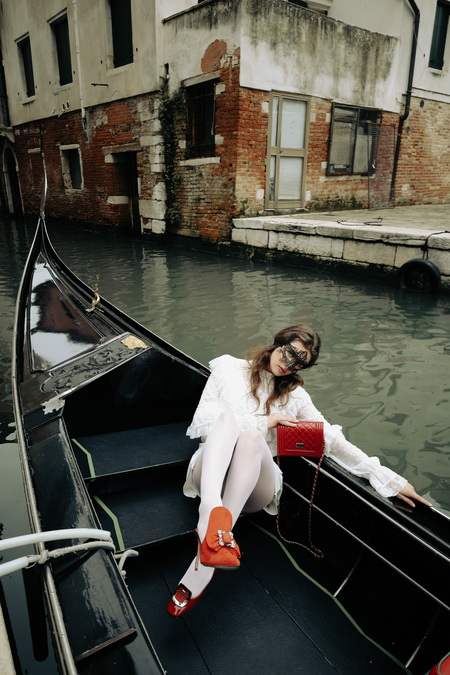
Прикоснемся к секретам завораживающего мастерства итальянских ремесленников. Насладимся красотой Венеции — музой региона Ривьера дель Брента, формировавшего современный ландшафт обувной индустрии.
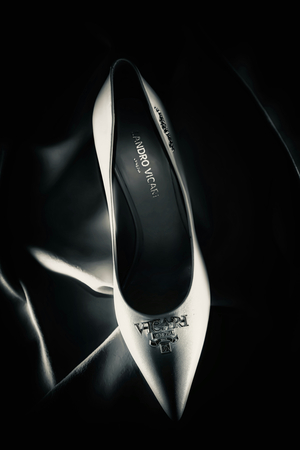
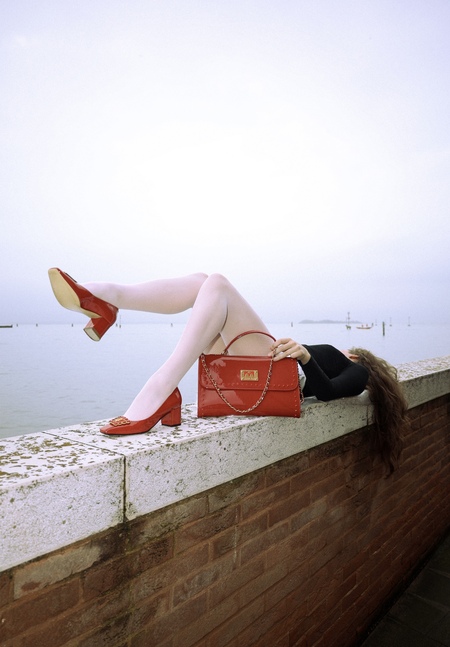
Надеюсь, что эта книга станет свидетельством вклада Сандро Викари в мир роскошной обуви, предлагая эмоциональный фотографический взгляд на жизнь маэстро, его творчество и его уникальное влияние на итальянскую обувную моду.
Sandro Vicari
Вдохновение в каждой строчке. История успеха и путь к мечте.
Алиса Дресвянникова создала фотокнигу, посвящённую истории итальянского дизайнера Sandro Vicari и его пути к успеху. Проект представляет собой печатную версию в твердом переплете, включающую визуальное исследование итальянской обувной культуры.
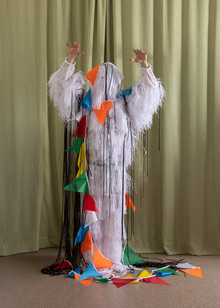
Антон Хаев создал фотокнигу, исследующую энтропию через образы праздников и их разрушения. Проект включает постановочные съемки, изображающие необратимый распад радостной глянцевой обертки праздничной культуры.
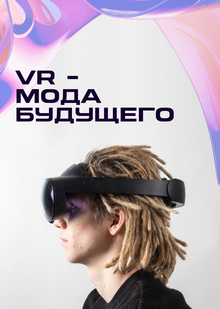
Павел Кучев создал фотосессию, в которой VR-гарнитура становится частью повседневного образа и символом технологичного будущего. Проект включает контраст между идеальным студийным фоном и несовершенными деталями, подчёркивающий гармонию технологий и реальности.
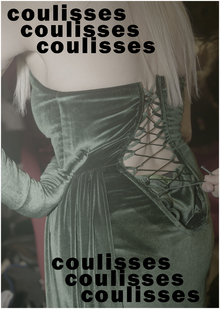
Мария Журкина создала фотосерию «Coulisses», посвящённую закулисью показа мод 2023 года. Проект исследует пространственные аспекты подготовки к мероприятиям, изображая неожиданные лабиринтные зоны бэкстейджа.
We use cookies to improve the operation of the website and to enhance its usability. More detailed information on the use of cookies can be fo...
Show more
Press space bar to start a drag.
When dragging you can use the arrow keys to move the item around and escape to cancel.
Some screen readers may require you to be in focus mode or to use your pass through key
Press space bar to start a drag.
When dragging you can use the arrow keys to move the item around and escape to cancel.
Some screen readers may require you to be in focus mode or to use your pass through key
Press space bar to start a drag.
When dragging you can use the arrow keys to move the item around and escape to cancel.
Some screen readers may require you to be in focus mode or to use your pass through key
Press space bar to start a drag.
When dragging you can use the arrow keys to move the item around and escape to cancel.
Some screen readers may require you to be in focus mode or to use your pass through key
Press space bar to start a drag.
When dragging you can use the arrow keys to move the item around and escape to cancel.
Some screen readers may require you to be in focus mode or to use your pass through key
Press space bar to start a drag.
When dragging you can use the arrow keys to move the item around and escape to cancel.
Some screen readers may require you to be in focus mode or to use your pass through key
Press space bar to start a drag.
When dragging you can use the arrow keys to move the item around and escape to cancel.
Some screen readers may require you to be in focus mode or to use your pass through key
Press space bar to start a drag.
When dragging you can use the arrow keys to move the item around and escape to cancel.
Some screen readers may require you to be in focus mode or to use your pass through key
Press space bar to start a drag.
When dragging you can use the arrow keys to move the item around and escape to cancel.
Some screen readers may require you to be in focus mode or to use your pass through key
Press space bar to start a drag.
When dragging you can use the arrow keys to move the item around and escape to cancel.
Some screen readers may require you to be in focus mode or to use your pass through key
Press space bar to start a drag.
When dragging you can use the arrow keys to move the item around and escape to cancel.
Some screen readers may require you to be in focus mode or to use your pass through key
Press space bar to start a drag.
When dragging you can use the arrow keys to move the item around and escape to cancel.
Some screen readers may require you to be in focus mode or to use your pass through key