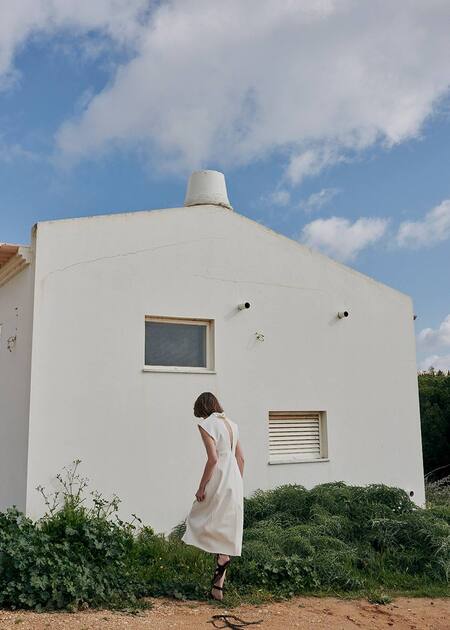
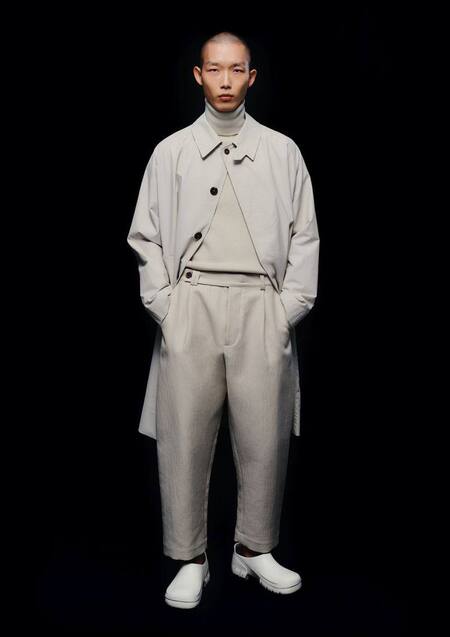
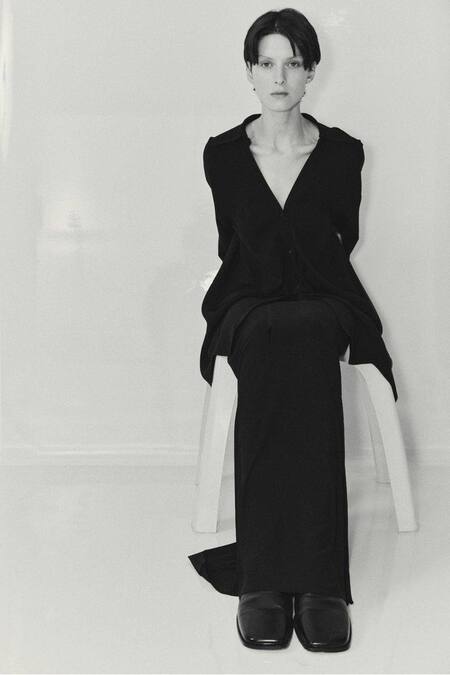
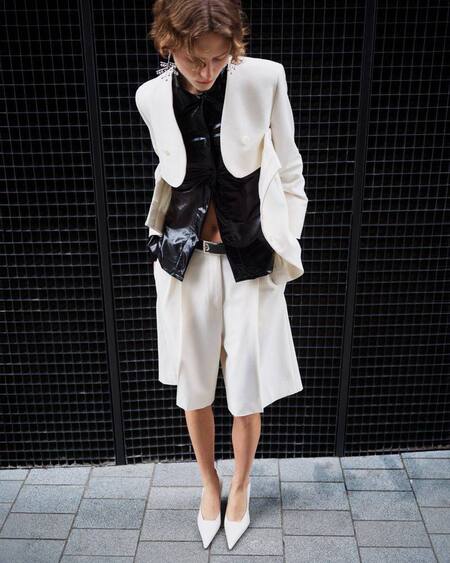
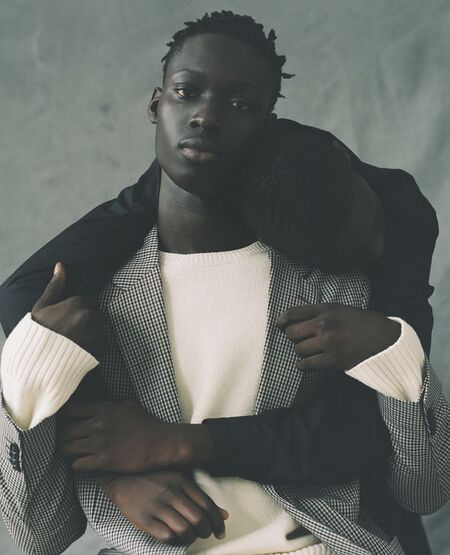
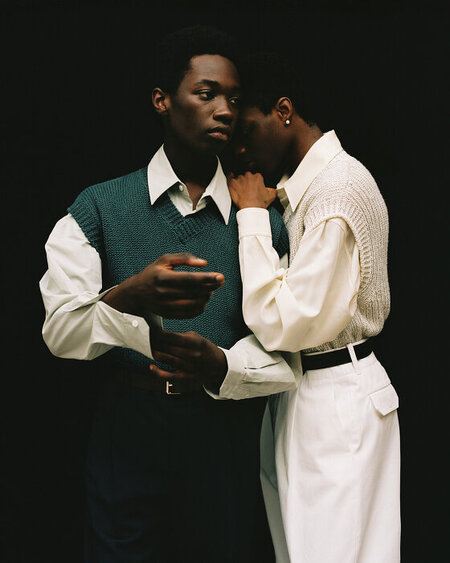
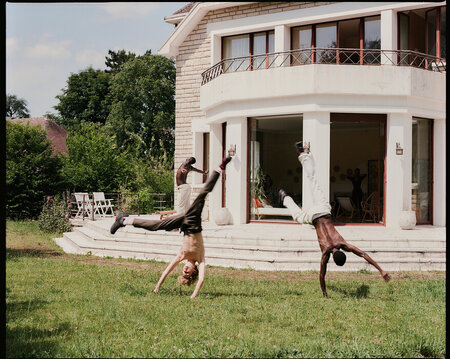
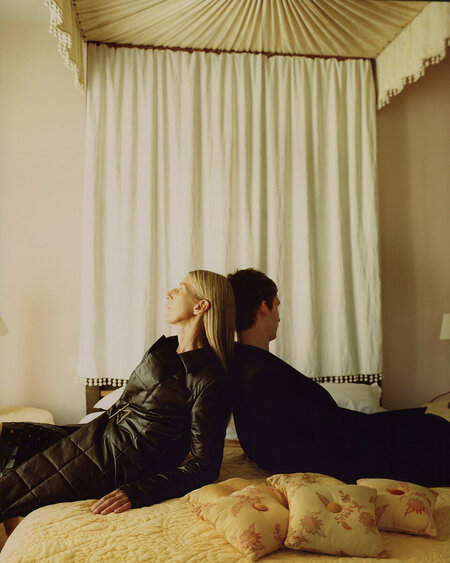
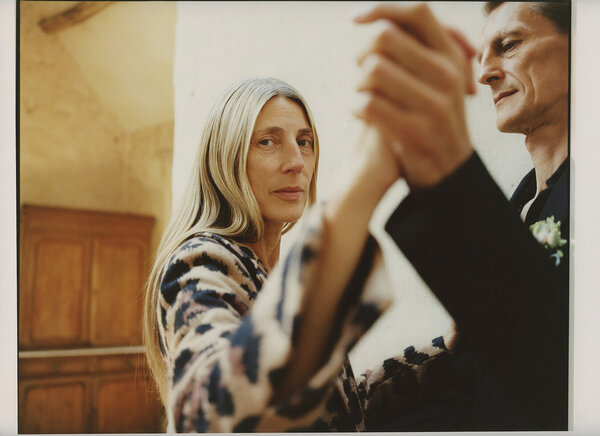
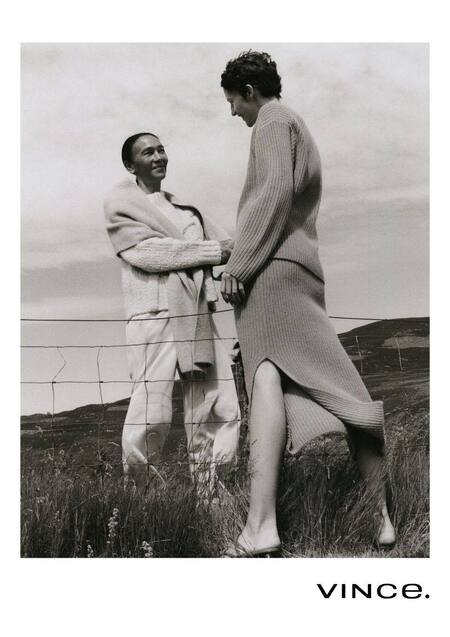
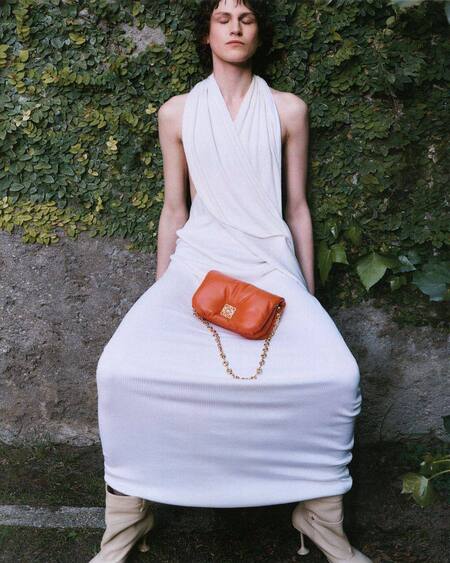
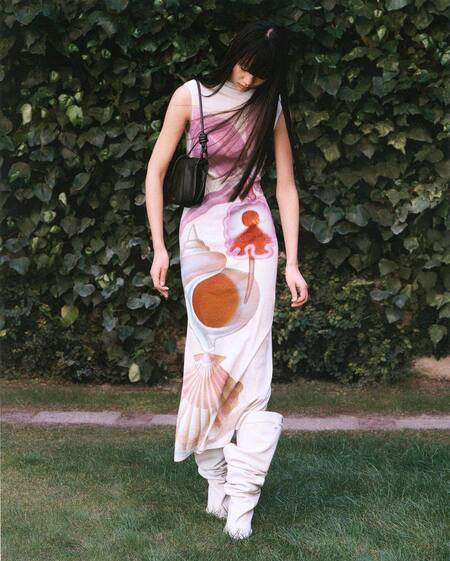
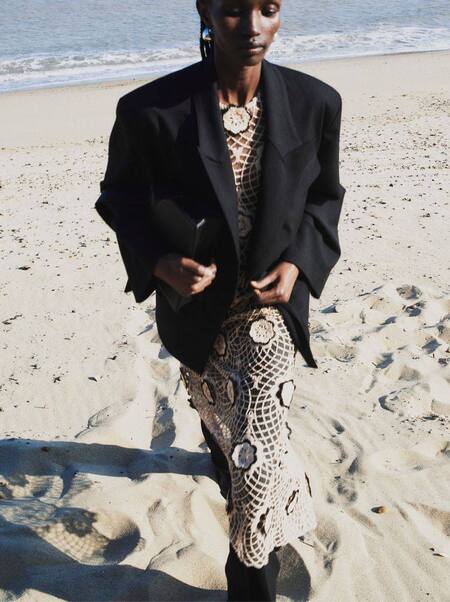
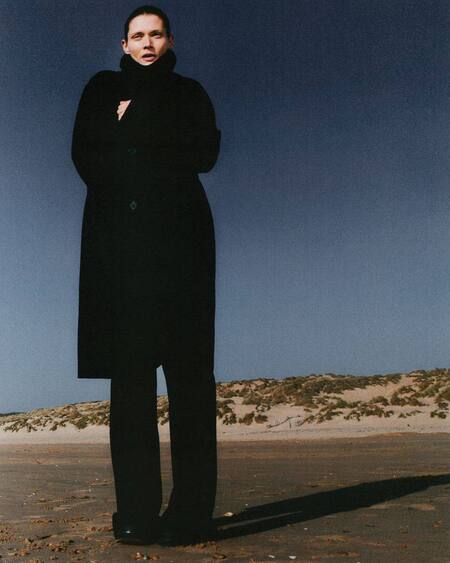
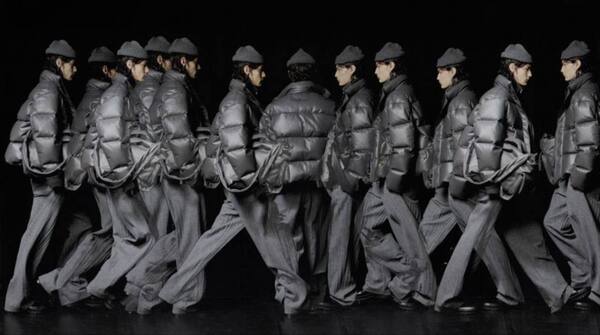
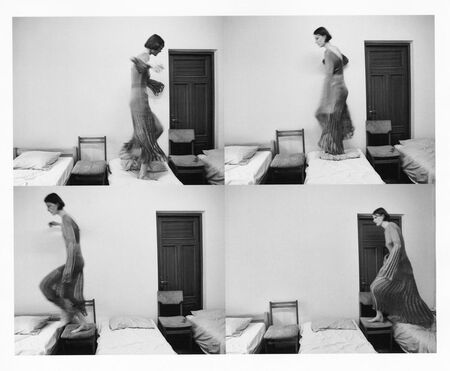
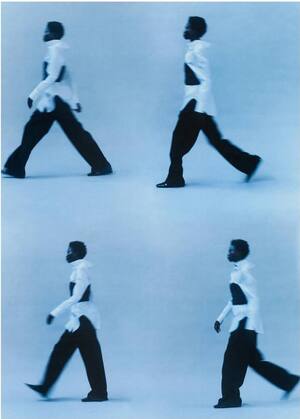
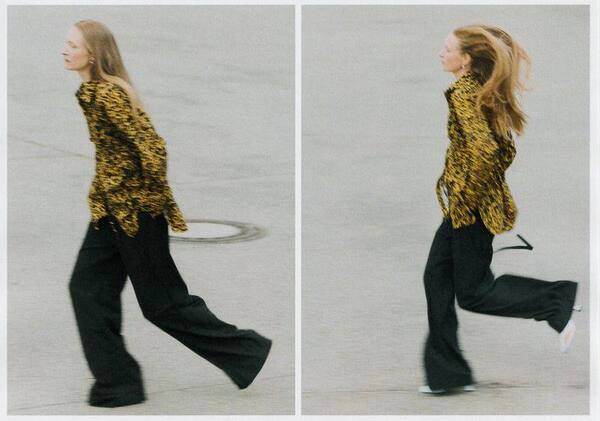
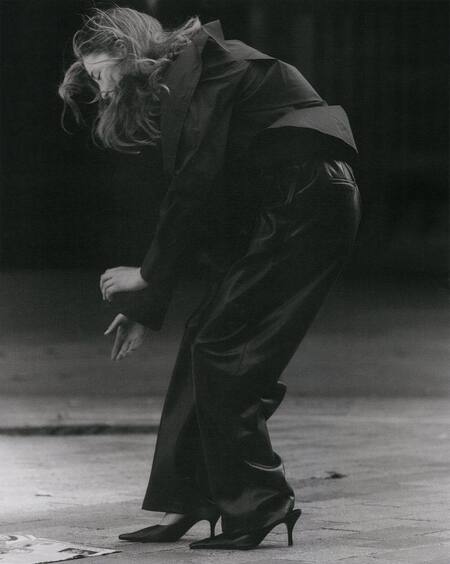
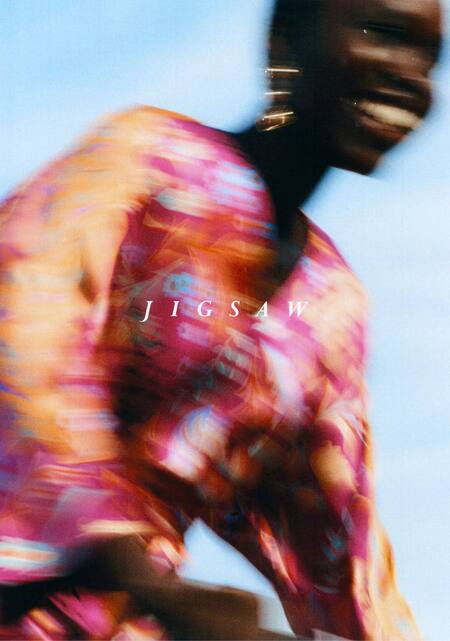
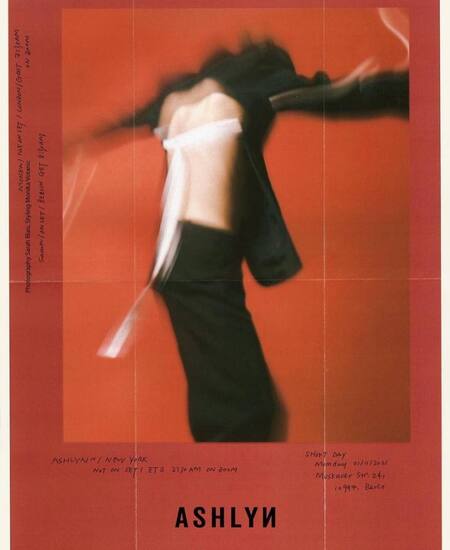
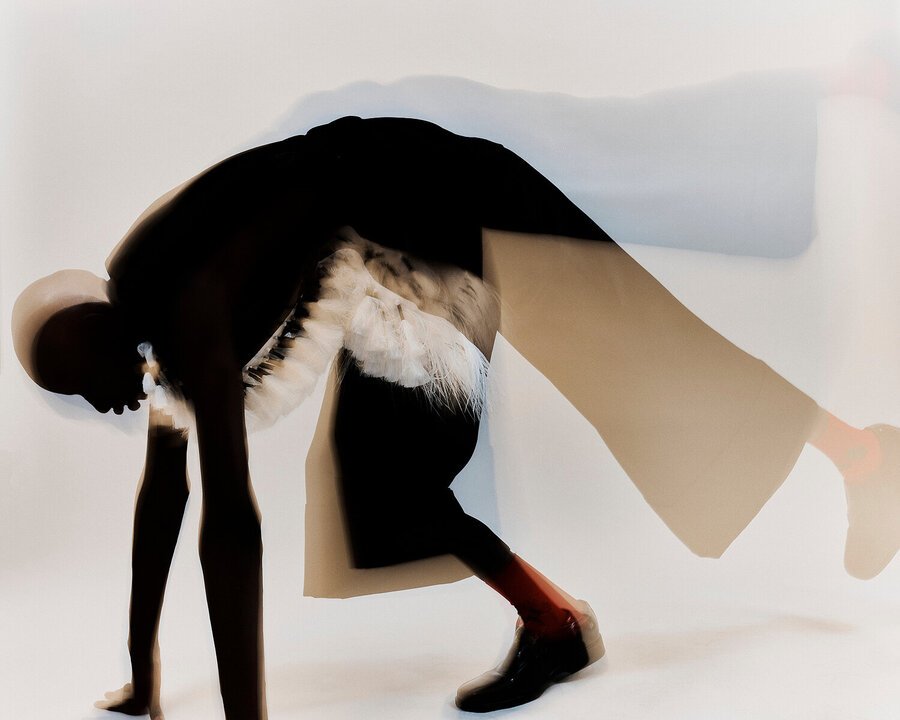
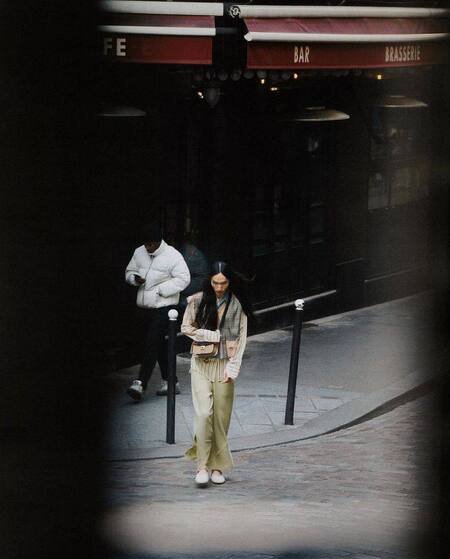
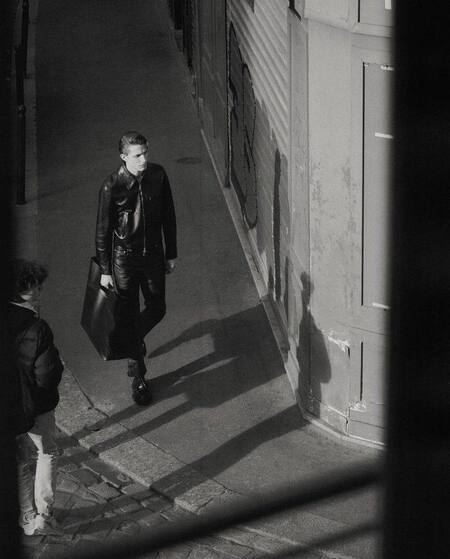
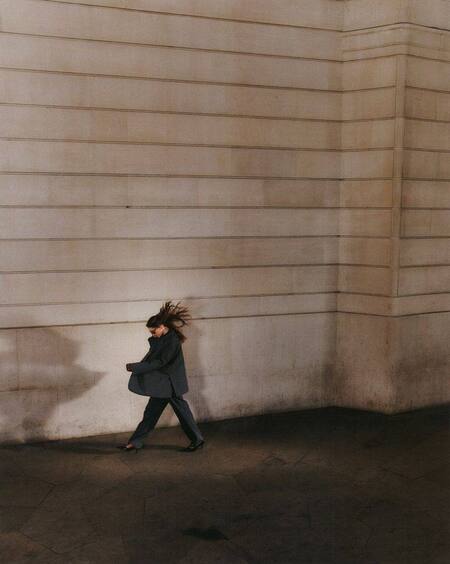
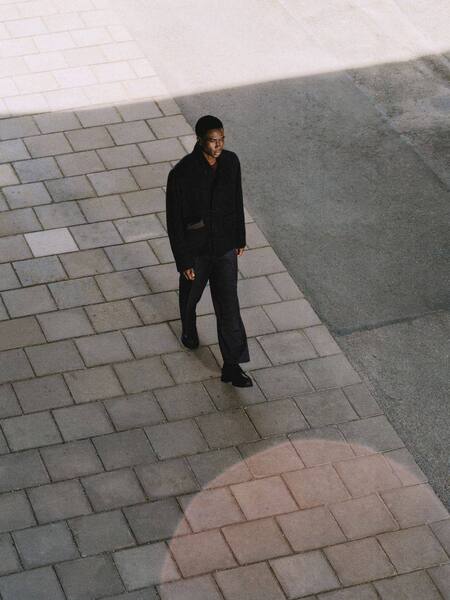
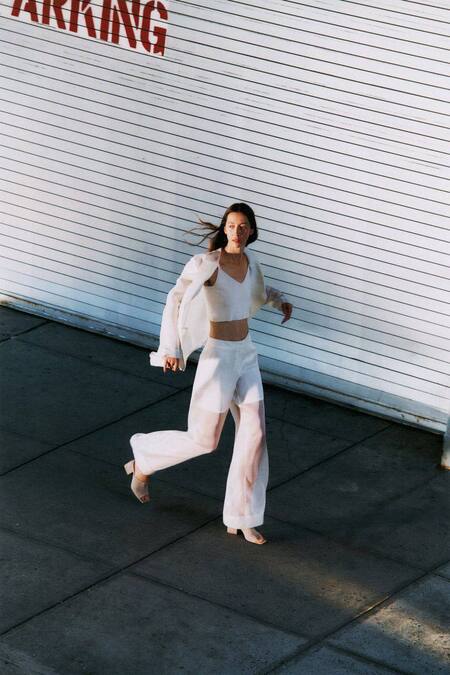
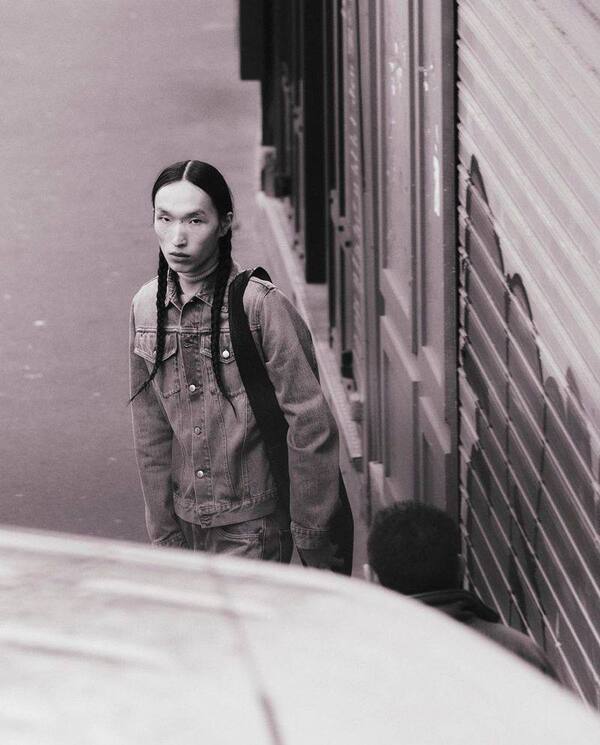
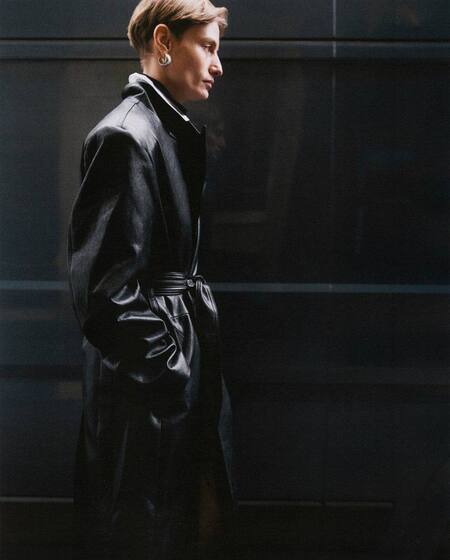
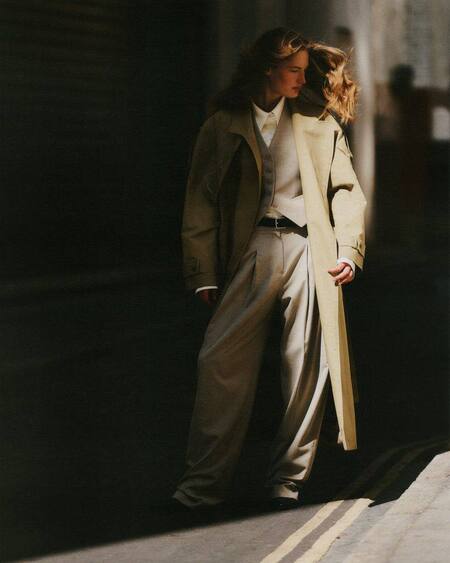
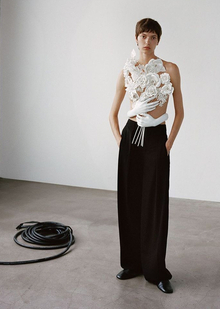
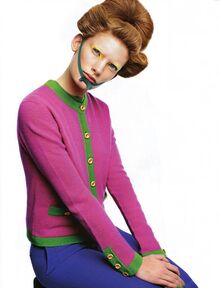
Sarah Blais — фотограф, работающий в жанрах документальной, портретной и фэшн-съемки. В центре её творчества — умение находить сюрреализм в повседневной жизни и мягко трансформировать привычные сюжеты, создавая в кадре напряжение и эмоциональную связь, но всегда с оттенком лёгкости и радости. Игра стала неотъемлемой частью её процесса — инструментом, раскрепощающим воображение как её самой, так и тех, кого она фотографирует.
Её работы участвовали в групповых выставках от Гонконга до Монреаля и публиковались в фотоальбомах, включая «The Kinfolk Garden», «On Further Developments» (издательство Anticàmera), «Same, Same But Different» (автор Max Siedentopf).
Среди её клиентов — Loewe, Christian Dior, Louis Vuitton, Coach, Calvin Klein, Ami Paris, Vince, Beaufille, Zara, Soeur, Ashlyn, Jigsaw, Icicle, Byredo, By Malene Birger, Studio Nicholson, Arket, Aeyde и Solid Homme. Её редакционные проекты публиковались в WSJ, D La Repubblica, Document Journal, Footnote, Family Style, Kinfolk, Vogue, Sleek и Manifesto.
Мария Нехвядович подготовила исследование фотографа SARAH BLAIS, охватывающее её творческие подходы и профессиональные достижения. Особенностью проекта является акцент на сюрреализме и эмоциональной связи в её фотографиях, а также участие в престижных изданиях и брендах моды.
Анастасия Плотникова создала визуальное исследование стилиста Vittoria Cerciello, подчеркивая её уникальный подход к моде как средству самовыражения и рассказа истории. Проект включает в себя анализ анималистичных принтов, ретро-отсылок, экспериментов с формами и фактурами, а также работы с цветом.
Chernym Cherno представил профайл бренда, созданный совместно с fashion designer и редактором моды. Проект включает описание российского мужского бренда, запущенного в 2022 году с акцентом на авангардные дропы и экологичные материалы.
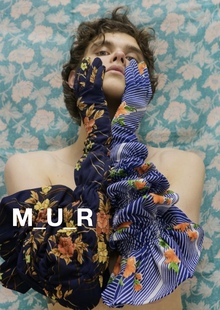
M_U_R — российский бренд одежды, созданный Анной Дружининой в 2016 году в Санкт-Петербурге. Бренд специализируется на повседневной одежде из шерсти и трикотажа с использованием винтажных тканей и традиционных техник.
We use cookies to improve the operation of the website and to enhance its usability. More detailed information on the use of cookies can be fo...
Show more
Press space bar to start a drag.
When dragging you can use the arrow keys to move the item around and escape to cancel.
Some screen readers may require you to be in focus mode or to use your pass through key
Press space bar to start a drag.
When dragging you can use the arrow keys to move the item around and escape to cancel.
Some screen readers may require you to be in focus mode or to use your pass through key
Press space bar to start a drag.
When dragging you can use the arrow keys to move the item around and escape to cancel.
Some screen readers may require you to be in focus mode or to use your pass through key
Press space bar to start a drag.
When dragging you can use the arrow keys to move the item around and escape to cancel.
Some screen readers may require you to be in focus mode or to use your pass through key
Press space bar to start a drag.
When dragging you can use the arrow keys to move the item around and escape to cancel.
Some screen readers may require you to be in focus mode or to use your pass through key
Press space bar to start a drag.
When dragging you can use the arrow keys to move the item around and escape to cancel.
Some screen readers may require you to be in focus mode or to use your pass through key
Press space bar to start a drag.
When dragging you can use the arrow keys to move the item around and escape to cancel.
Some screen readers may require you to be in focus mode or to use your pass through key
Press space bar to start a drag.
When dragging you can use the arrow keys to move the item around and escape to cancel.
Some screen readers may require you to be in focus mode or to use your pass through key
Press space bar to start a drag.
When dragging you can use the arrow keys to move the item around and escape to cancel.
Some screen readers may require you to be in focus mode or to use your pass through key
Press space bar to start a drag.
When dragging you can use the arrow keys to move the item around and escape to cancel.
Some screen readers may require you to be in focus mode or to use your pass through key
Press space bar to start a drag.
When dragging you can use the arrow keys to move the item around and escape to cancel.
Some screen readers may require you to be in focus mode or to use your pass through key
Press space bar to start a drag.
When dragging you can use the arrow keys to move the item around and escape to cancel.
Some screen readers may require you to be in focus mode or to use your pass through key
Press space bar to start a drag.
When dragging you can use the arrow keys to move the item around and escape to cancel.
Some screen readers may require you to be in focus mode or to use your pass through key
Press space bar to start a drag.
When dragging you can use the arrow keys to move the item around and escape to cancel.
Some screen readers may require you to be in focus mode or to use your pass through key
Press space bar to start a drag.
When dragging you can use the arrow keys to move the item around and escape to cancel.
Some screen readers may require you to be in focus mode or to use your pass through key
Press space bar to start a drag.
When dragging you can use the arrow keys to move the item around and escape to cancel.
Some screen readers may require you to be in focus mode or to use your pass through key
Press space bar to start a drag.
When dragging you can use the arrow keys to move the item around and escape to cancel.
Some screen readers may require you to be in focus mode or to use your pass through key
Press space bar to start a drag.
When dragging you can use the arrow keys to move the item around and escape to cancel.
Some screen readers may require you to be in focus mode or to use your pass through key
Press space bar to start a drag.
When dragging you can use the arrow keys to move the item around and escape to cancel.
Some screen readers may require you to be in focus mode or to use your pass through key
Press space bar to start a drag.
When dragging you can use the arrow keys to move the item around and escape to cancel.
Some screen readers may require you to be in focus mode or to use your pass through key