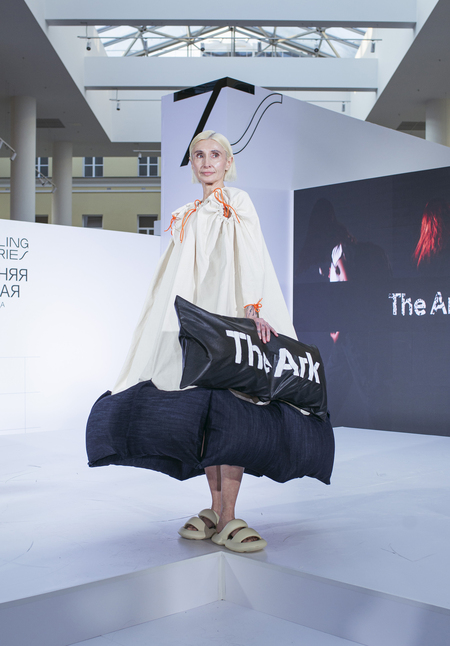
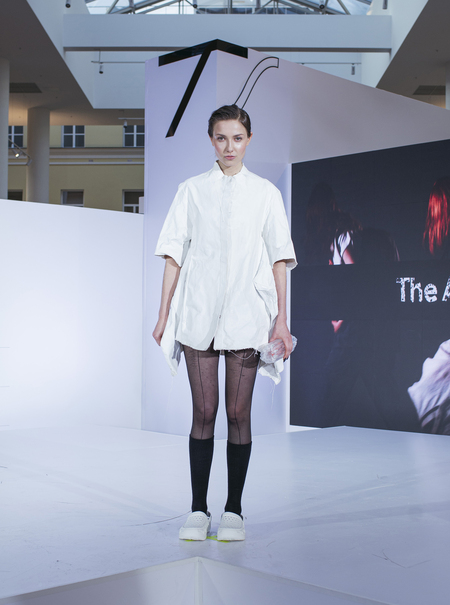
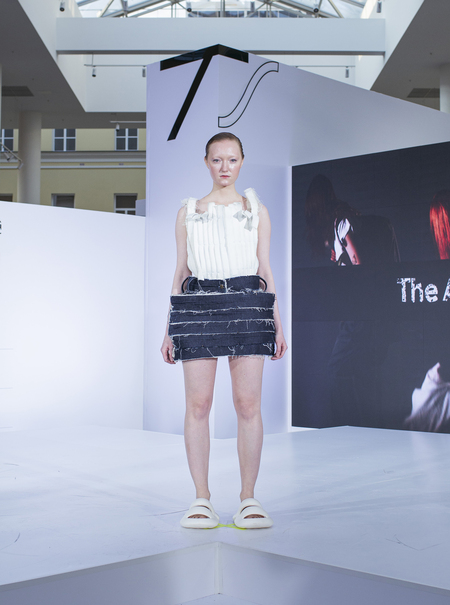
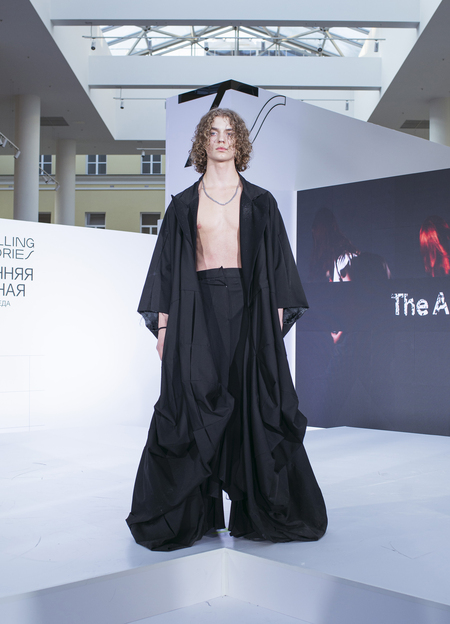
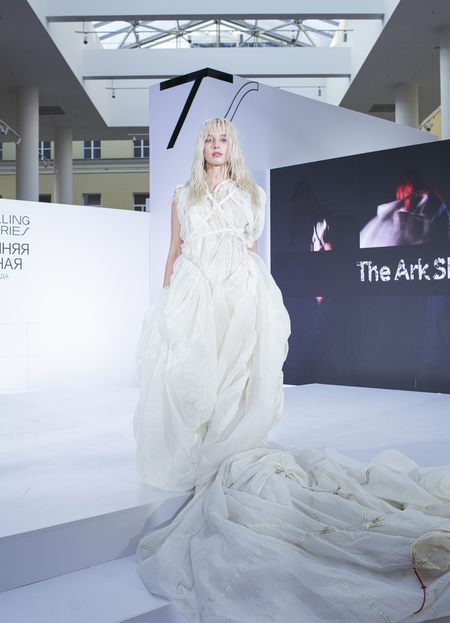
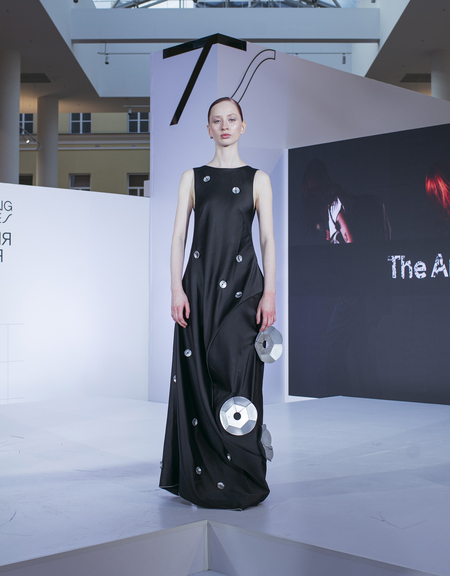
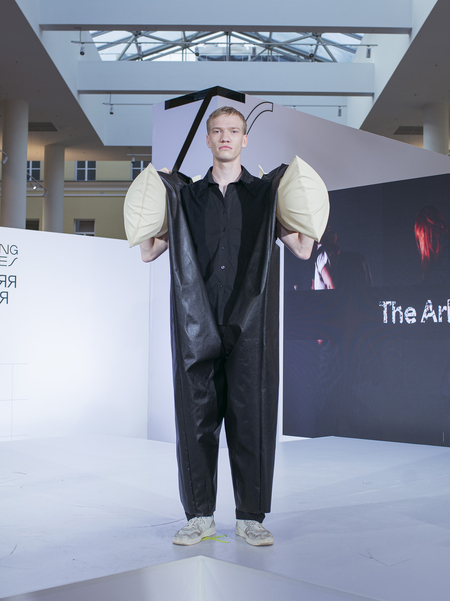
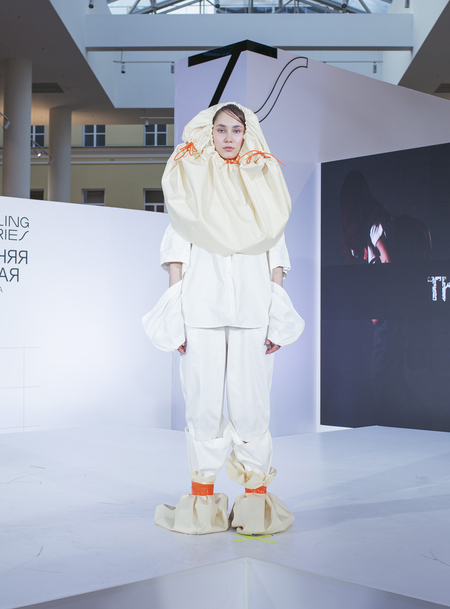
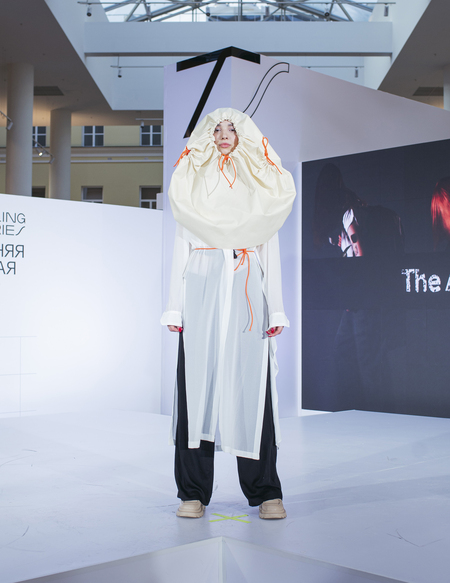
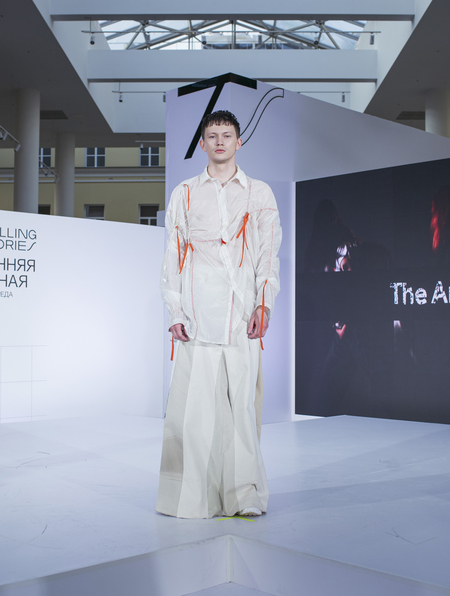
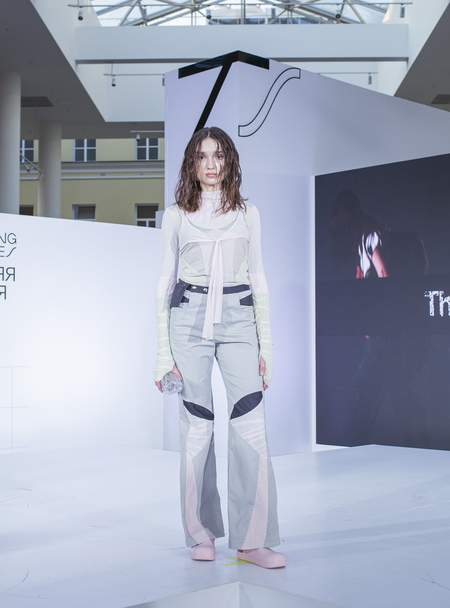
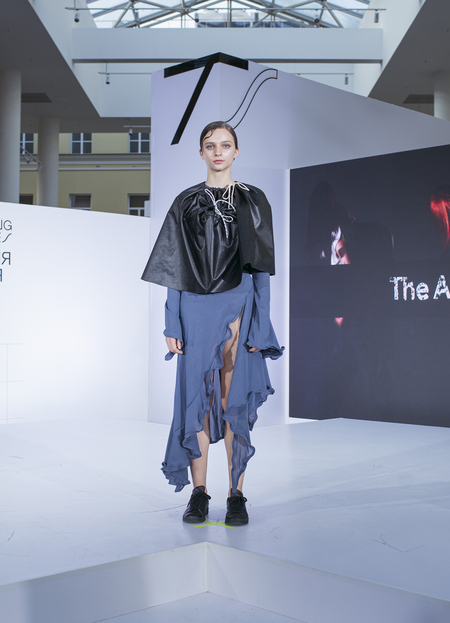
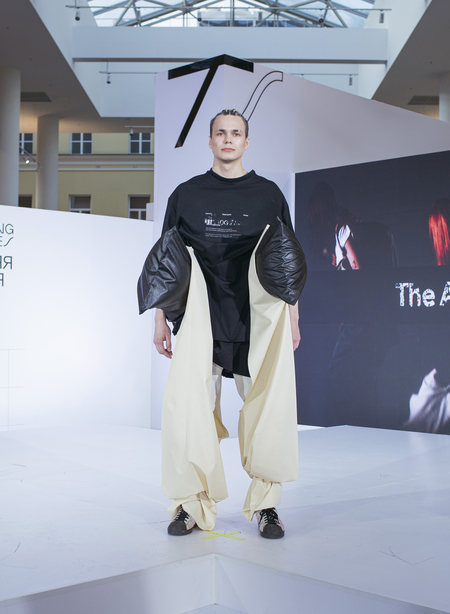
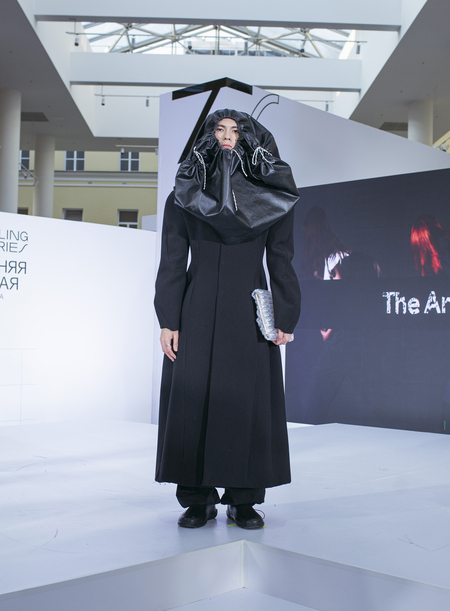
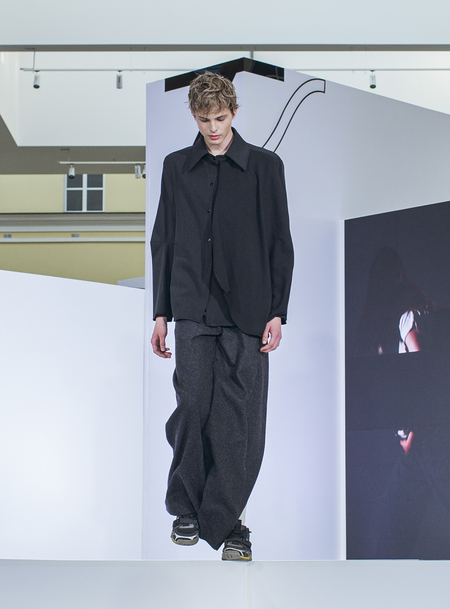
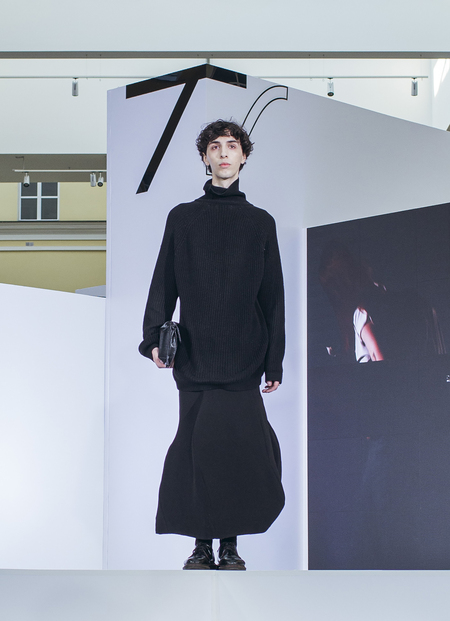
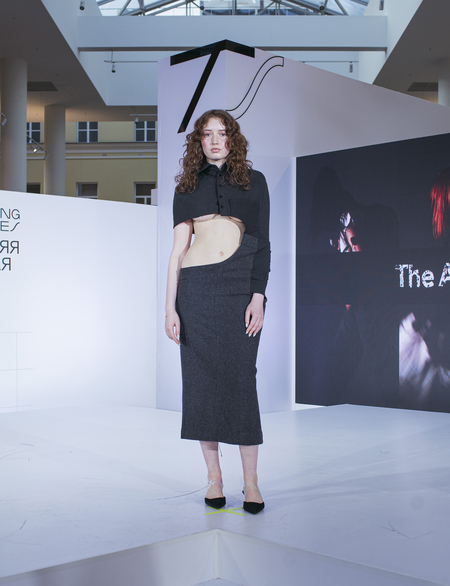
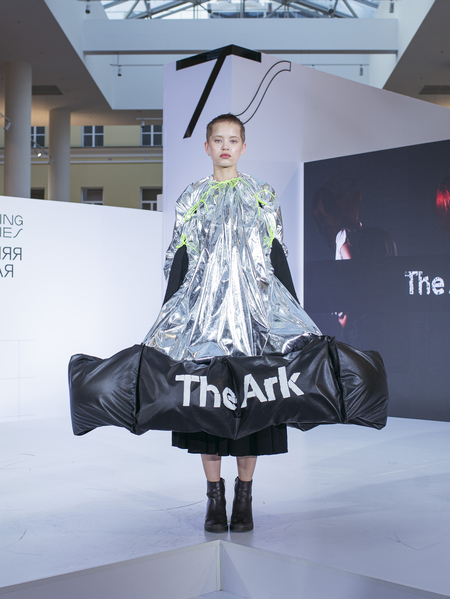
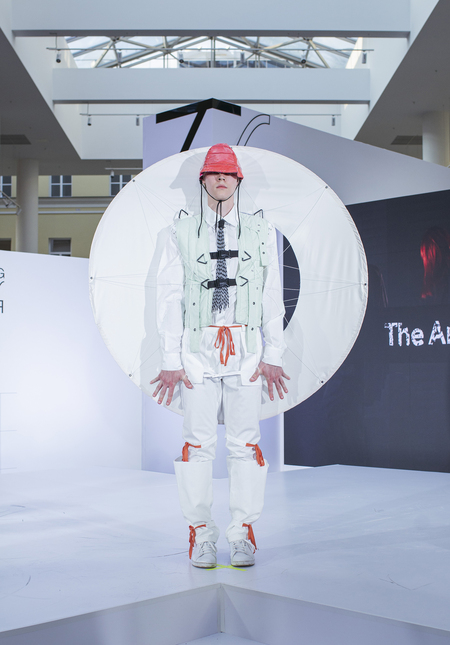
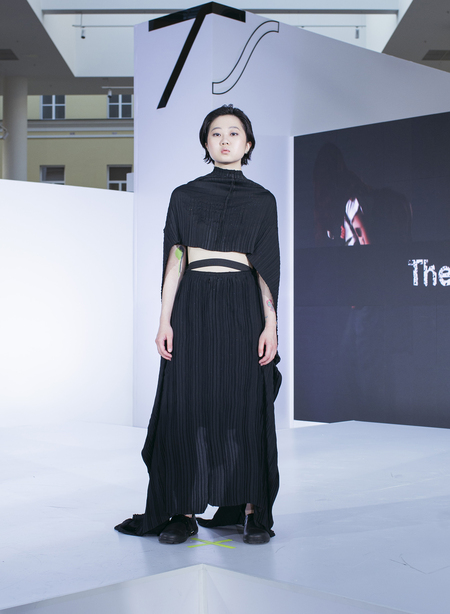
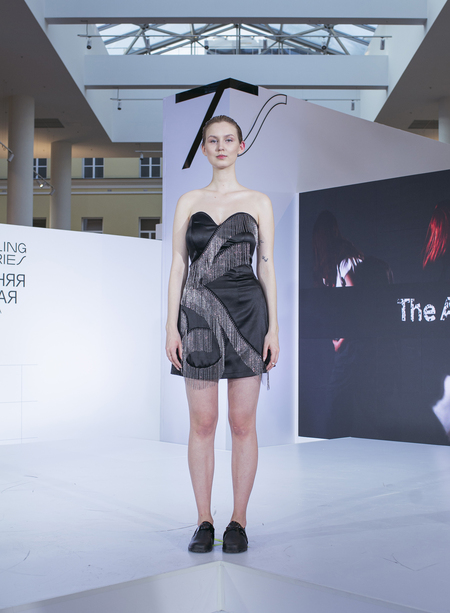
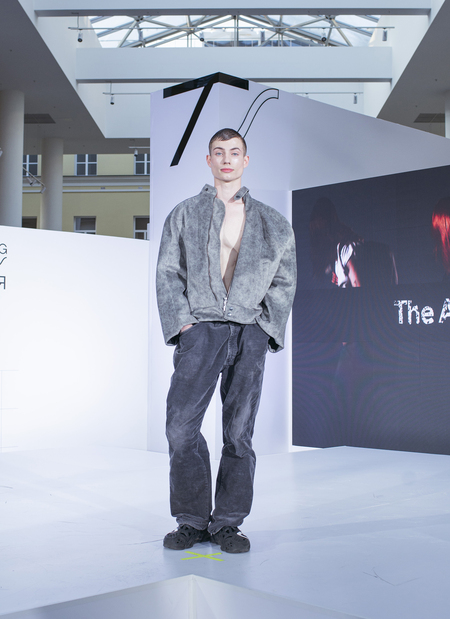
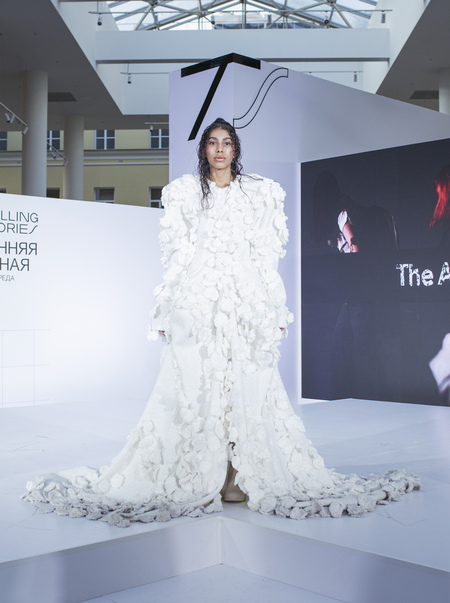
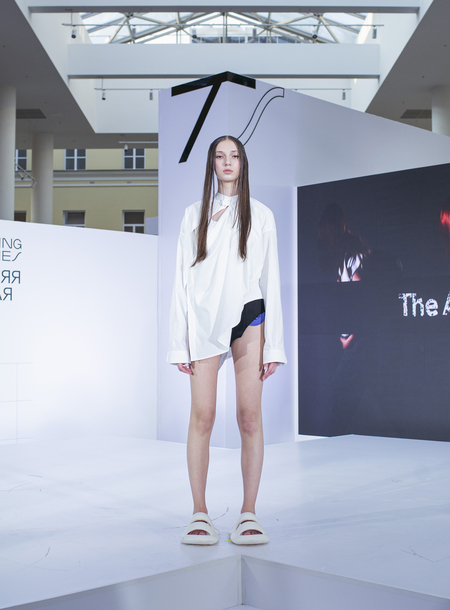
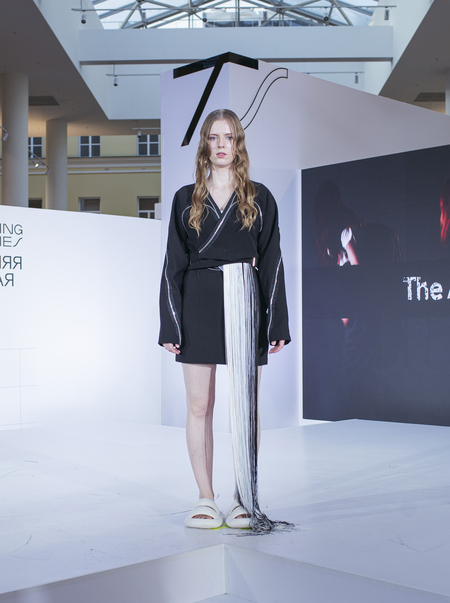
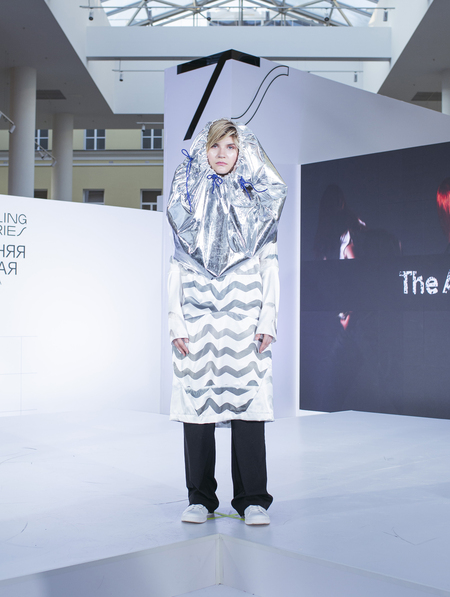
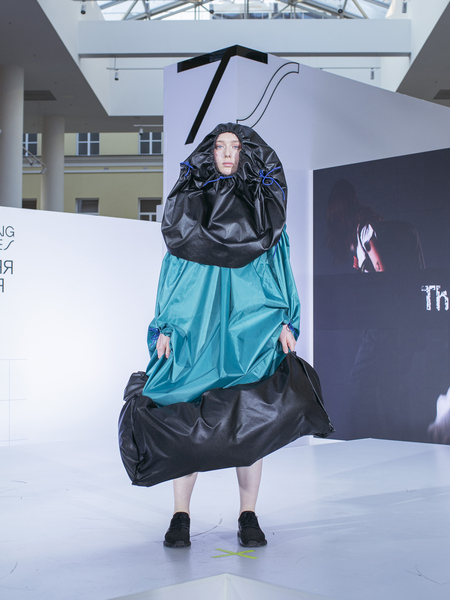
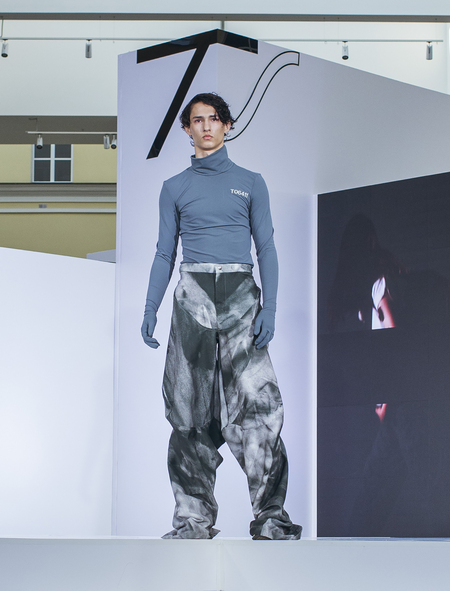
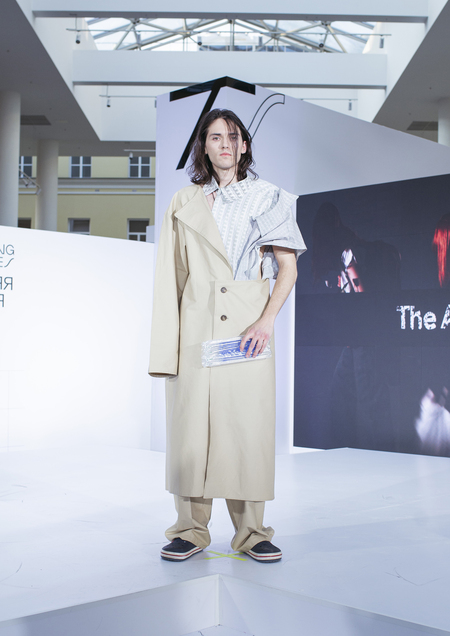
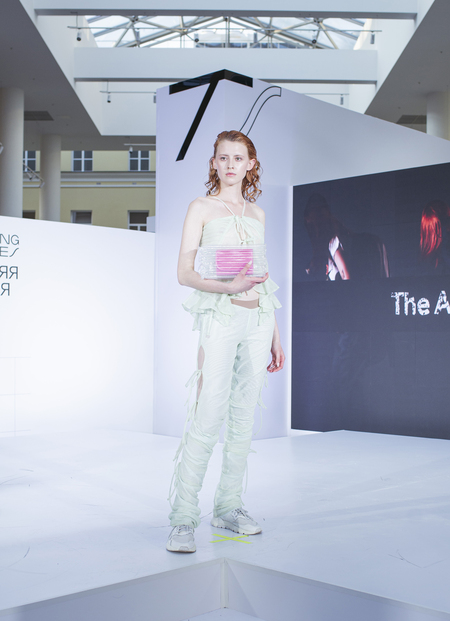
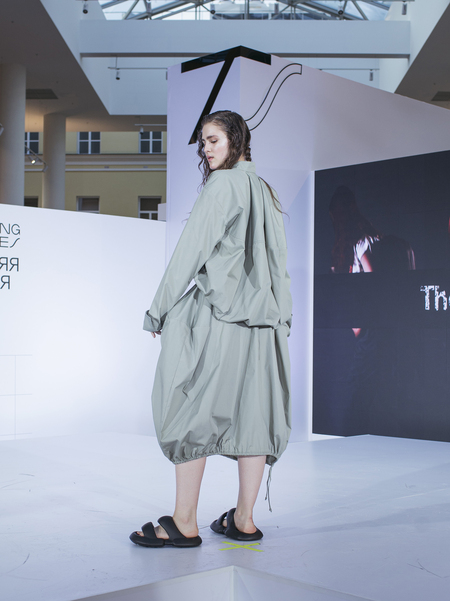
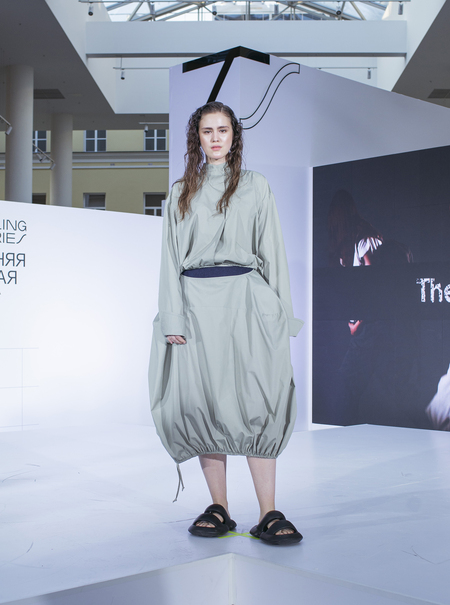
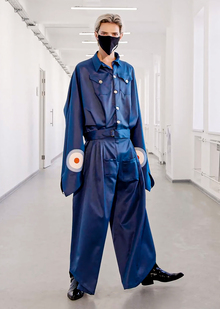
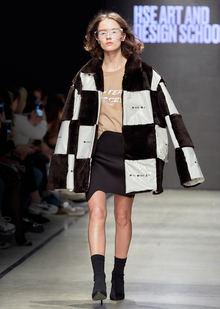
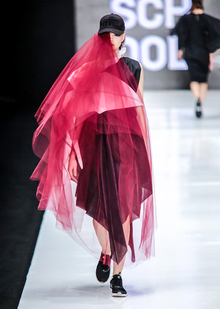
HARD BY HSE ART AND DESIGN SCHOOL — совместный бренд студентов направления «Мода» Школы дизайна НИУ ВШЭ. HARD работает как творческая лаборатория, которая каждый год формируется заново для создания новой коллекции. Исследуя культурные контексты и экспериментируя с формами и кроем, молодые дизайнеры говорят о том, что их вдохновляет и волнует, показывают свое видение актуальной моды. Итогом является показ, который демонстрируют участники лаборатории.
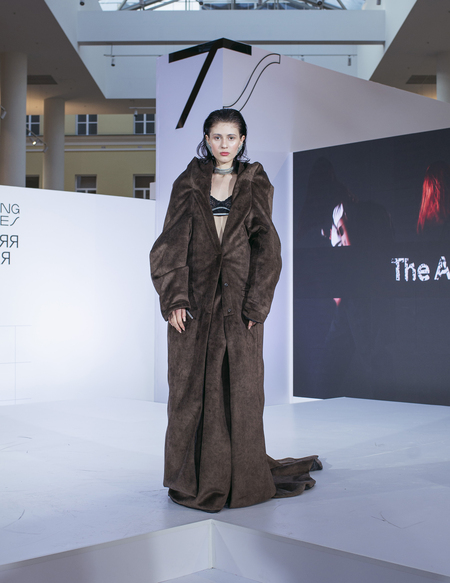
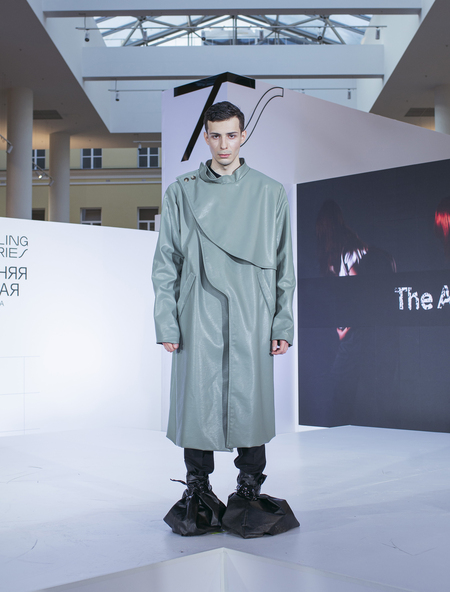
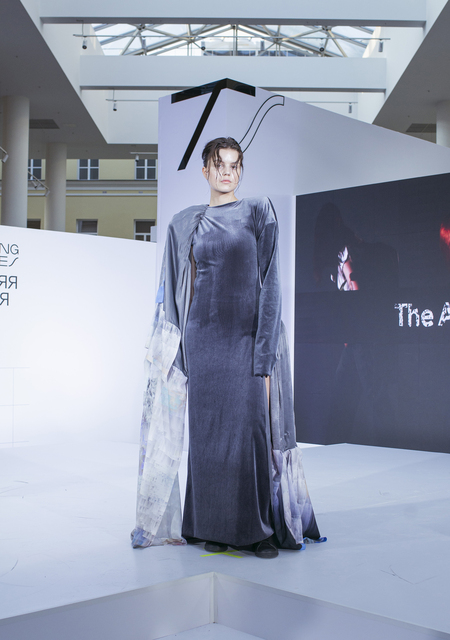
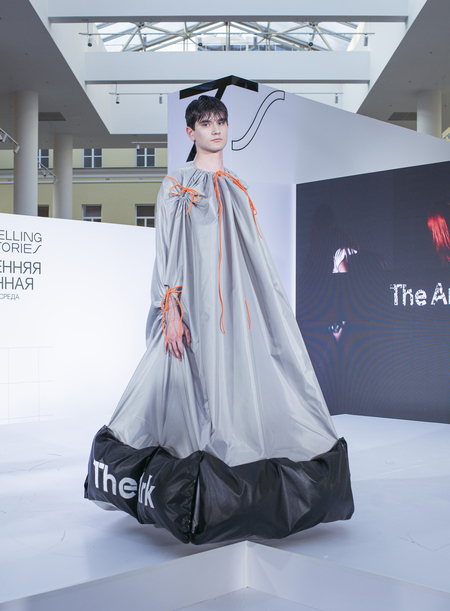
Главной темой коллекции HARD 011: The Ark Show стали размышления студентов о стихийности времени и жизни в эпоху перемен. Лозунгом коллекции стало выражение We’re all in the same boat, а ключевым образом и отправной точкой поиска художественных форм и выразительных инструментов — образ спасательного ковчега.
HARD 011: The Ark Show. Фестиваль Telling Stories. Показ 27.05.2023
HSE Fashion представила показ коллекции HARD 011: The Ark Show на фестивале Telling Stories 27 мая 2023 года. Проект исследовал тему стихийности времени и жизни в эпоху перемен, используя образ спасательного ковчега как ключевую метафору.
HSE Fashion представила восьмую коллекцию студенческого бренда HARD в формате фильма для Mercedes-Benz Fashion Week Russia 03.04.2019. Проект включал работы выпускников и первокурсников Школы дизайна НИУ ВШЭ, посвящённые изолированному и цифровому состоянию мира после пандемии.
Студенты Школы дизайна НИУ ВШЭ представили показ эко-моды «BE KIND REWIND» в парке Горького 14 сентября 2017 года. Проект демонстрировал, как старую одежду можно перерабатывать в современные образы в рамках устойчивого дизайна.
HSE Fashion представила коллекцию HARD 006: Outer Spaces на Mercedes-Benz Fashion Week Russia 3 апреля 2019 года. Проект включает в себя коллекцию, вдохновлённую космосом и расширенной реальностью, созданную студентами Школы дизайна НИУ ВШЭ.
Студенты Школы дизайна НИУ ВШЭ представили свою первую коллекцию на Mercedes-Benz Fashion Week Russia 21 марта 2016 года. Проект HARD 001 включал работы девяти дизайнеров, созданные специально для профессиональной недели моды и показанные под кураторством Екатерины Сычевой.
We use cookies to improve the operation of the website and to enhance its usability. More detailed information on the use of cookies can be fo...
Show more
Press space bar to start a drag.
When dragging you can use the arrow keys to move the item around and escape to cancel.
Some screen readers may require you to be in focus mode or to use your pass through key
Press space bar to start a drag.
When dragging you can use the arrow keys to move the item around and escape to cancel.
Some screen readers may require you to be in focus mode or to use your pass through key
Press space bar to start a drag.
When dragging you can use the arrow keys to move the item around and escape to cancel.
Some screen readers may require you to be in focus mode or to use your pass through key
Press space bar to start a drag.
When dragging you can use the arrow keys to move the item around and escape to cancel.
Some screen readers may require you to be in focus mode or to use your pass through key
Press space bar to start a drag.
When dragging you can use the arrow keys to move the item around and escape to cancel.
Some screen readers may require you to be in focus mode or to use your pass through key
Press space bar to start a drag.
When dragging you can use the arrow keys to move the item around and escape to cancel.
Some screen readers may require you to be in focus mode or to use your pass through key
Press space bar to start a drag.
When dragging you can use the arrow keys to move the item around and escape to cancel.
Some screen readers may require you to be in focus mode or to use your pass through key
Press space bar to start a drag.
When dragging you can use the arrow keys to move the item around and escape to cancel.
Some screen readers may require you to be in focus mode or to use your pass through key
Press space bar to start a drag.
When dragging you can use the arrow keys to move the item around and escape to cancel.
Some screen readers may require you to be in focus mode or to use your pass through key
Press space bar to start a drag.
When dragging you can use the arrow keys to move the item around and escape to cancel.
Some screen readers may require you to be in focus mode or to use your pass through key
Press space bar to start a drag.
When dragging you can use the arrow keys to move the item around and escape to cancel.
Some screen readers may require you to be in focus mode or to use your pass through key
Press space bar to start a drag.
When dragging you can use the arrow keys to move the item around and escape to cancel.
Some screen readers may require you to be in focus mode or to use your pass through key
Press space bar to start a drag.
When dragging you can use the arrow keys to move the item around and escape to cancel.
Some screen readers may require you to be in focus mode or to use your pass through key
Press space bar to start a drag.
When dragging you can use the arrow keys to move the item around and escape to cancel.
Some screen readers may require you to be in focus mode or to use your pass through key
Press space bar to start a drag.
When dragging you can use the arrow keys to move the item around and escape to cancel.
Some screen readers may require you to be in focus mode or to use your pass through key
Press space bar to start a drag.
When dragging you can use the arrow keys to move the item around and escape to cancel.
Some screen readers may require you to be in focus mode or to use your pass through key
Press space bar to start a drag.
When dragging you can use the arrow keys to move the item around and escape to cancel.
Some screen readers may require you to be in focus mode or to use your pass through key
Press space bar to start a drag.
When dragging you can use the arrow keys to move the item around and escape to cancel.
Some screen readers may require you to be in focus mode or to use your pass through key
Press space bar to start a drag.
When dragging you can use the arrow keys to move the item around and escape to cancel.
Some screen readers may require you to be in focus mode or to use your pass through key
Press space bar to start a drag.
When dragging you can use the arrow keys to move the item around and escape to cancel.
Some screen readers may require you to be in focus mode or to use your pass through key
Press space bar to start a drag.
When dragging you can use the arrow keys to move the item around and escape to cancel.
Some screen readers may require you to be in focus mode or to use your pass through key