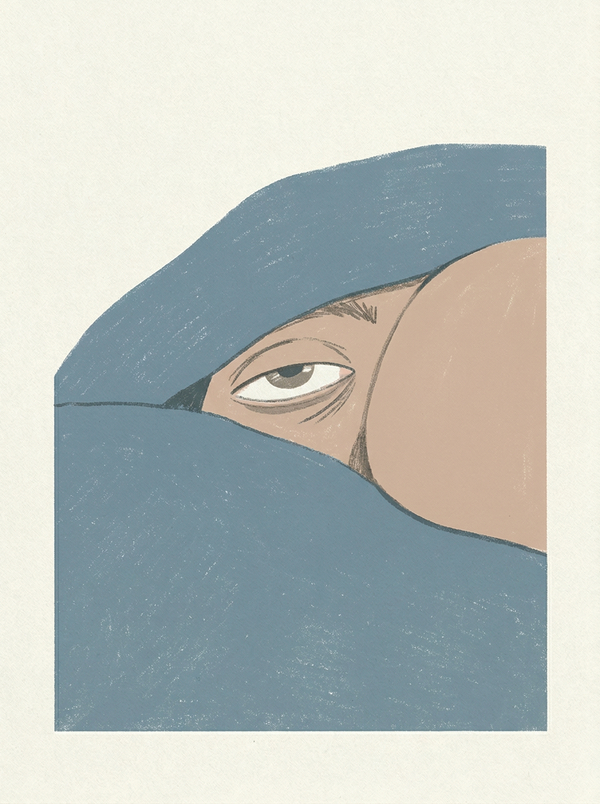
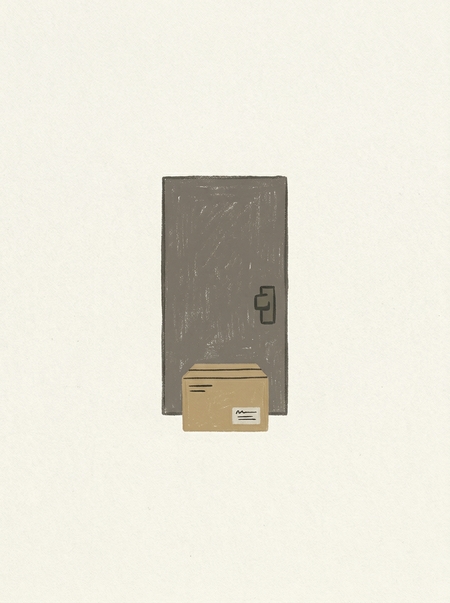
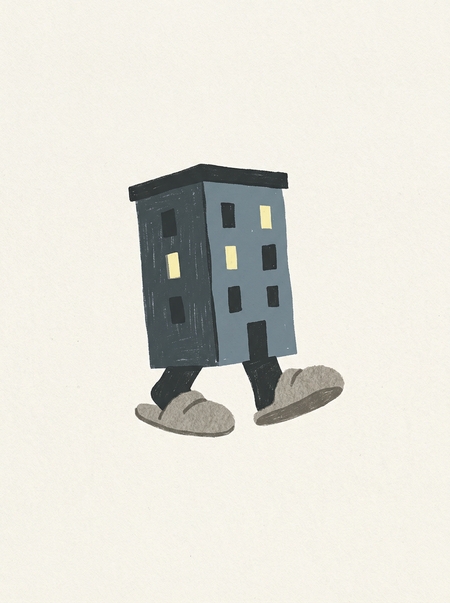
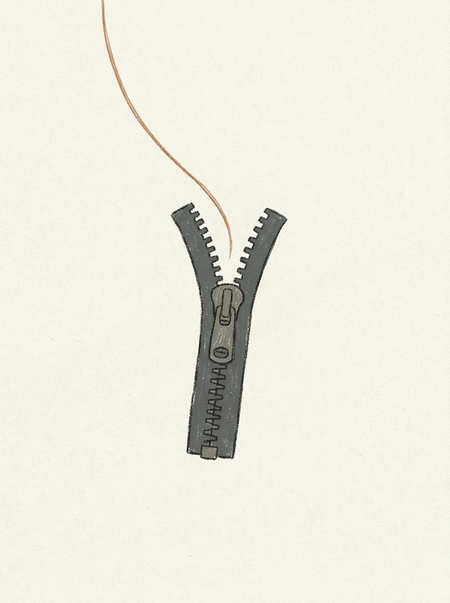
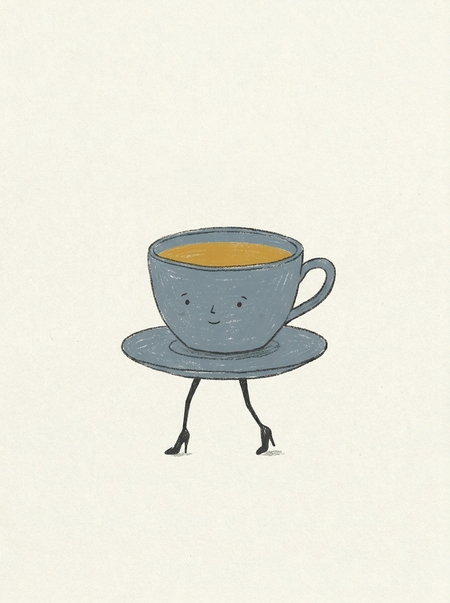
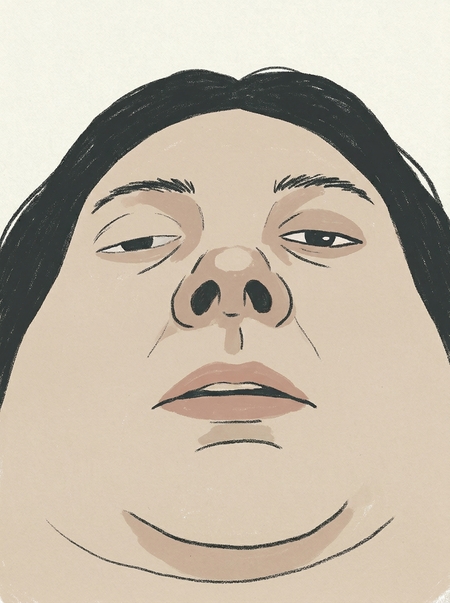
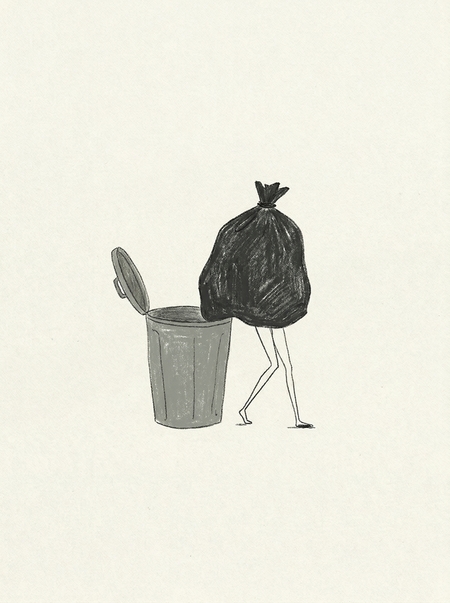
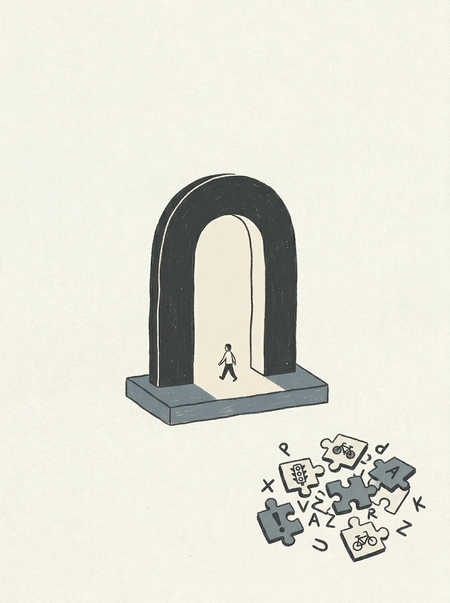
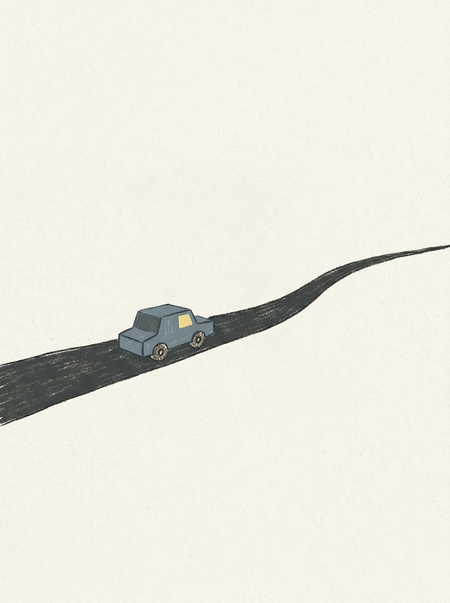
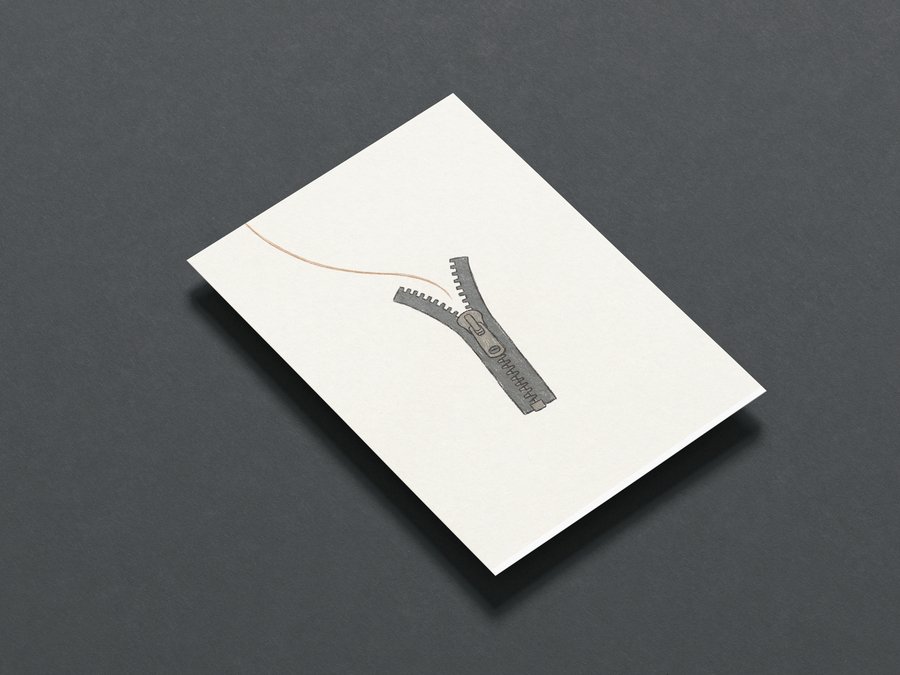
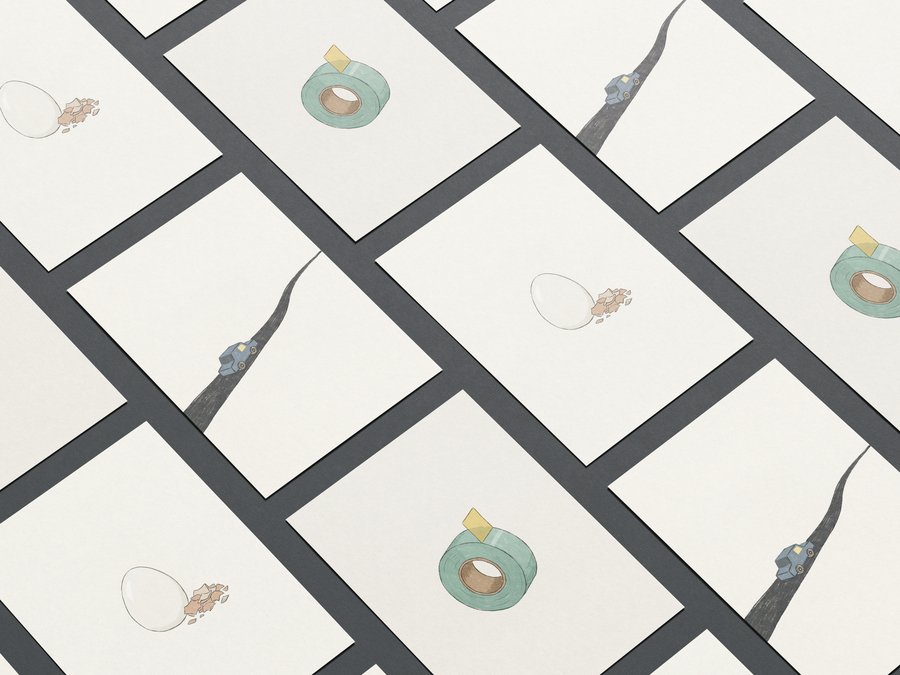
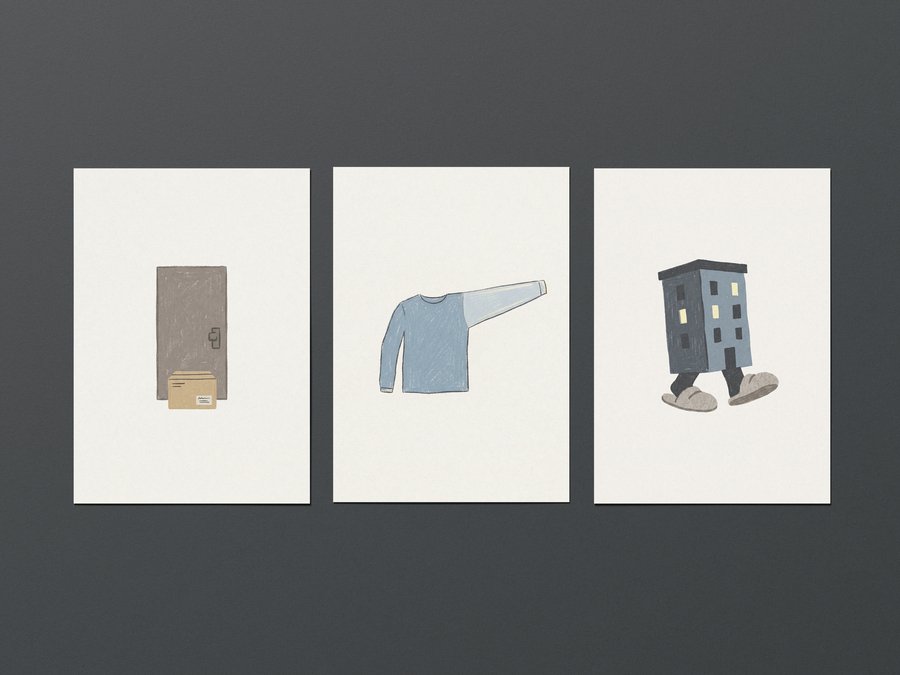
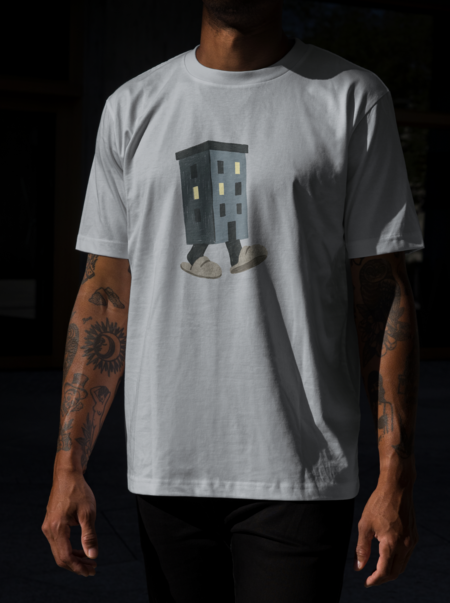
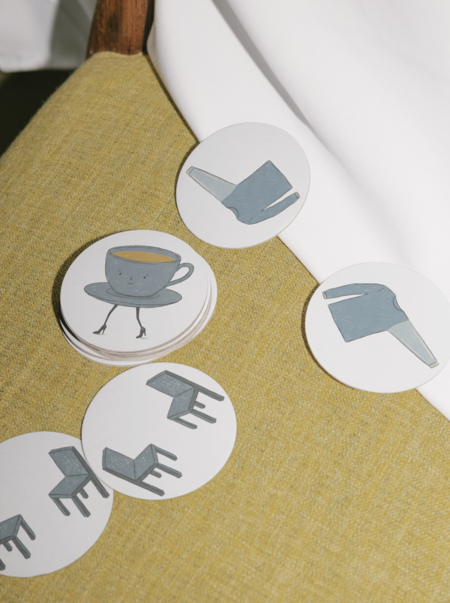
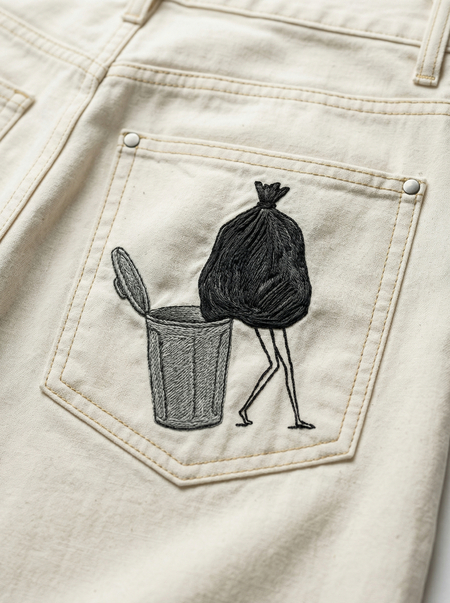
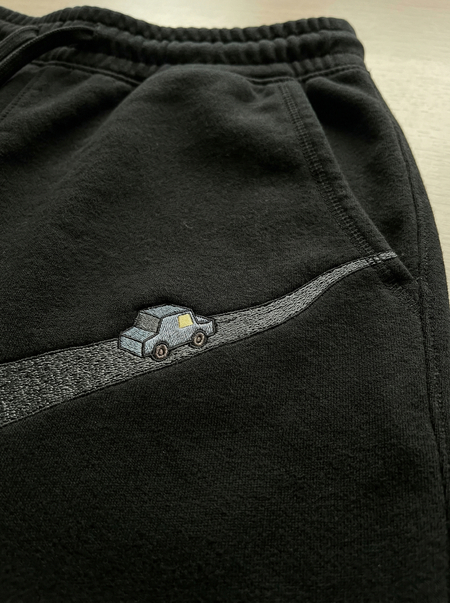
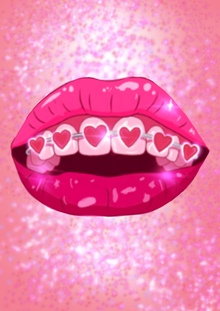
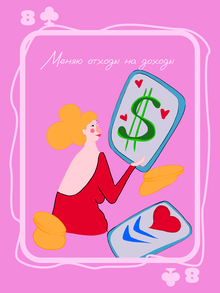
«Ничего страшного» — серия открыток о редких моментах цифрового и бытового облегчения, когда не происходит ничего плохого: не приходит лишнее сообщение, не зависает загрузка, не выскакивает капча, не заканчивается память.
Отсутствие проблемы = повод для праздника
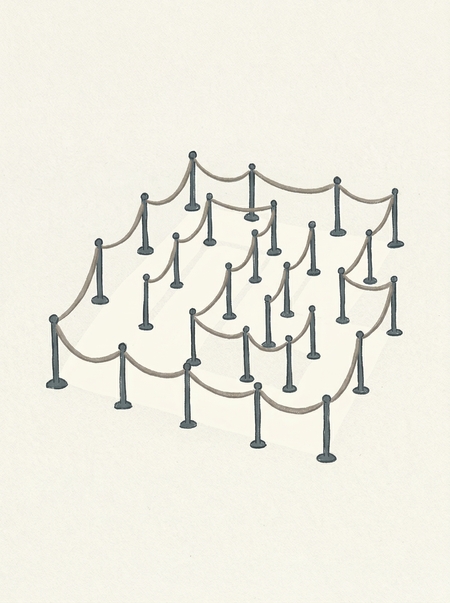
С днем доставки «оставить у двери» без звонка! / С днем тихих соседей!
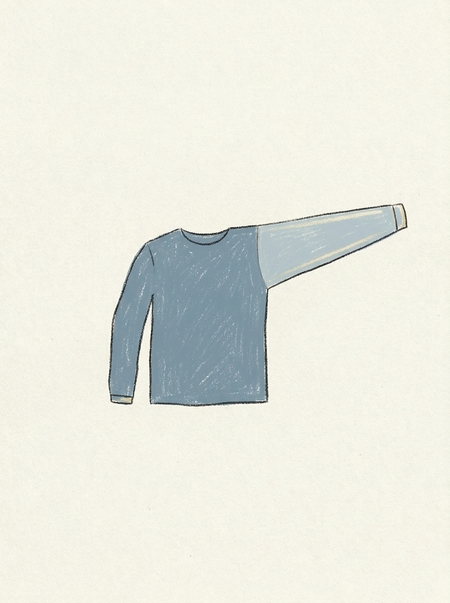
С днем волос, не попавших в молнию! / С днем идеально вывернутого рукава!
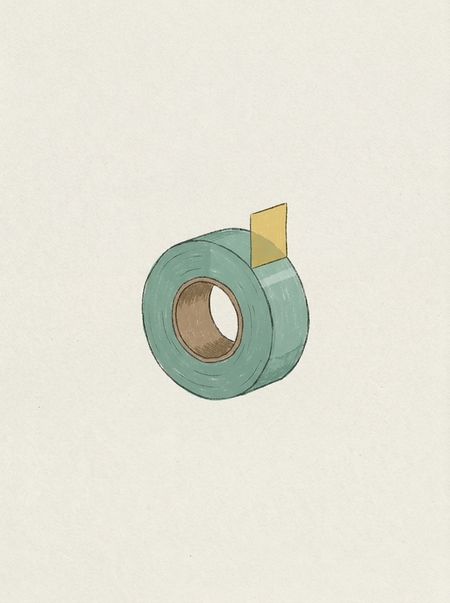
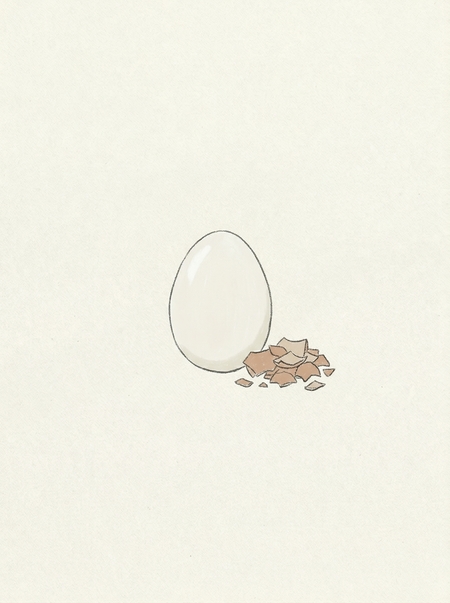
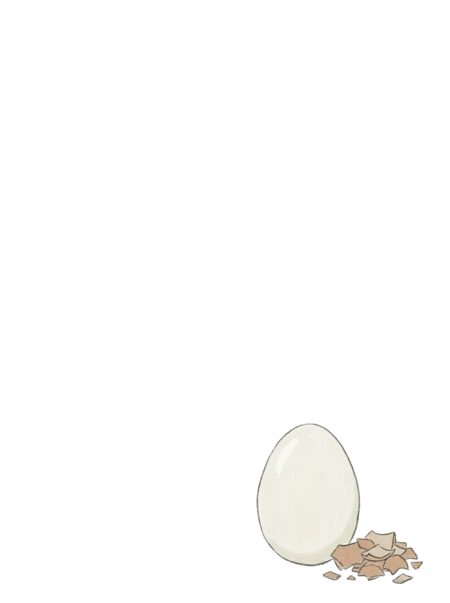
С днем, когда нашел край у скотча сразу! / С днем идеально очищенного яйца!
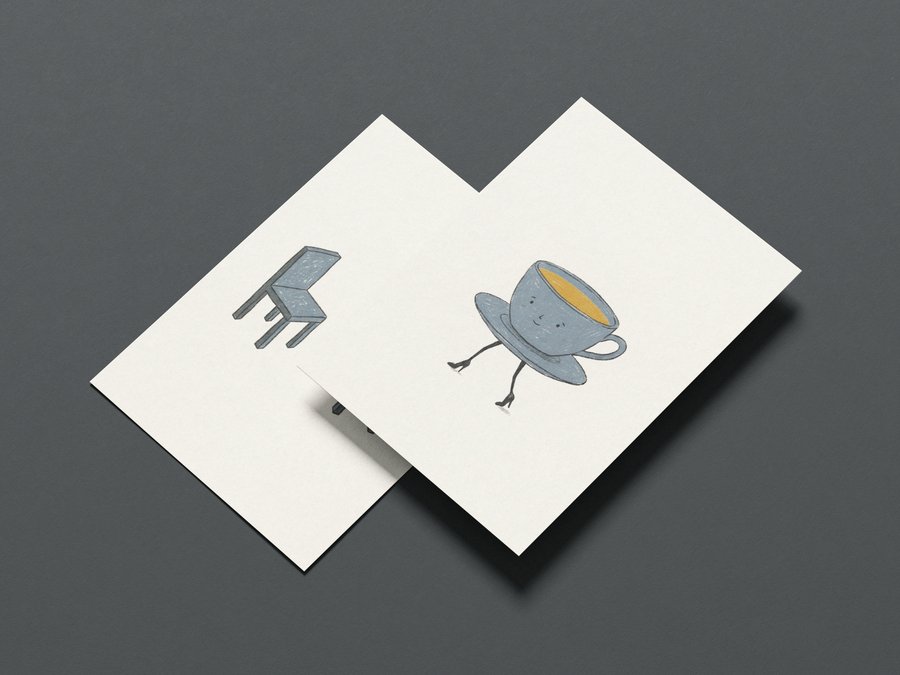
С днем без отмен! / С днем непролитой кружки!
С днем без включенной фронталки! / С днём нерассыпавшегося мусора!
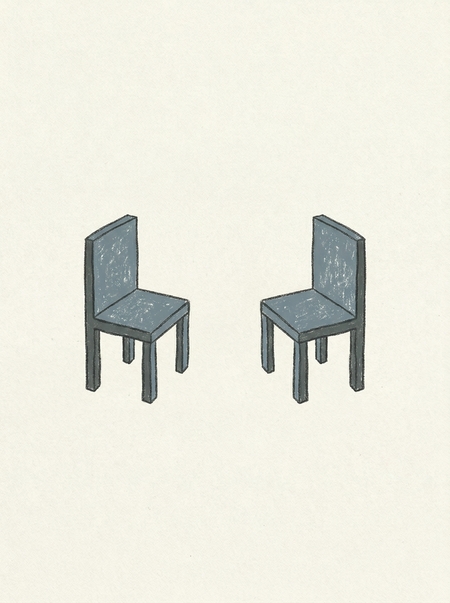
Алёна Балакир создала серию открыток, посвящённую редким моментам, когда ничего плохого не происходит в цифровой и бытовой жизни. Проект подчёркивает, что отсутствие проблем может быть поводом для праздника и радости.
Вероника Лялюева создала тексты, посвящённые перфомансу как форме самовыражения и протеста в искусстве. Проект включает в себя цитаты и размышления о роли движения, энергии и тела в футуристическом искусстве.
Мария Швыдкая создала проект «Звуковая волна», представляющий собой визуальную интерпретацию музыкальных жанров в виде колоды карт. Каждая масть в колоде отражает отдельный жанр через цвет, ритм и графические символы, включая рок, диско, джаз и хип-хоп.
Виктория Матвеева создала концепцию проекта «SNOW WHITE™» в формате текста. Проект представляет собой медиадворец, где главной валютой являются красота, образ и влияние.
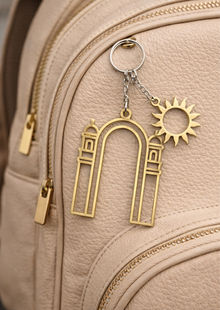
Ангелина Родина создала коллекцию из 9 брелков-силуэтов, связанных с легендами городов Золотого кольца. Каждый брелок сопровождается историей в брошюре, позволяя детям знакомиться с культурой России через игру.
We use cookies to improve the operation of the website and to enhance its usability. More detailed information on the use of cookies can be fo...
Show more
Press space bar to start a drag.
When dragging you can use the arrow keys to move the item around and escape to cancel.
Some screen readers may require you to be in focus mode or to use your pass through key
Press space bar to start a drag.
When dragging you can use the arrow keys to move the item around and escape to cancel.
Some screen readers may require you to be in focus mode or to use your pass through key
Press space bar to start a drag.
When dragging you can use the arrow keys to move the item around and escape to cancel.
Some screen readers may require you to be in focus mode or to use your pass through key
Press space bar to start a drag.
When dragging you can use the arrow keys to move the item around and escape to cancel.
Some screen readers may require you to be in focus mode or to use your pass through key
Press space bar to start a drag.
When dragging you can use the arrow keys to move the item around and escape to cancel.
Some screen readers may require you to be in focus mode or to use your pass through key
Press space bar to start a drag.
When dragging you can use the arrow keys to move the item around and escape to cancel.
Some screen readers may require you to be in focus mode or to use your pass through key
Press space bar to start a drag.
When dragging you can use the arrow keys to move the item around and escape to cancel.
Some screen readers may require you to be in focus mode or to use your pass through key
Press space bar to start a drag.
When dragging you can use the arrow keys to move the item around and escape to cancel.
Some screen readers may require you to be in focus mode or to use your pass through key
Press space bar to start a drag.
When dragging you can use the arrow keys to move the item around and escape to cancel.
Some screen readers may require you to be in focus mode or to use your pass through key