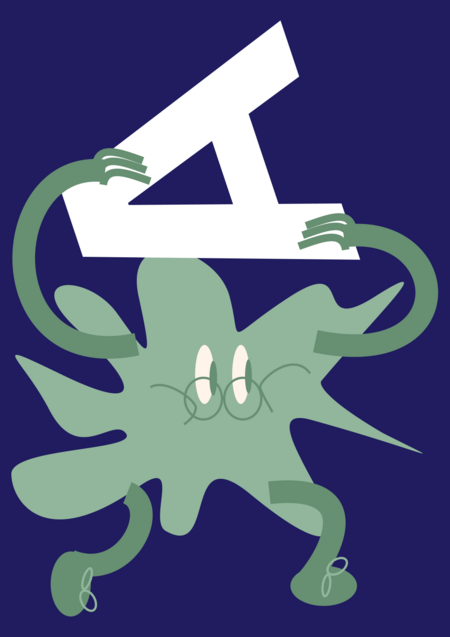
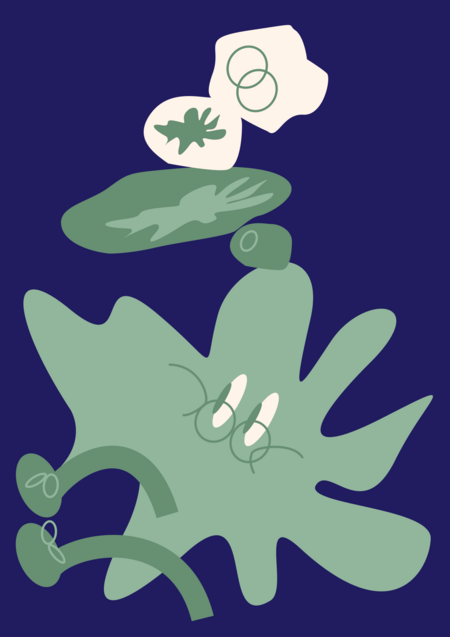
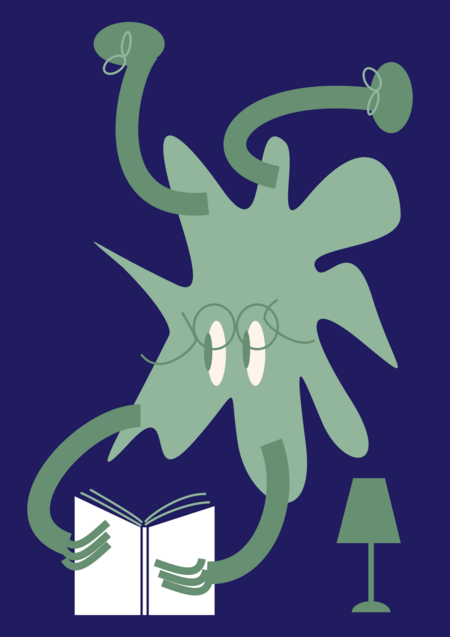
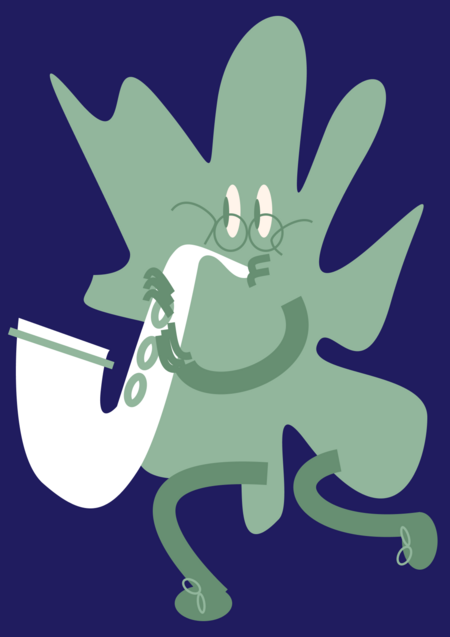
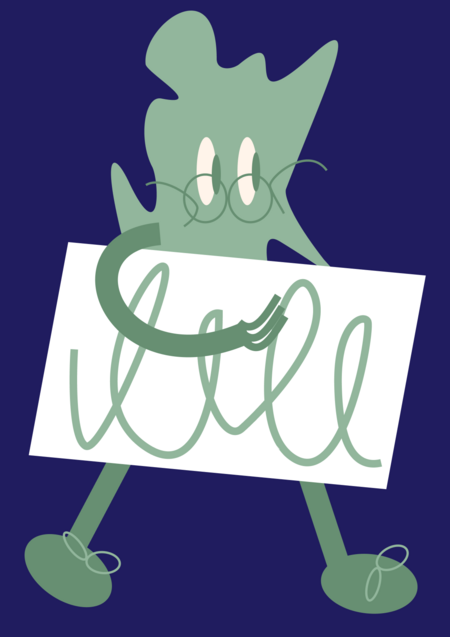
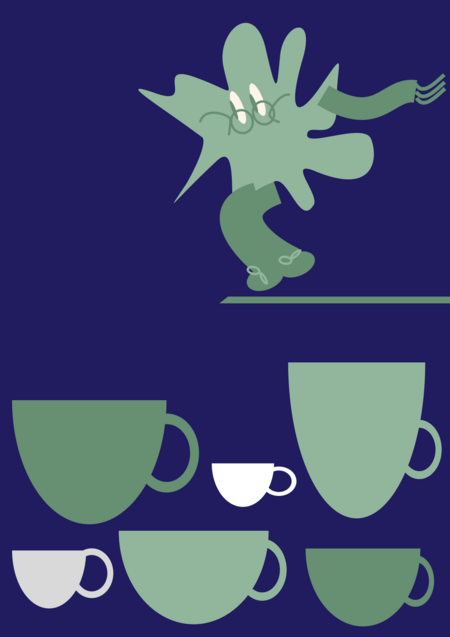
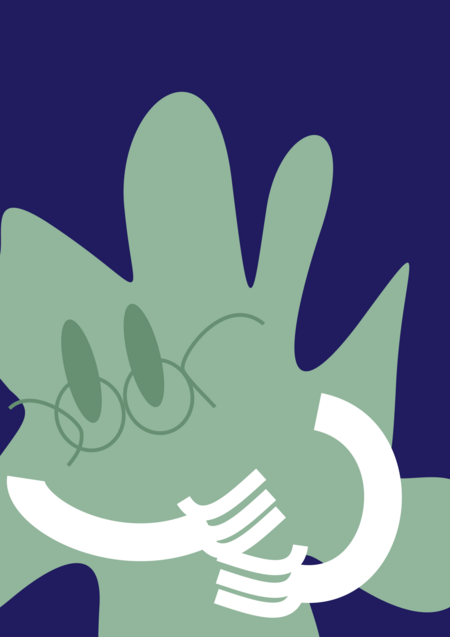
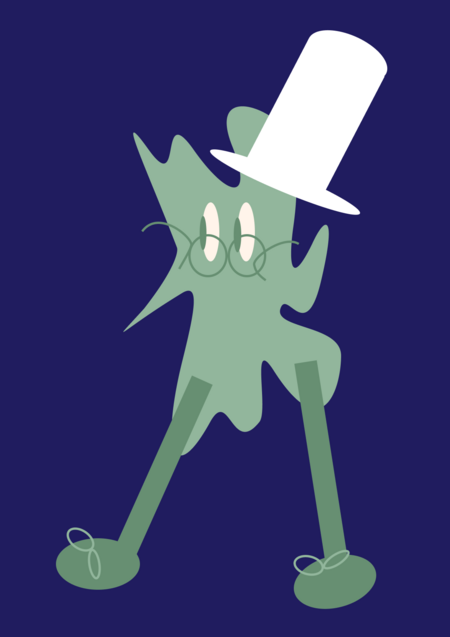
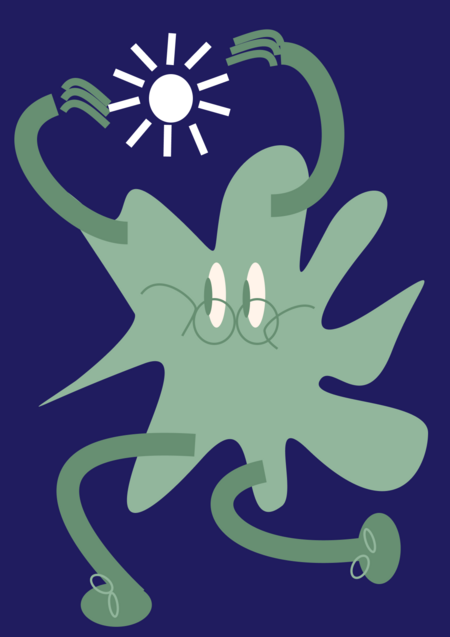
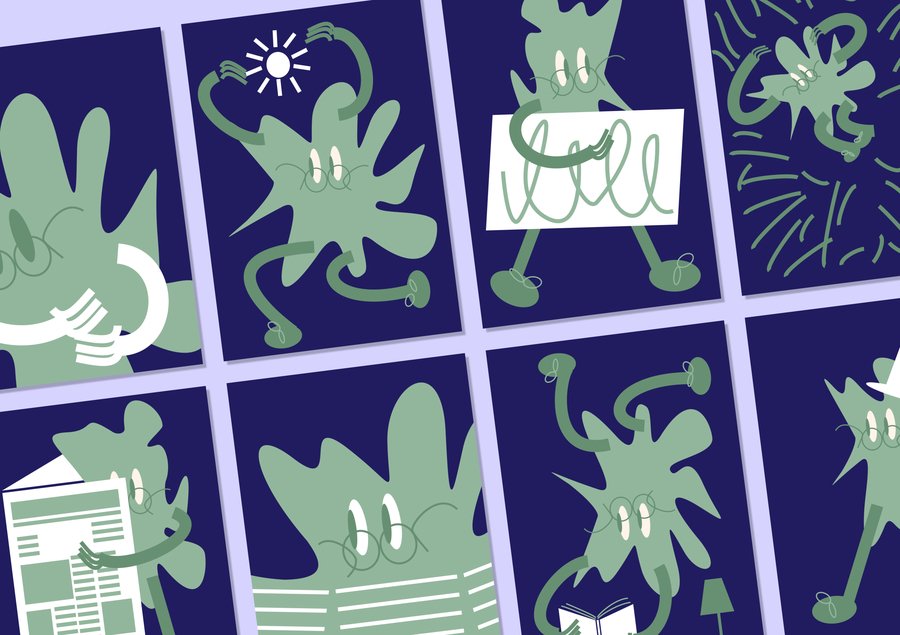
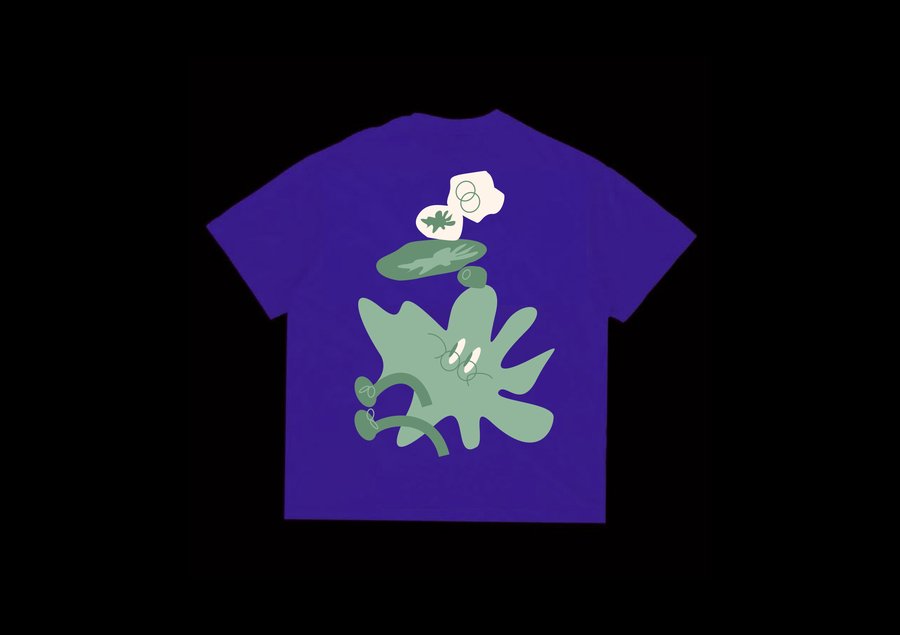
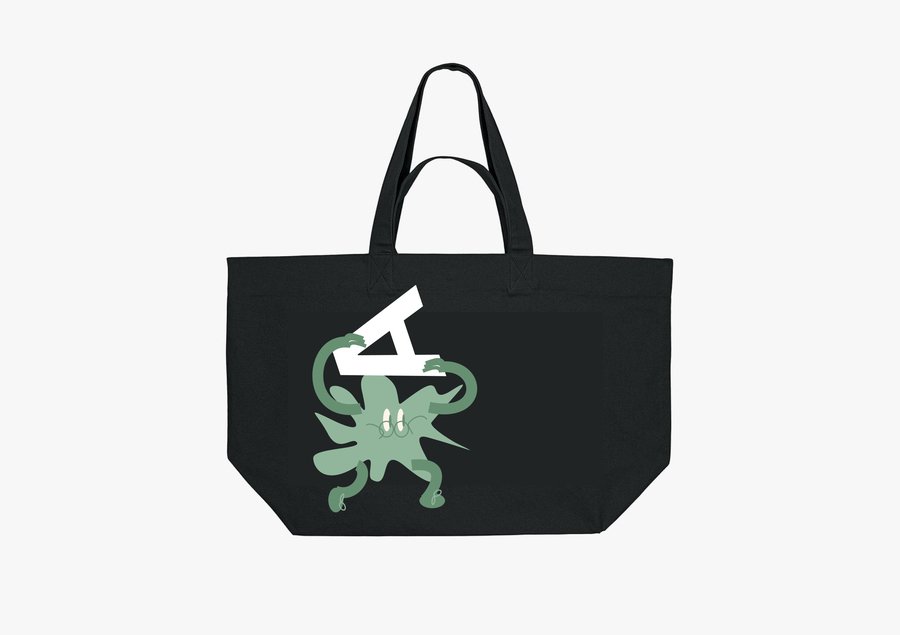
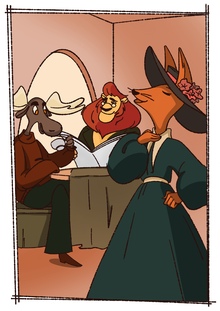
серия из 13 открыток для кофейни-лектория «Кшиштоф». каждая открытка относится к определенному празднику, связанному с мероприятиями, которые проводятся в кофейне
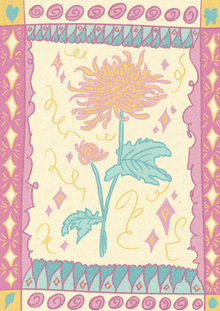
Наталья Мисюра создала серию иллюстраций открыток для цветочного магазина. Каждая открытка посвящена празднику определённого цветка и выполнена в стиле рисунков ребёнка с использованием шума и текстуры бумаги.
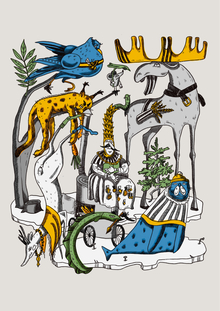
Елизавета Даниленко создала серию иллюстраций и буквиц для азбуки с животными. Каждая буква сопровождается короткими текстами, раскрывающими интересные факты о животных.
Автор создала серию иллюстраций и буквиц для азбуки с животными и героями, отсылающими к ироничному средневековью. Проект включает тексты с фактами о животных, связанными с буквами Ж, Р и мягким знаком.
We use cookies to improve the operation of the website and to enhance its usability. More detailed information on the use of cookies can be fo...
Show more
Press space bar to start a drag.
When dragging you can use the arrow keys to move the item around and escape to cancel.
Some screen readers may require you to be in focus mode or to use your pass through key
Press space bar to start a drag.
When dragging you can use the arrow keys to move the item around and escape to cancel.
Some screen readers may require you to be in focus mode or to use your pass through key
Press space bar to start a drag.
When dragging you can use the arrow keys to move the item around and escape to cancel.
Some screen readers may require you to be in focus mode or to use your pass through key
Press space bar to start a drag.
When dragging you can use the arrow keys to move the item around and escape to cancel.
Some screen readers may require you to be in focus mode or to use your pass through key
Press space bar to start a drag.
When dragging you can use the arrow keys to move the item around and escape to cancel.
Some screen readers may require you to be in focus mode or to use your pass through key
Press space bar to start a drag.
When dragging you can use the arrow keys to move the item around and escape to cancel.
Some screen readers may require you to be in focus mode or to use your pass through key
Press space bar to start a drag.
When dragging you can use the arrow keys to move the item around and escape to cancel.
Some screen readers may require you to be in focus mode or to use your pass through key