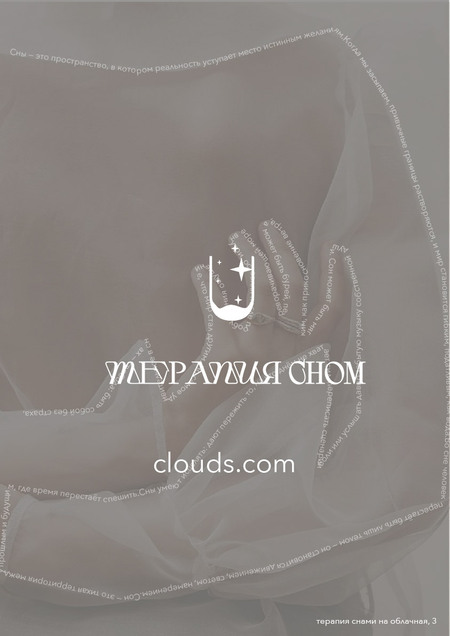
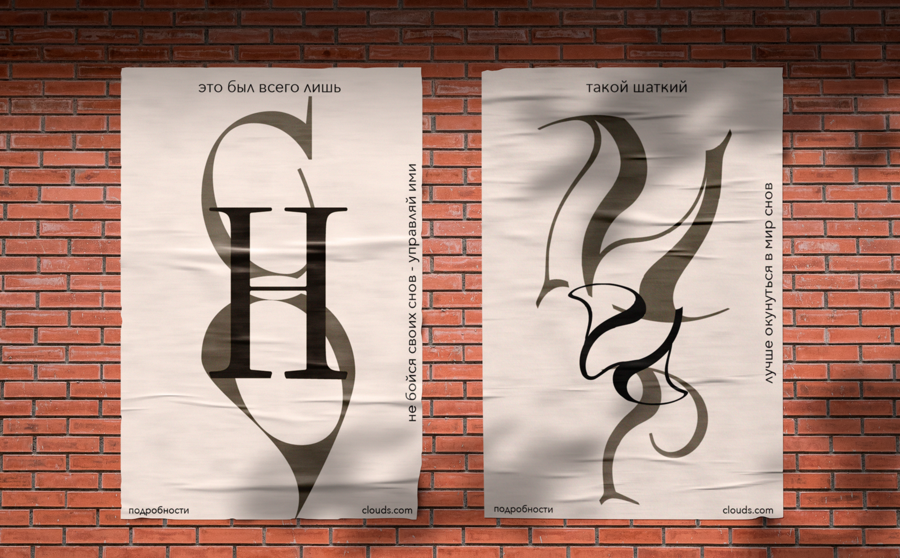
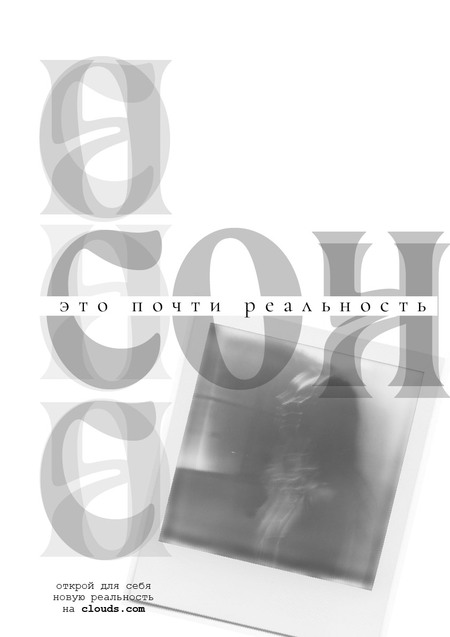
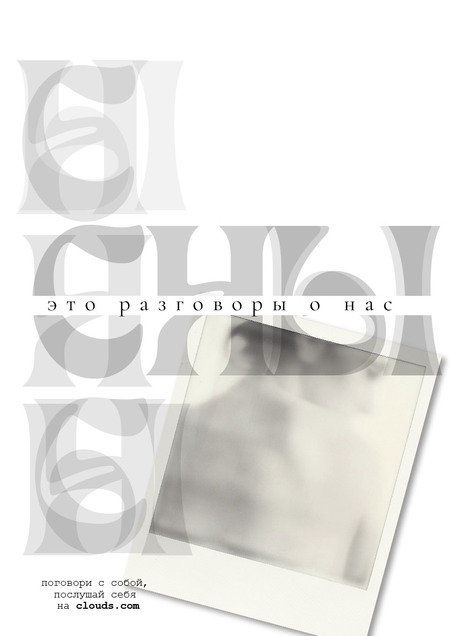
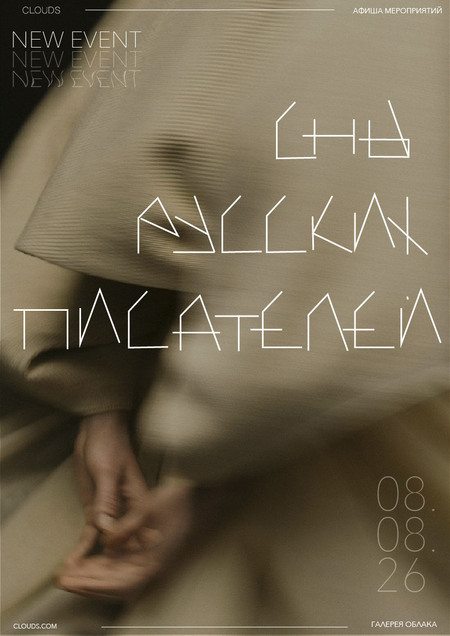
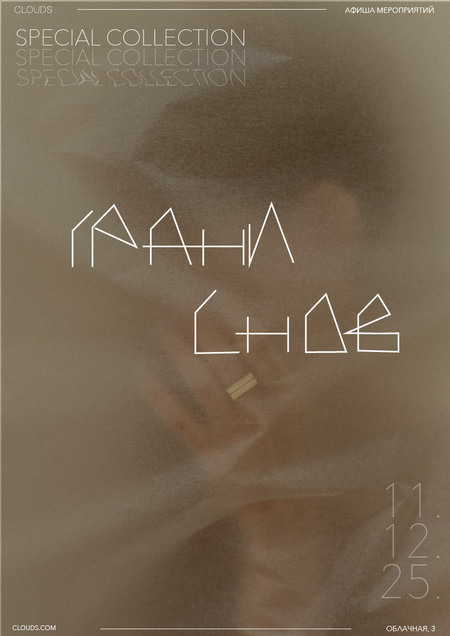
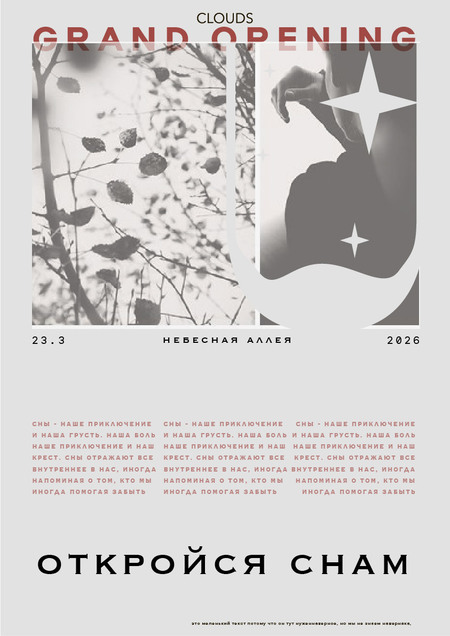
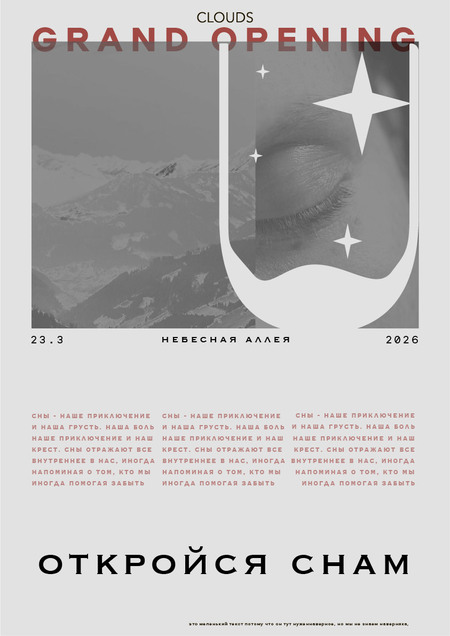
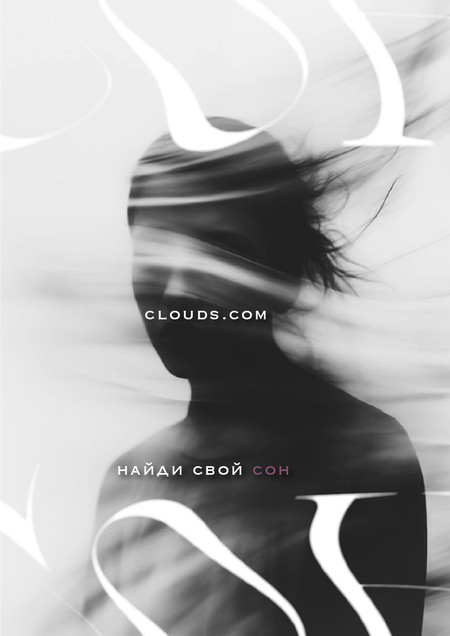
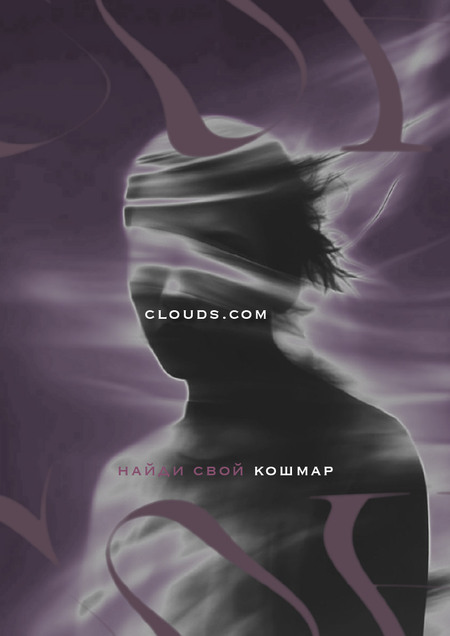
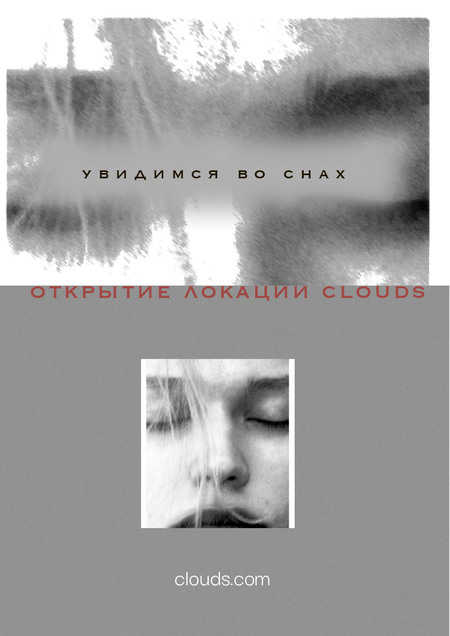
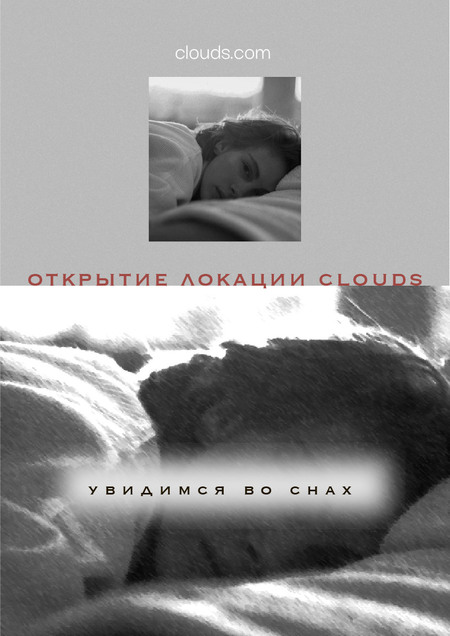
CLOUDS — это уникальное пространство, где сны становятся осязаемыми.
Особая магия CLOUDS — в возможности создавать сны самостоятельно.
Вы можете выбрать сюжет, атмосферу, эмоции и даже пригласить в свой сон близких людей.
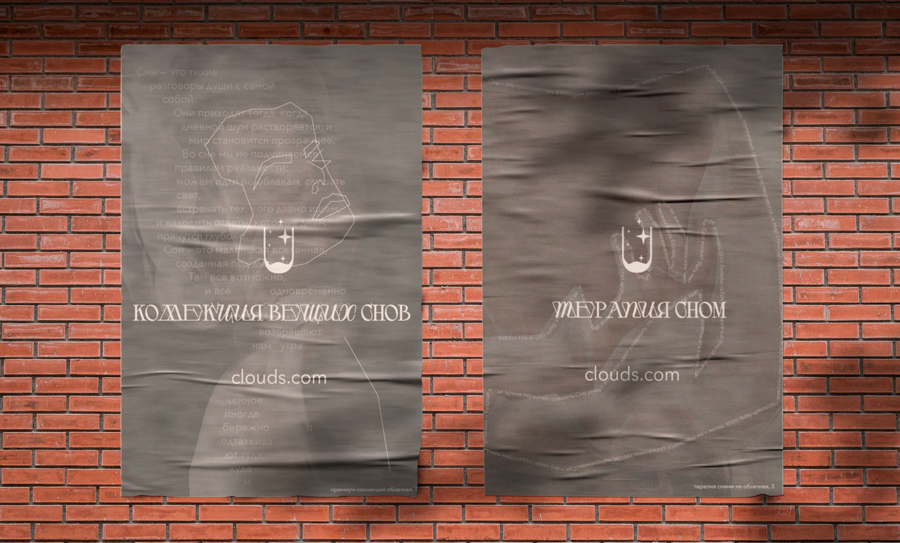
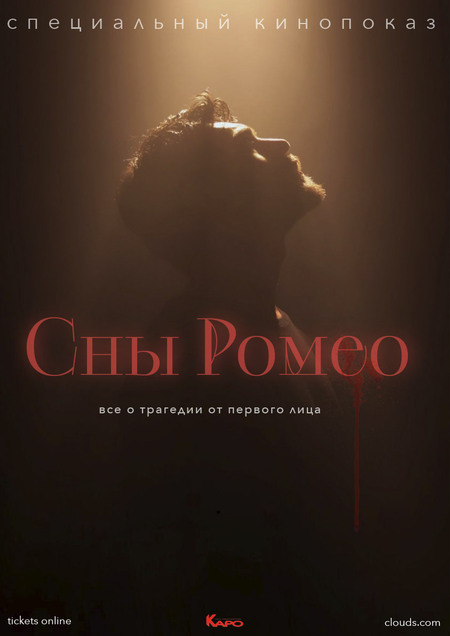
Clouds — это целое предприятие по производству снов. Оно ведет свою деятельность много лет, при этом является и спонсором многих мероприятий, и анонсирует свои пространства, а также помогает снимать кино.
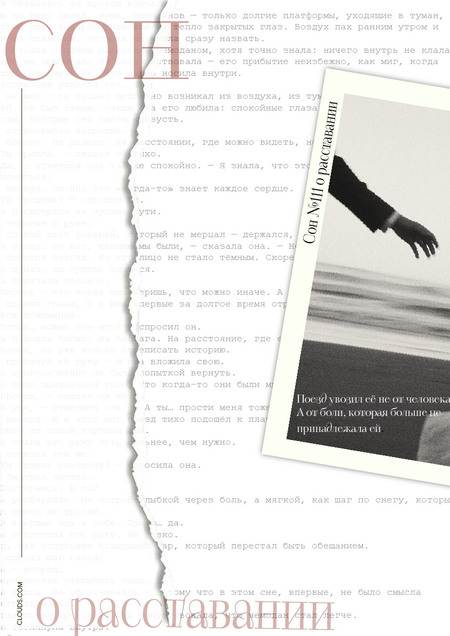
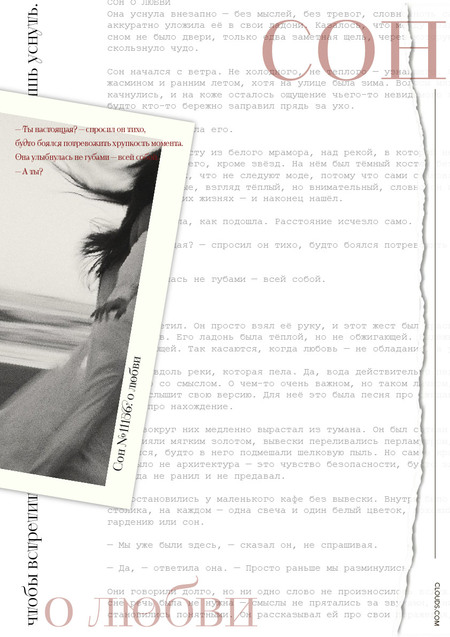
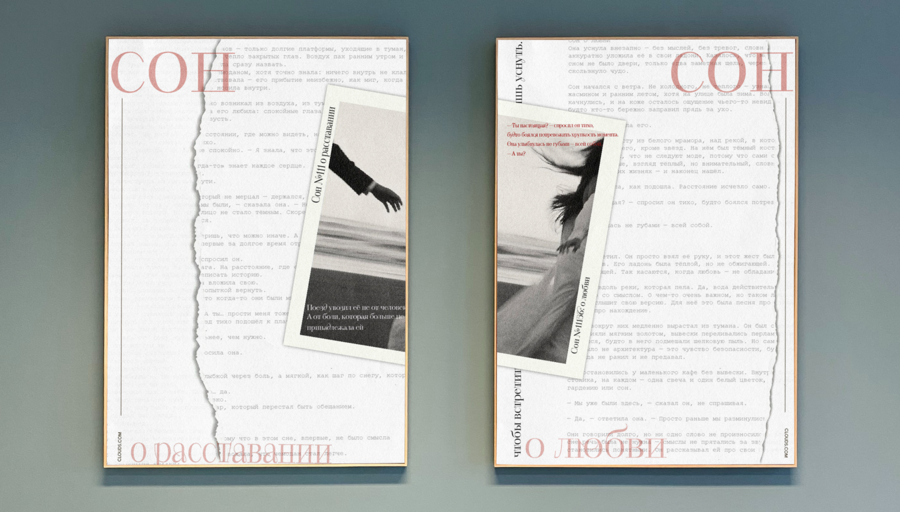
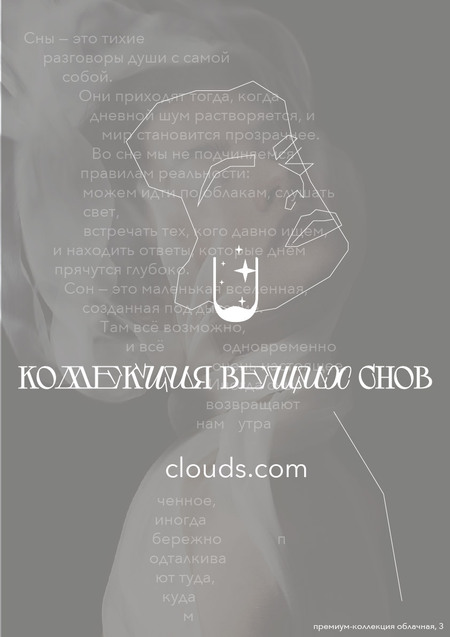
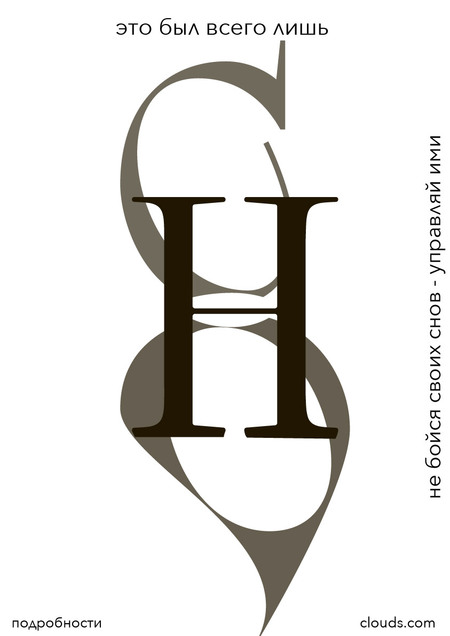
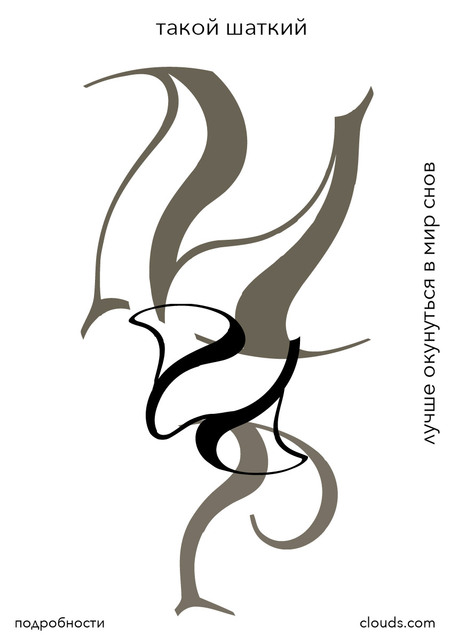
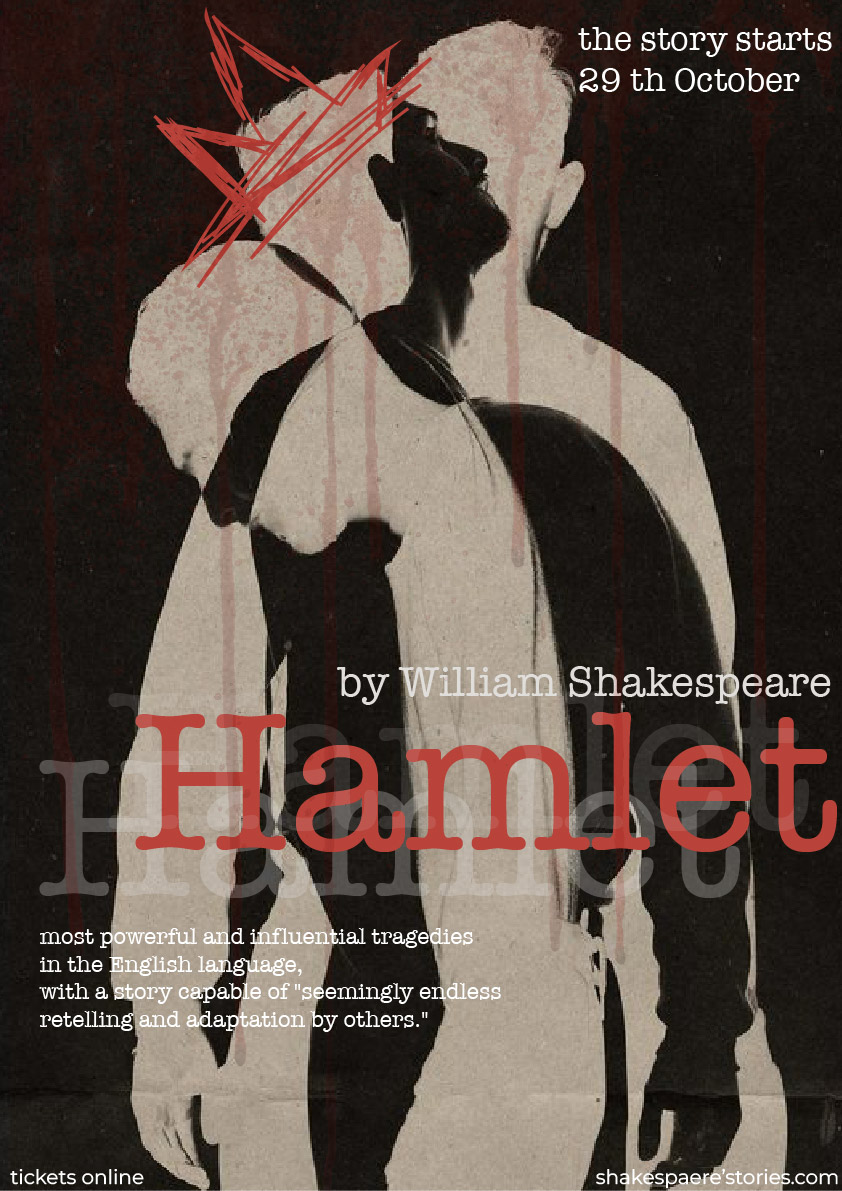
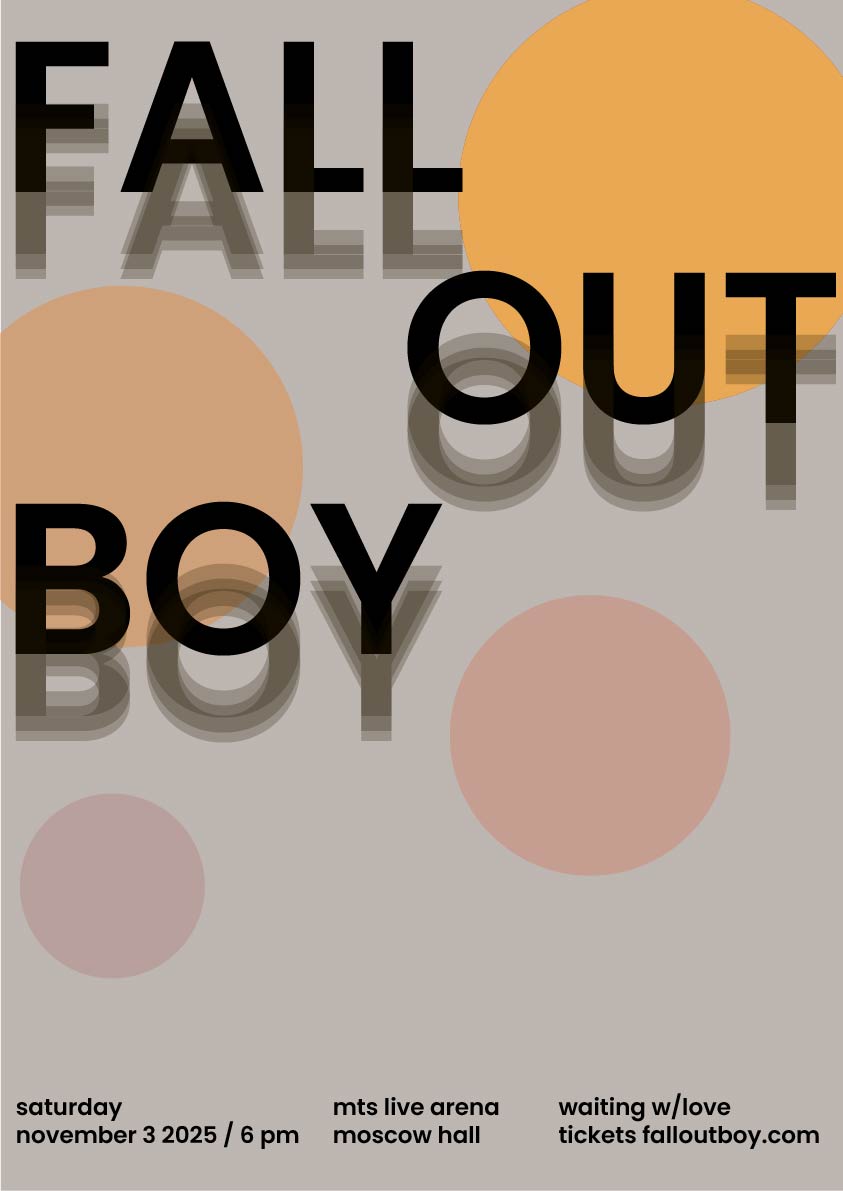
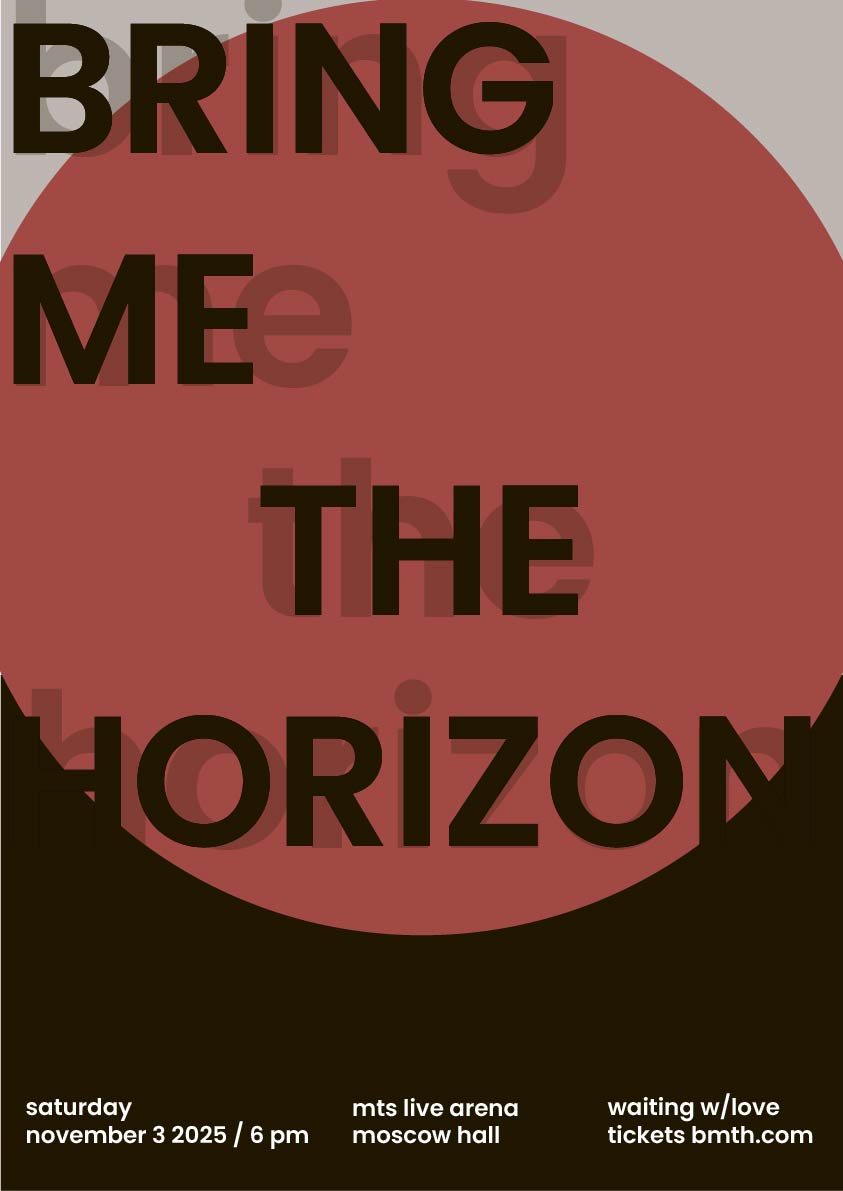
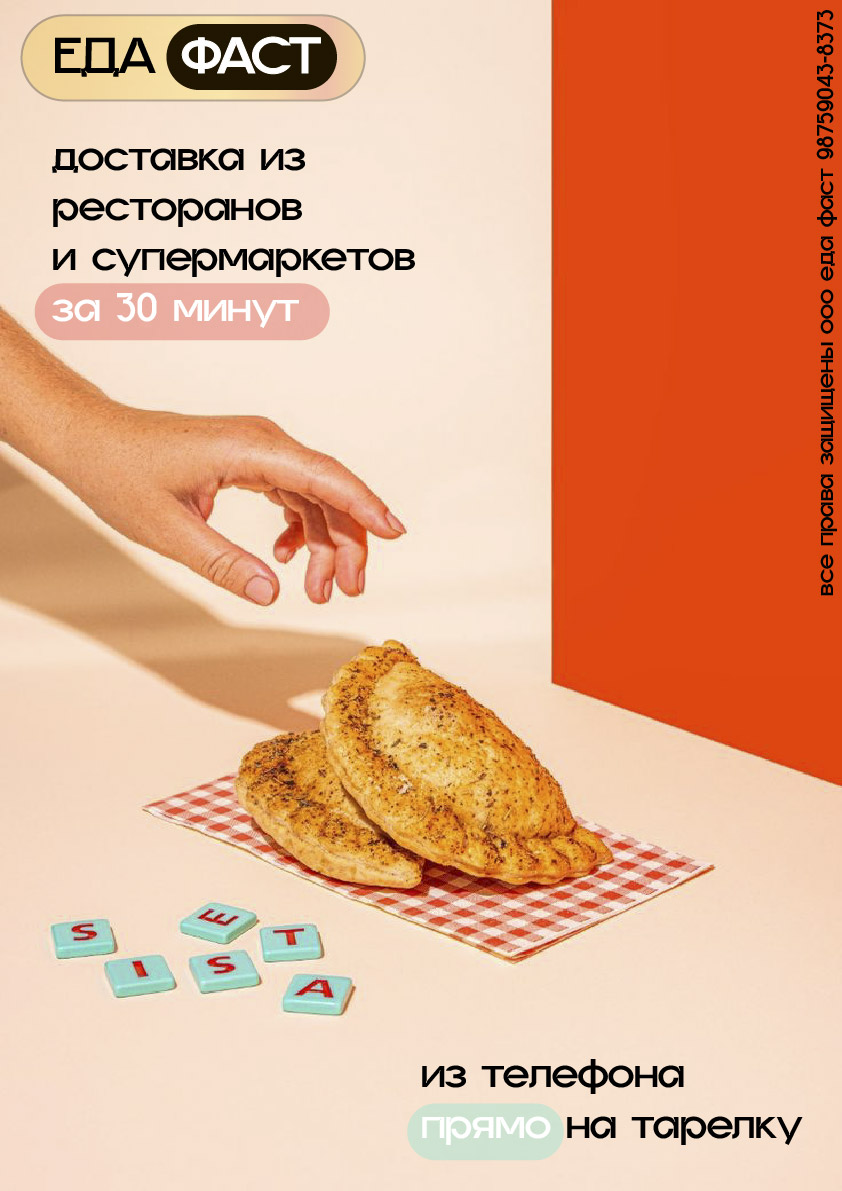
Оно совсем не является монополистом, на рынке присутствует еще несколько крупных предприятий, которые производят сны, в условиях конкуренции рекламные материалы, в частности — плакаты — помогают Clouds оставаться узнаваемыми.
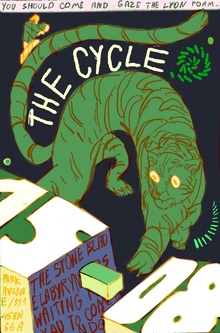
Ануш Гургенян создала серию плакатов, вдохновлённых концепцией парка лабиринтов как места для медитации и самопознания. Проект включает в себя эксперименты с векторной графикой, анимацией и реальными материалами, отражающими тему путей и пересечений.
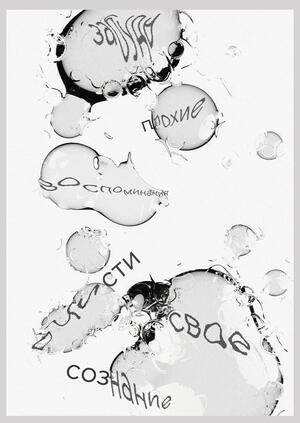
Мария Геращенко создала водный парк «NEURON», который предлагает посетителям уникальный опыт погружения в собственные воспоминания. Проект включает в себя текст, описывающий аквапарк как место, где гости могут пережить яркие моменты своей жизни и зарядиться положительными эмоциями.
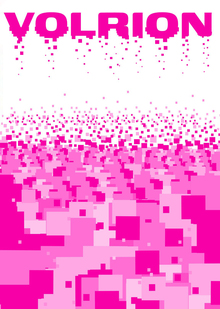
Полина Климова создала плакаты для бренда VOLRION, представляющего собой универсальный переводчик для связи с другими мирами. Проект включает серию визуальных материалов, которые визуализируют гипотетические системы общения с иными цивилизациями через волны знаков и нейронов.
Полина Кулик создала серию рекламных плакатов для бренда Pink Vision, представляющего розовые очки, которые погружают в розовый мир. Проект включает шесть серий постеров, две из которых посвящены новогодним праздникам.
We use cookies to improve the operation of the website and to enhance its usability. More detailed information on the use of cookies can be fo...
Show more
Press space bar to start a drag.
When dragging you can use the arrow keys to move the item around and escape to cancel.
Some screen readers may require you to be in focus mode or to use your pass through key
Press space bar to start a drag.
When dragging you can use the arrow keys to move the item around and escape to cancel.
Some screen readers may require you to be in focus mode or to use your pass through key
Press space bar to start a drag.
When dragging you can use the arrow keys to move the item around and escape to cancel.
Some screen readers may require you to be in focus mode or to use your pass through key
Press space bar to start a drag.
When dragging you can use the arrow keys to move the item around and escape to cancel.
Some screen readers may require you to be in focus mode or to use your pass through key
Press space bar to start a drag.
When dragging you can use the arrow keys to move the item around and escape to cancel.
Some screen readers may require you to be in focus mode or to use your pass through key
Press space bar to start a drag.
When dragging you can use the arrow keys to move the item around and escape to cancel.
Some screen readers may require you to be in focus mode or to use your pass through key
Press space bar to start a drag.
When dragging you can use the arrow keys to move the item around and escape to cancel.
Some screen readers may require you to be in focus mode or to use your pass through key
Press space bar to start a drag.
When dragging you can use the arrow keys to move the item around and escape to cancel.
Some screen readers may require you to be in focus mode or to use your pass through key
Press space bar to start a drag.
When dragging you can use the arrow keys to move the item around and escape to cancel.
Some screen readers may require you to be in focus mode or to use your pass through key