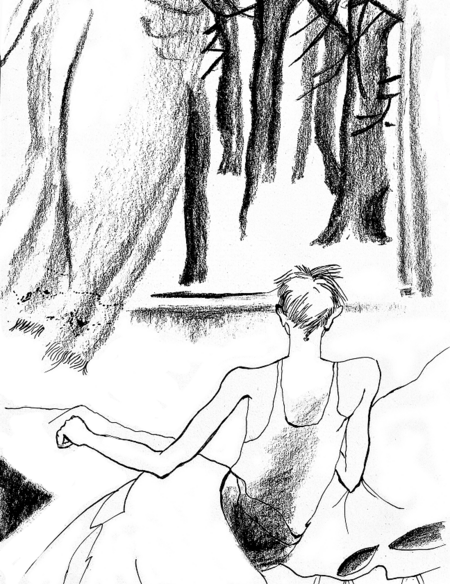
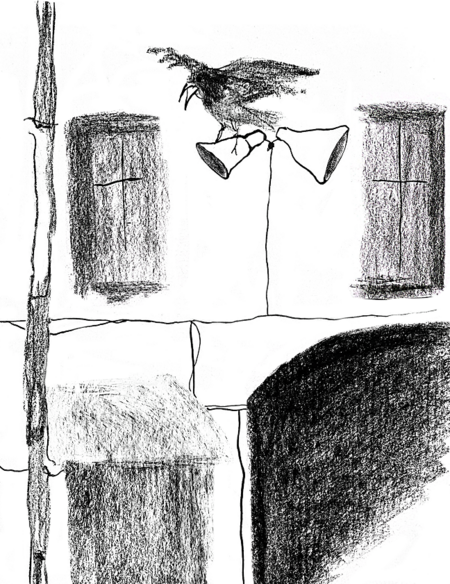
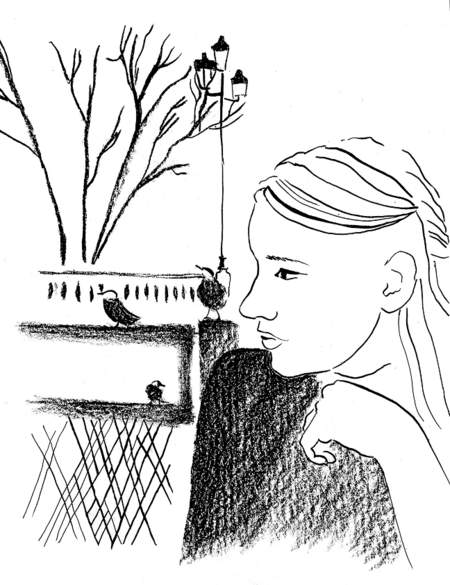
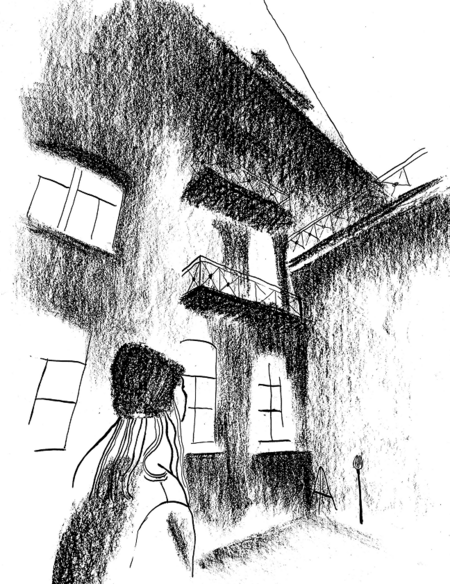
Проект состоит из двух частей: Иллюстрации
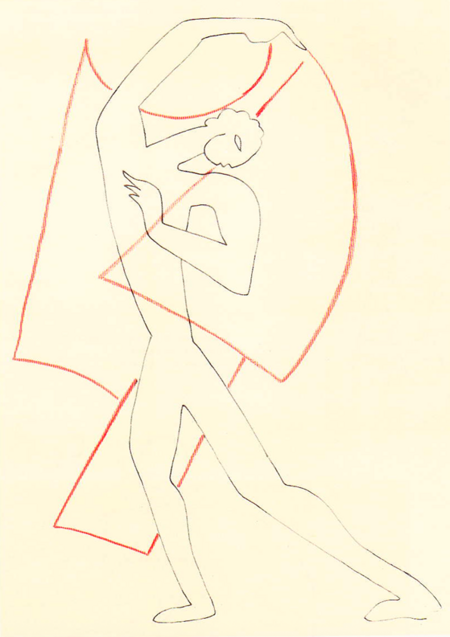
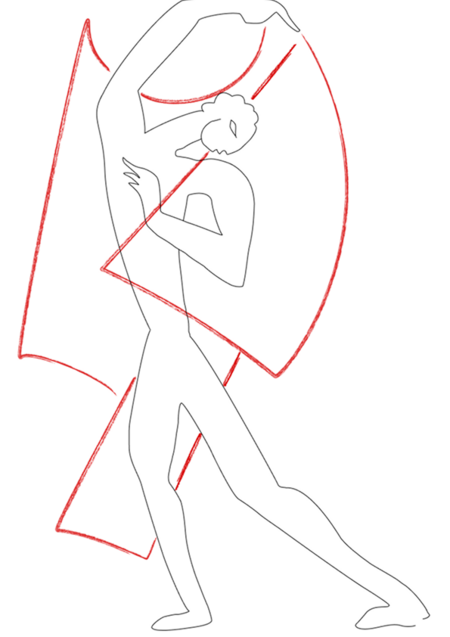
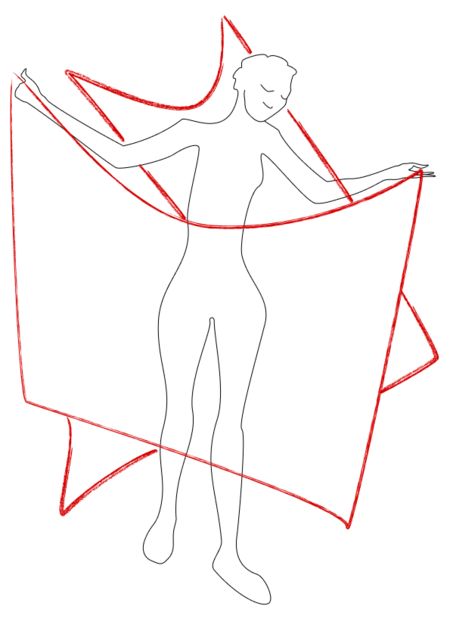
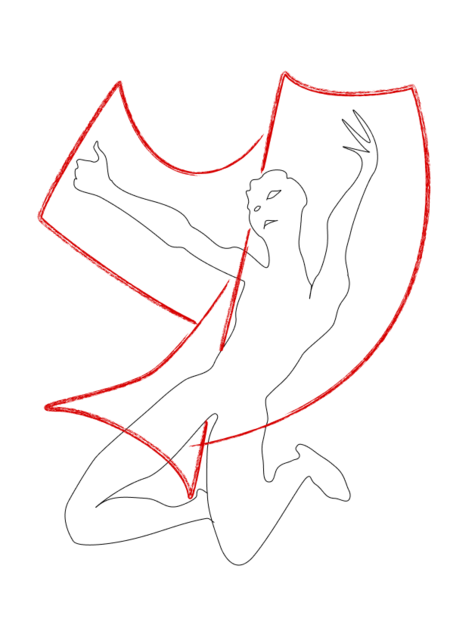
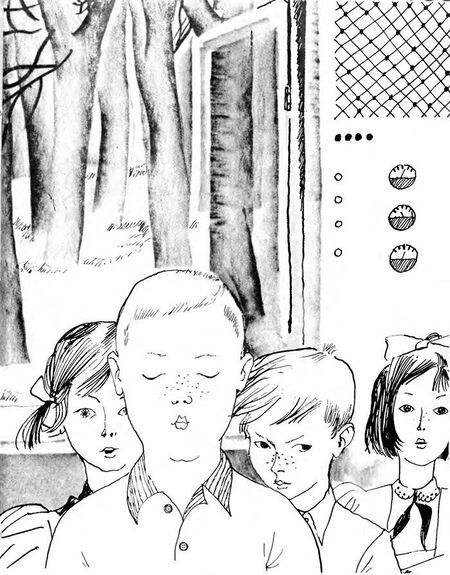
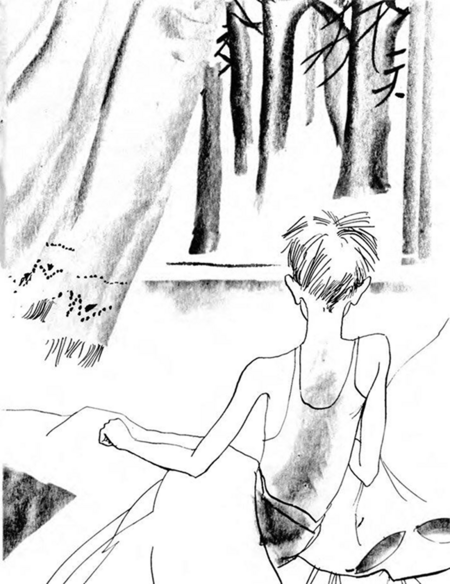
для музея технологий Императорского фарфорового завода и визуальное исследование
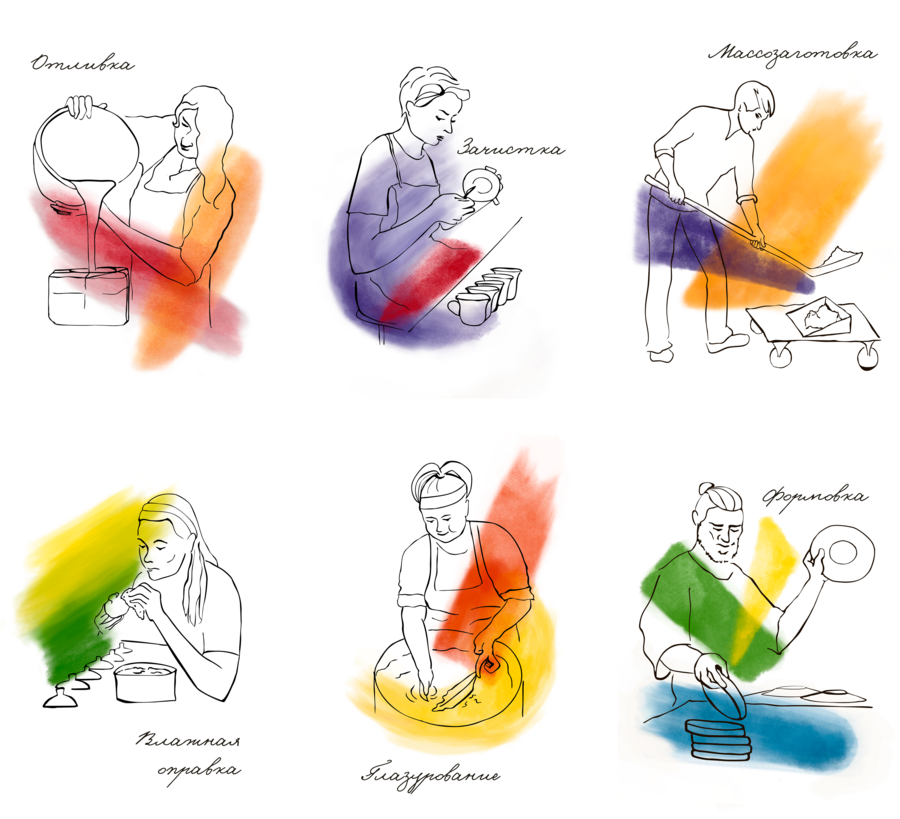
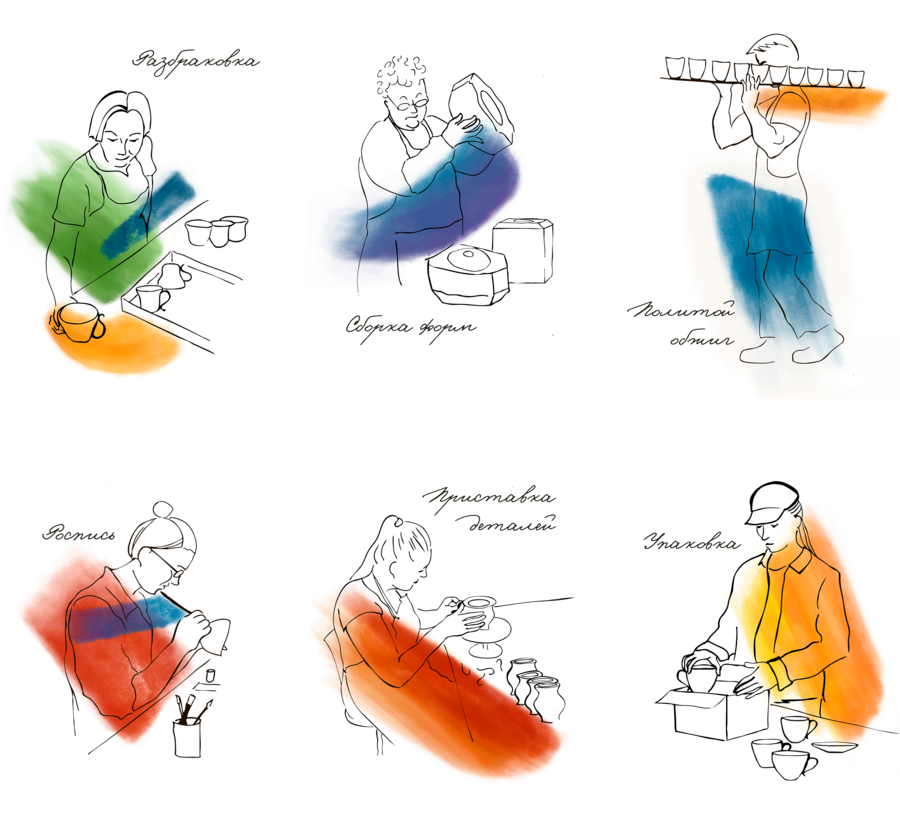
Императорский фарфоровый завод — это старейшее производство полного цикла. Благодаря кропотливому труду и мастерству скульпторов, формовщиков, отливщиков, обжигальщиков, художников и живописцев из смеси минералов рождаются изящные легкие изделия. Большинство технологических операций от массозаготовки до росписи выполняется вручную.
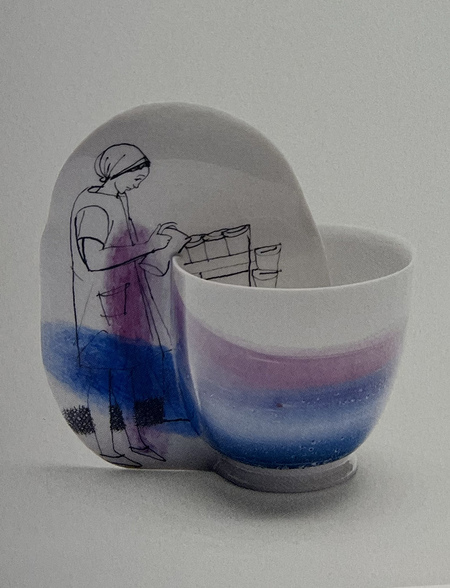
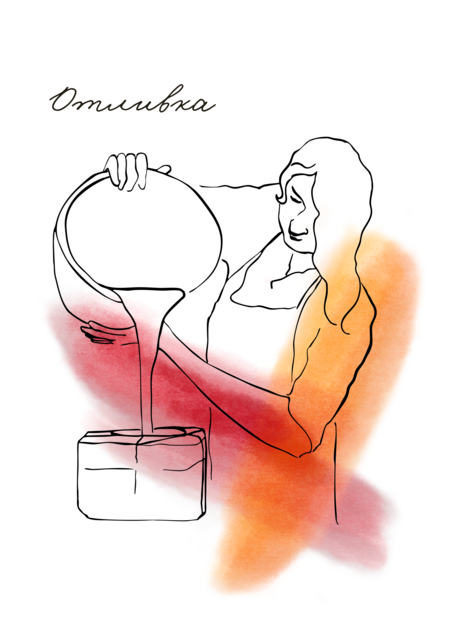
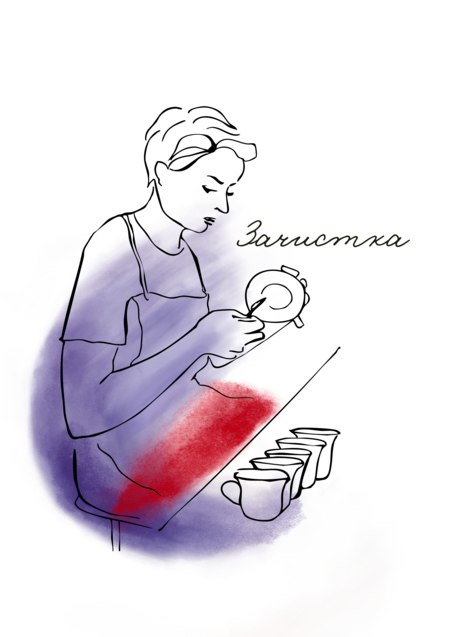
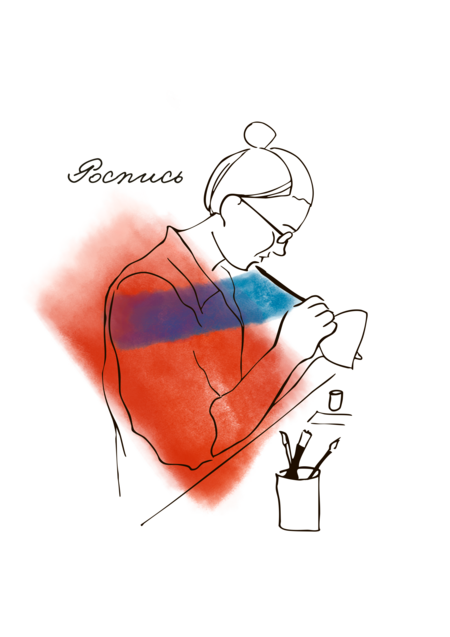
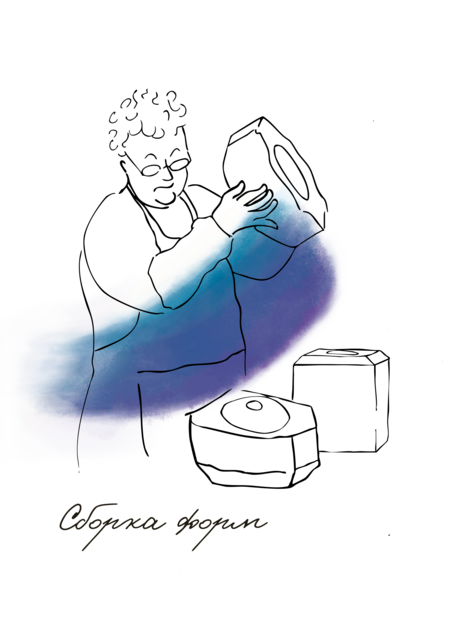
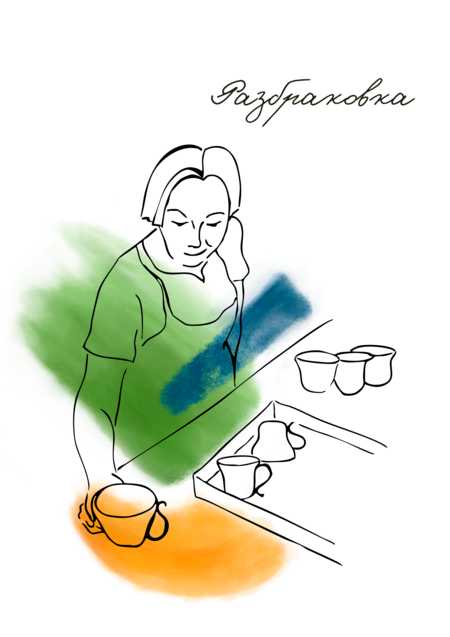
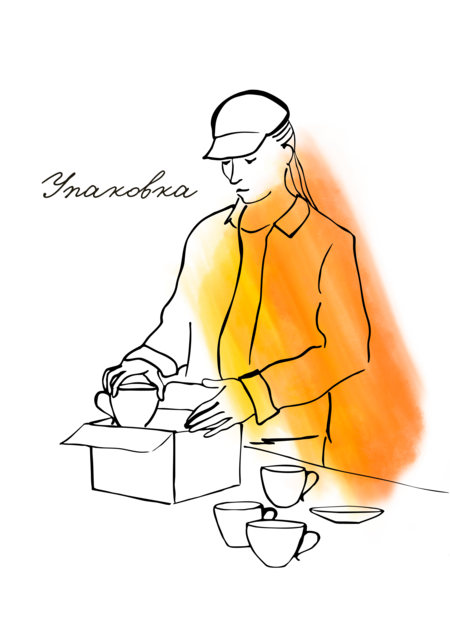
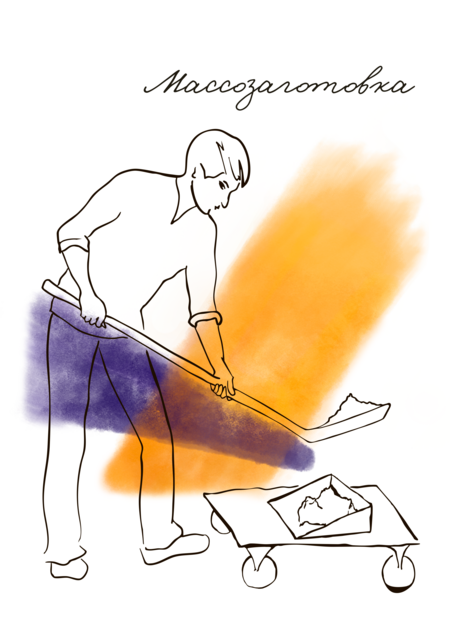
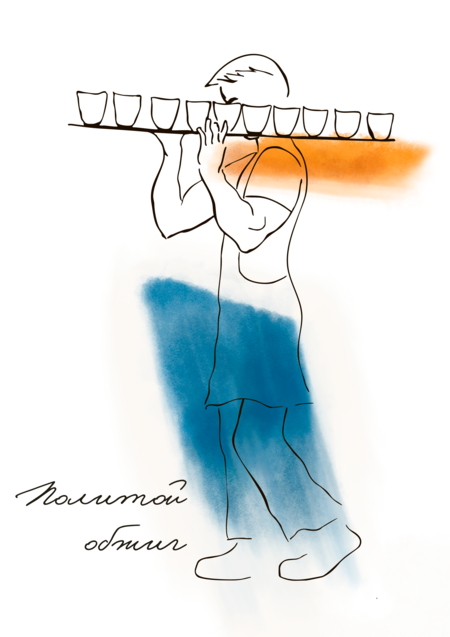
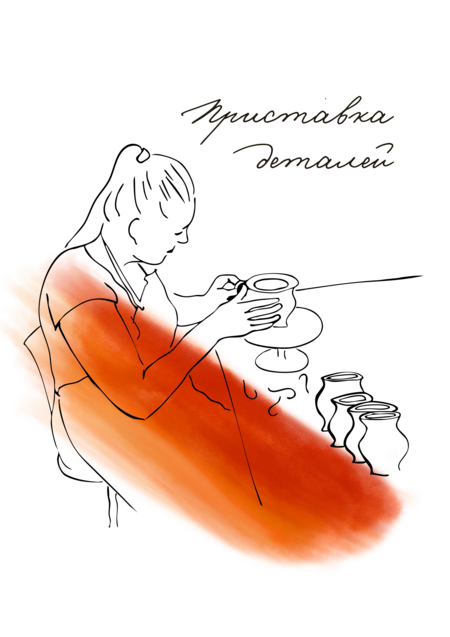
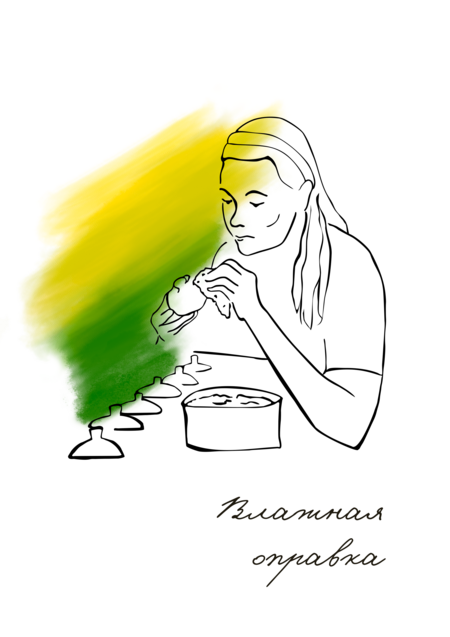
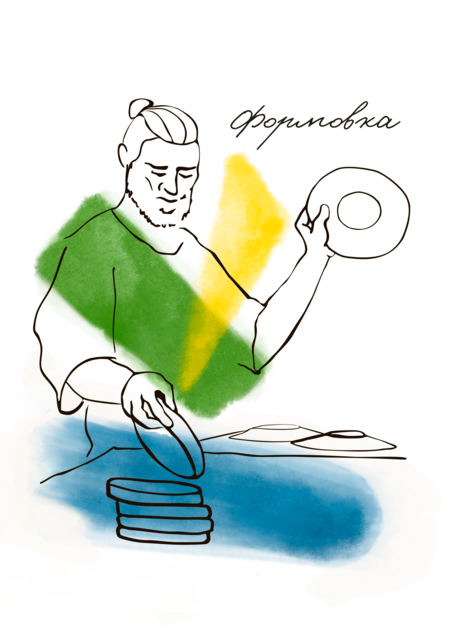
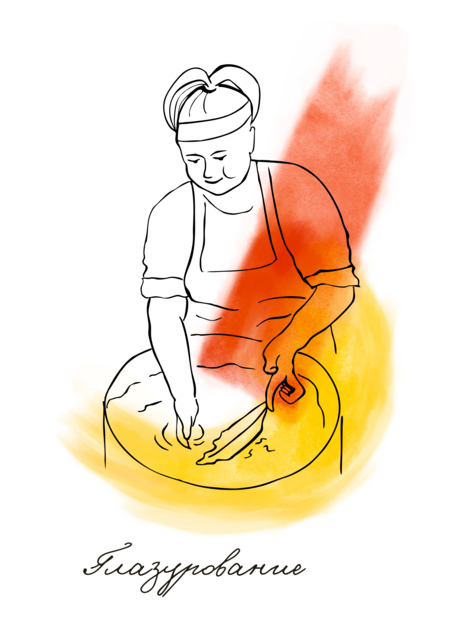
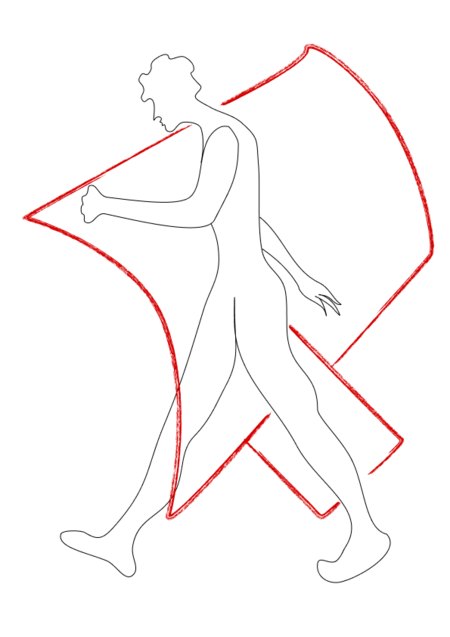
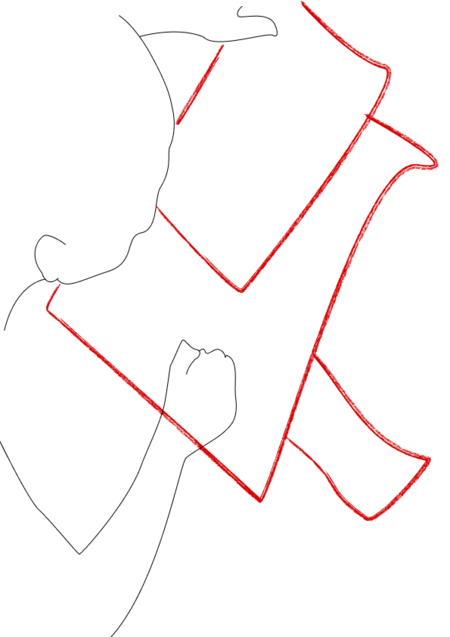
Иллюстрации для музея технологий ИФЗ поясняют профессиональные термины фарфорового производства в образах рабочих завода, каждый из которых по-своему прикладывает руку к изделию. Отдельные иллюстрации этапов изготовления фарфора складываются в общее панно для экспозиции и могут использоваться отдельно на разных носителях для сувенирной продукции музея. Серия отсылает к работам одного из художников ИФЗ Сергея Русакова, изобразившего профессии завода на фарфоре.
Мы используем файлы cookies для улучшения работы сайта и большего удобства его использования. Более подробную информац...
Показать больше
Press space bar to start a drag.
When dragging you can use the arrow keys to move the item around and escape to cancel.
Some screen readers may require you to be in focus mode or to use your pass through key
Press space bar to start a drag.
When dragging you can use the arrow keys to move the item around and escape to cancel.
Some screen readers may require you to be in focus mode or to use your pass through key
Press space bar to start a drag.
When dragging you can use the arrow keys to move the item around and escape to cancel.
Some screen readers may require you to be in focus mode or to use your pass through key
Press space bar to start a drag.
When dragging you can use the arrow keys to move the item around and escape to cancel.
Some screen readers may require you to be in focus mode or to use your pass through key
Press space bar to start a drag.
When dragging you can use the arrow keys to move the item around and escape to cancel.
Some screen readers may require you to be in focus mode or to use your pass through key
Press space bar to start a drag.
When dragging you can use the arrow keys to move the item around and escape to cancel.
Some screen readers may require you to be in focus mode or to use your pass through key
Press space bar to start a drag.
When dragging you can use the arrow keys to move the item around and escape to cancel.
Some screen readers may require you to be in focus mode or to use your pass through key
Press space bar to start a drag.
When dragging you can use the arrow keys to move the item around and escape to cancel.
Some screen readers may require you to be in focus mode or to use your pass through key
Press space bar to start a drag.
When dragging you can use the arrow keys to move the item around and escape to cancel.
Some screen readers may require you to be in focus mode or to use your pass through key
Press space bar to start a drag.
When dragging you can use the arrow keys to move the item around and escape to cancel.
Some screen readers may require you to be in focus mode or to use your pass through key
Press space bar to start a drag.
When dragging you can use the arrow keys to move the item around and escape to cancel.
Some screen readers may require you to be in focus mode or to use your pass through key
Press space bar to start a drag.
When dragging you can use the arrow keys to move the item around and escape to cancel.
Some screen readers may require you to be in focus mode or to use your pass through key