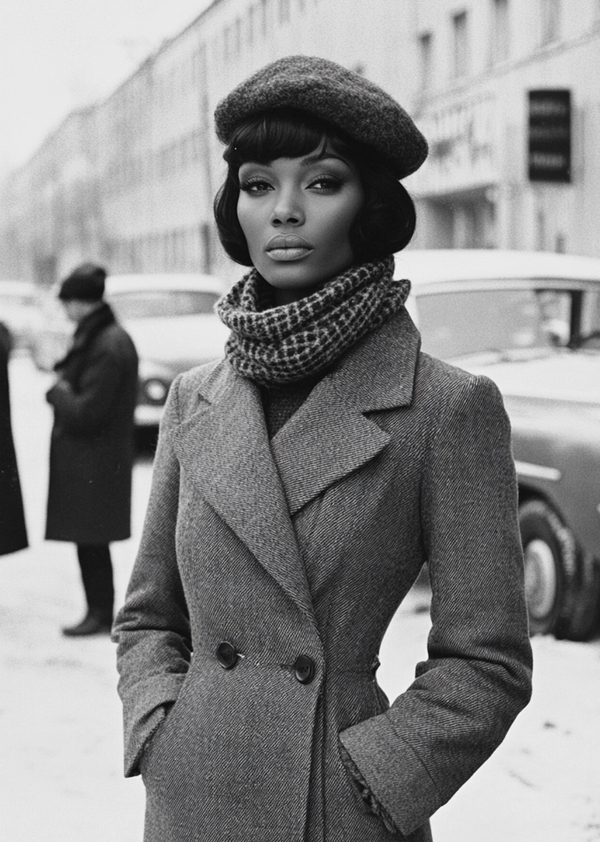
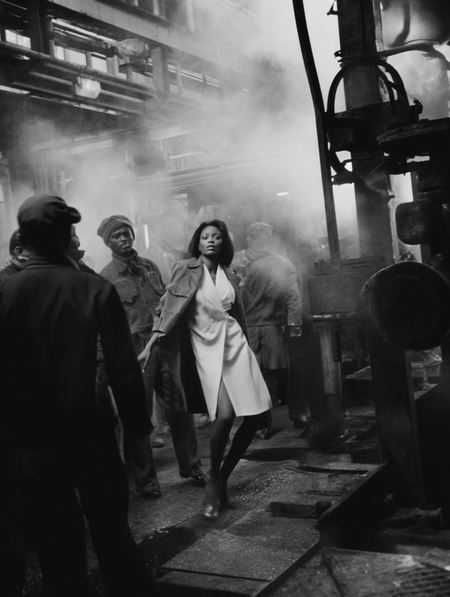
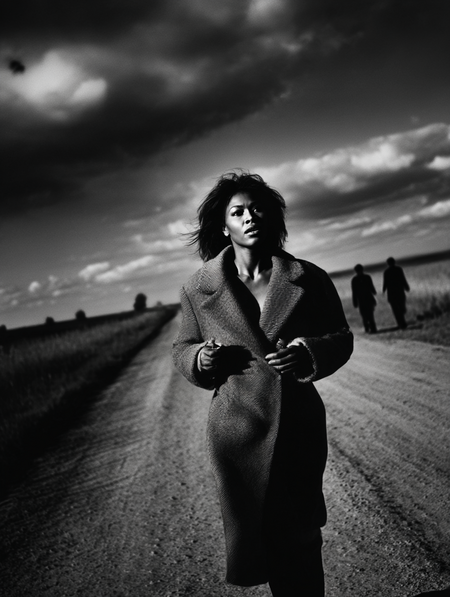
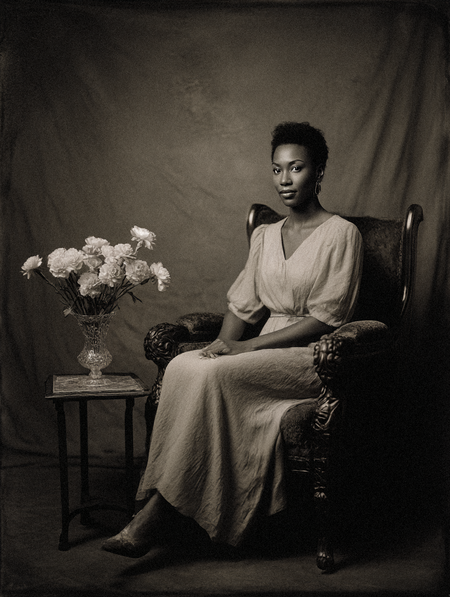
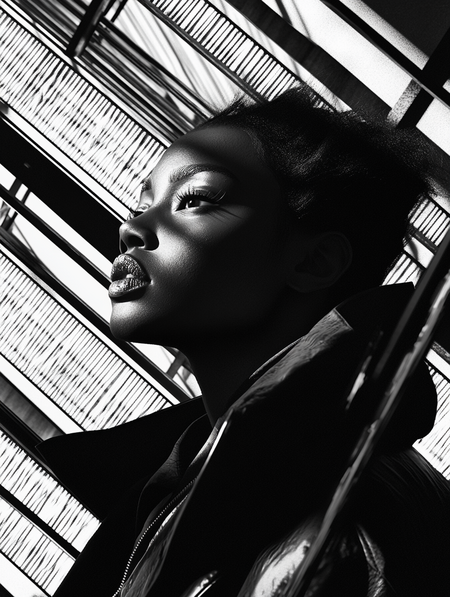
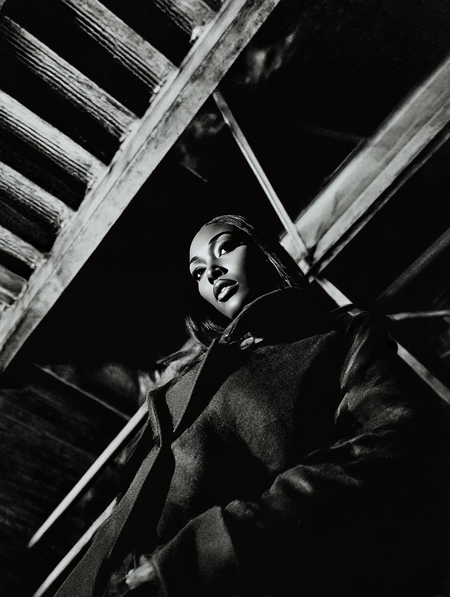
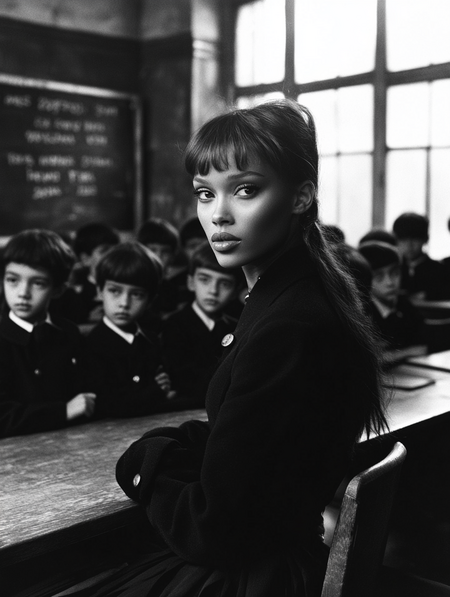
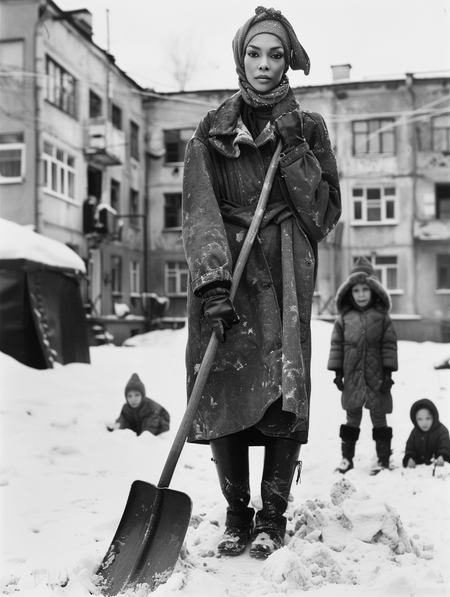
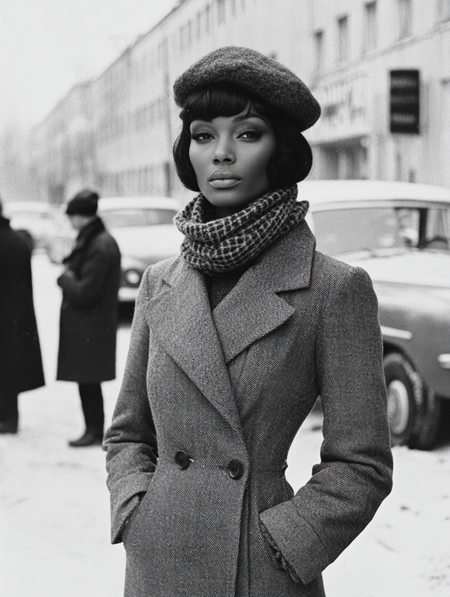
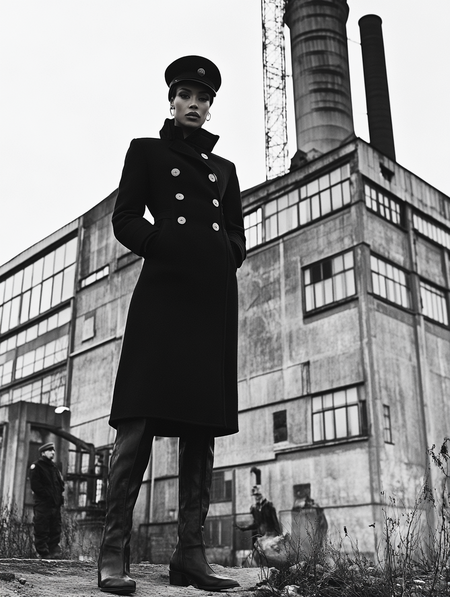
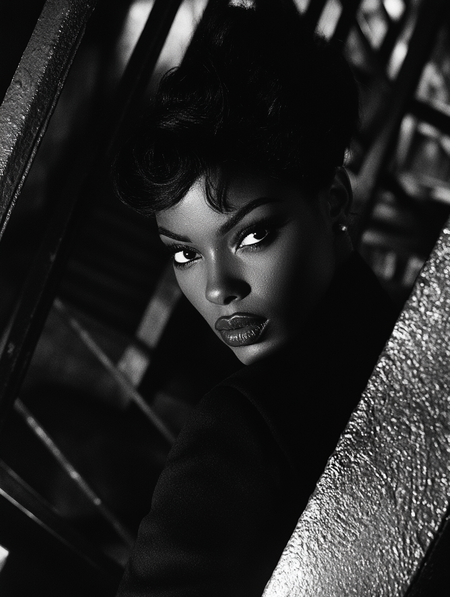
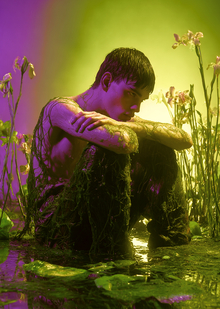
Ася Олейниченко создала визуальную интерпретацию «Превращения» Франца Кафки в контексте современной социальной реальности. Проект фокусируется на социальном исключении и утрате человеческого статуса, а не на биологическом превращении персонажа.
Голосовой помощник с ChatGPT автоматически создает конспекты лекций для студентов, разработанный Дмитрием Бадаевым. Система использует библиотеку Vosk для транскрипции речи и интеграцию с ChatGPT для генерации структурированных выдержек.
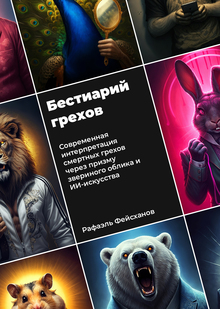
Рафаэль Фейсханов создал серию изображений, в которых антропоморфные животные символизируют семь смертных грехов и сталкиваются с Душой на её пути к пониманию. Каждый персонаж в проекте имеет уникальный символический атрибут, такой как молоток для Гнева или зеркало для Гордыни, что подчёркивает его связь с конкретным грехом.
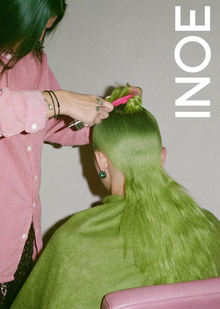
Эвелина Абдурахманова создала бренд INOE, используя нейросети для разработки визуального стиля и элементов идентичности. Проект включает логотип, шрифт SF FLORENCESANS SC EXP и визуальные материалы с инопланетной тематикой, сгенерированные в Recraft.
We use cookies to improve the operation of the website and to enhance its usability. More detailed information on the use of cookies can be fo...
Show more
Press space bar to start a drag.
When dragging you can use the arrow keys to move the item around and escape to cancel.
Some screen readers may require you to be in focus mode or to use your pass through key
Press space bar to start a drag.
When dragging you can use the arrow keys to move the item around and escape to cancel.
Some screen readers may require you to be in focus mode or to use your pass through key
Press space bar to start a drag.
When dragging you can use the arrow keys to move the item around and escape to cancel.
Some screen readers may require you to be in focus mode or to use your pass through key
Press space bar to start a drag.
When dragging you can use the arrow keys to move the item around and escape to cancel.
Some screen readers may require you to be in focus mode or to use your pass through key
Press space bar to start a drag.
When dragging you can use the arrow keys to move the item around and escape to cancel.
Some screen readers may require you to be in focus mode or to use your pass through key
Press space bar to start a drag.
When dragging you can use the arrow keys to move the item around and escape to cancel.
Some screen readers may require you to be in focus mode or to use your pass through key
Press space bar to start a drag.
When dragging you can use the arrow keys to move the item around and escape to cancel.
Some screen readers may require you to be in focus mode or to use your pass through key
Press space bar to start a drag.
When dragging you can use the arrow keys to move the item around and escape to cancel.
Some screen readers may require you to be in focus mode or to use your pass through key
Press space bar to start a drag.
When dragging you can use the arrow keys to move the item around and escape to cancel.
Some screen readers may require you to be in focus mode or to use your pass through key
Press space bar to start a drag.
When dragging you can use the arrow keys to move the item around and escape to cancel.
Some screen readers may require you to be in focus mode or to use your pass through key