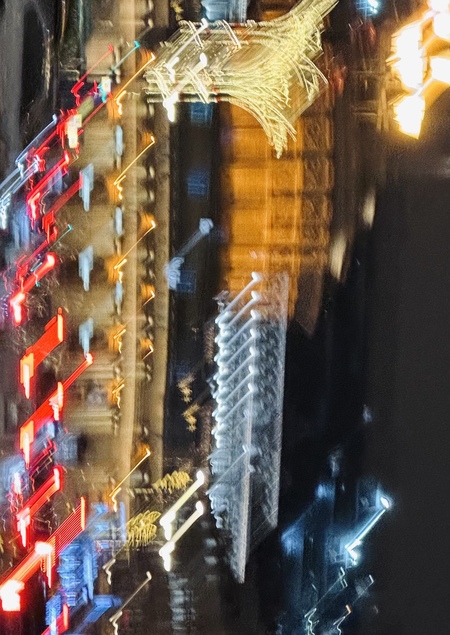
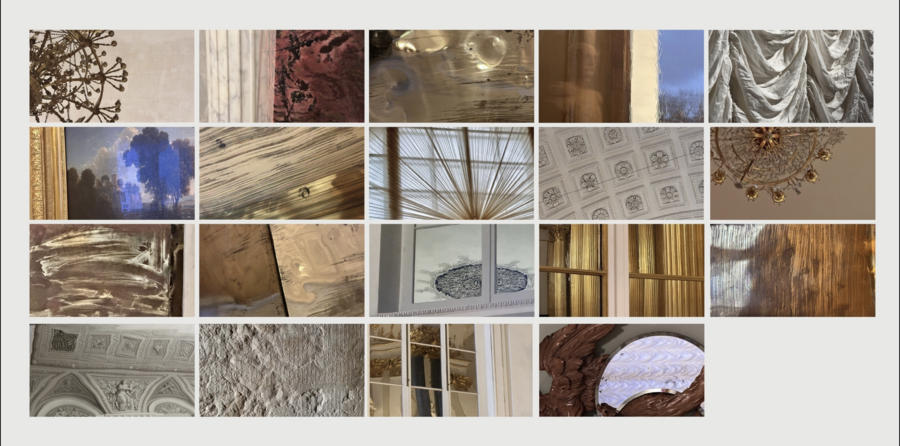
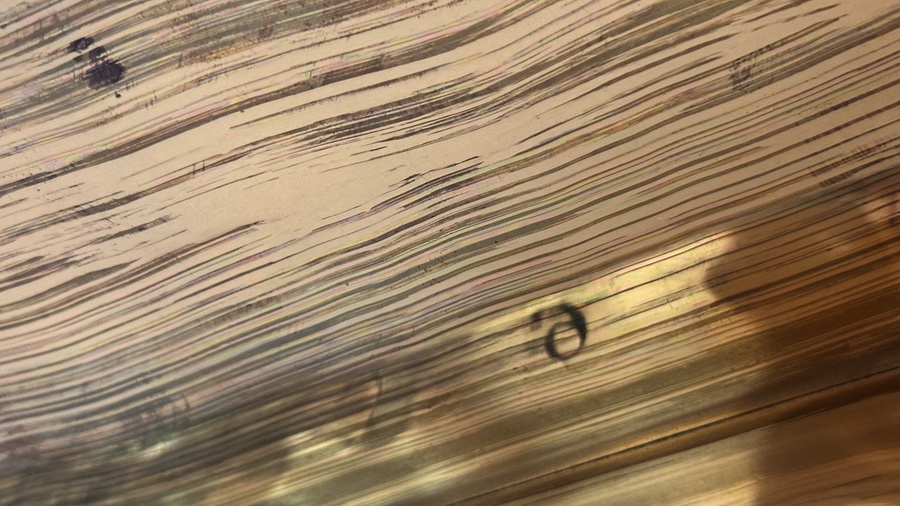
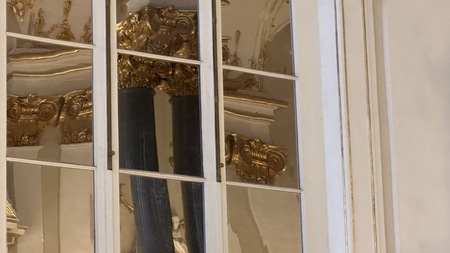
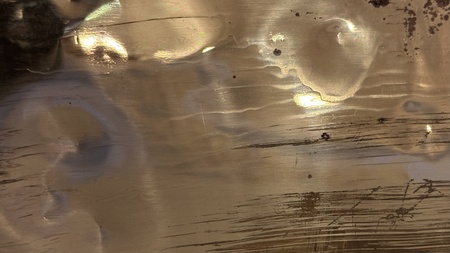
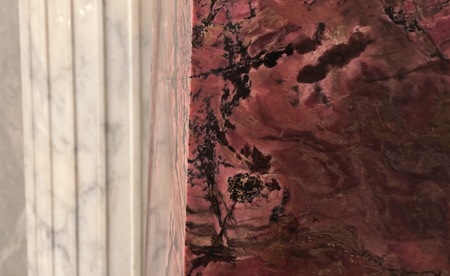
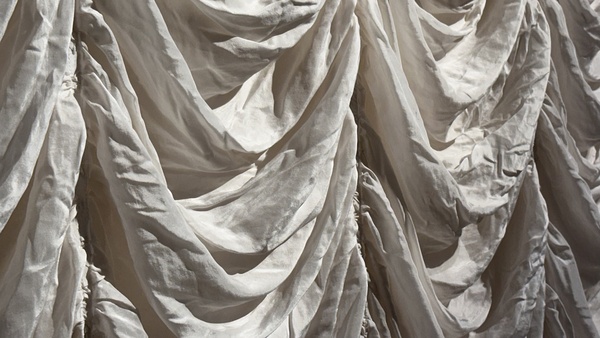
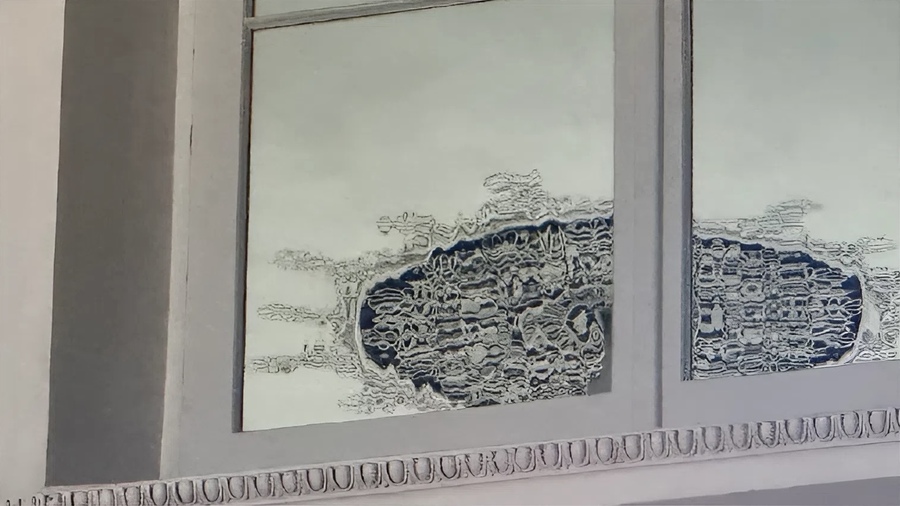
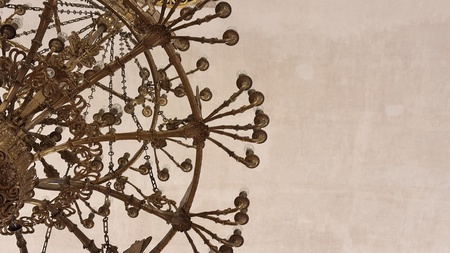
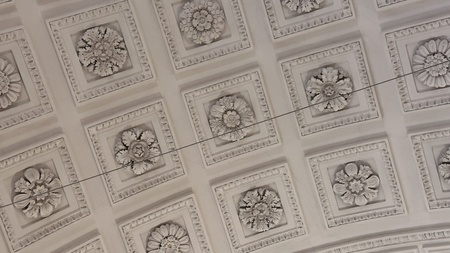
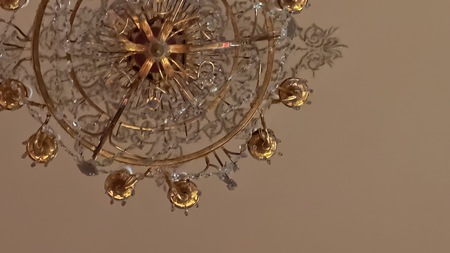
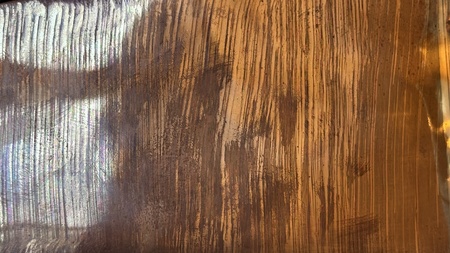
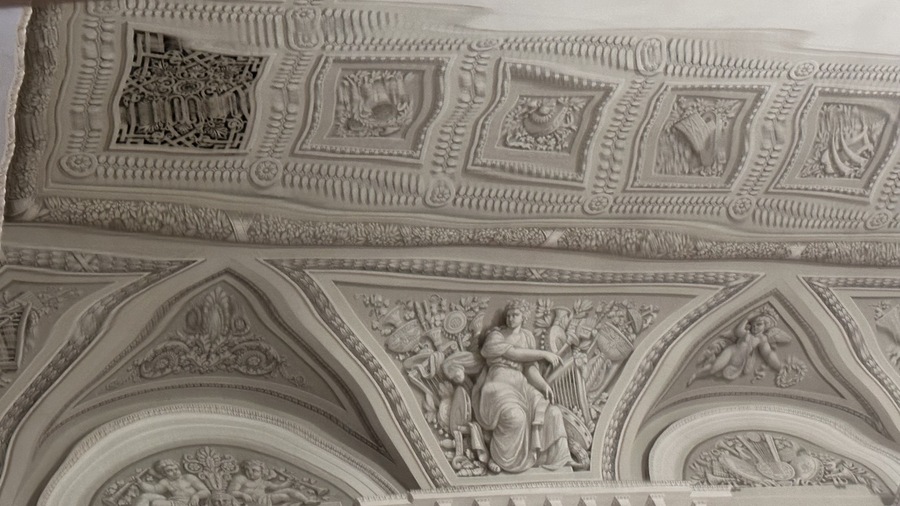
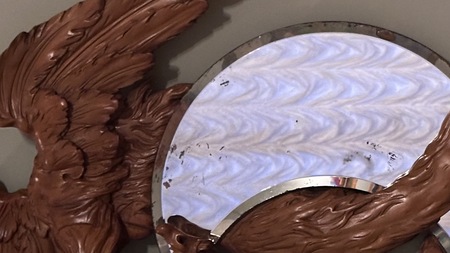
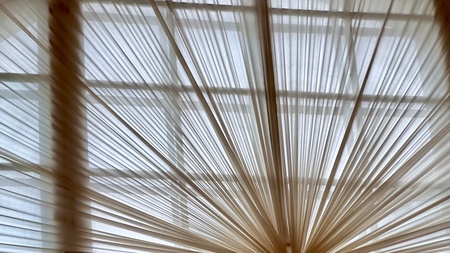
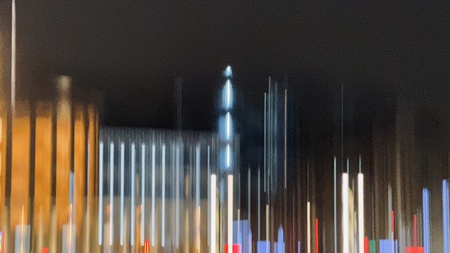
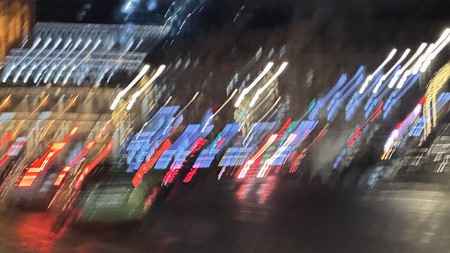
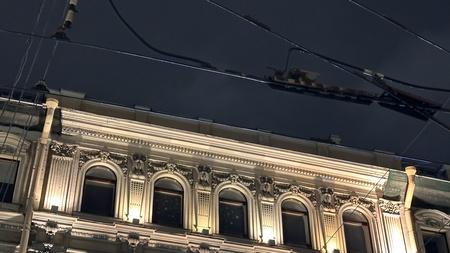
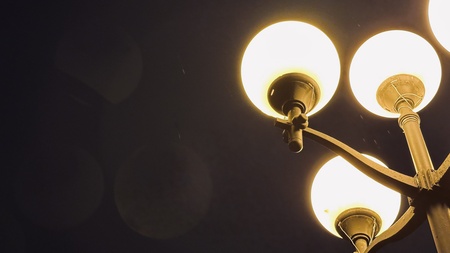
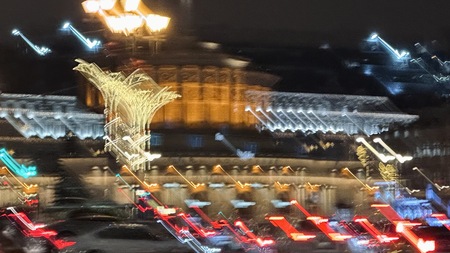
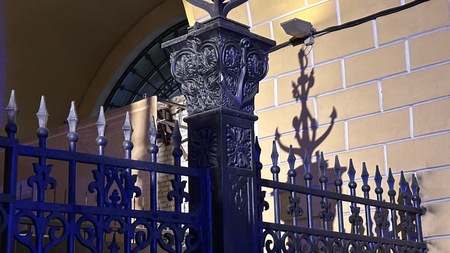
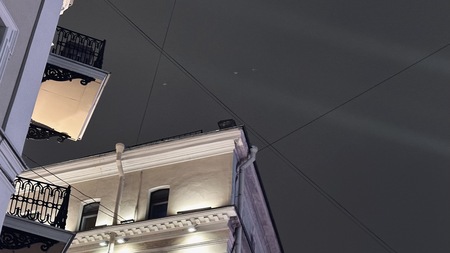
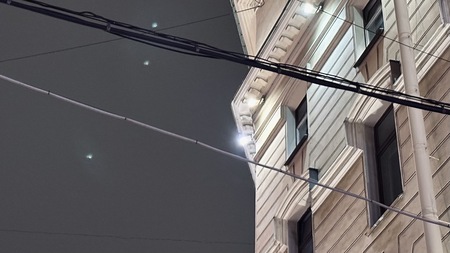
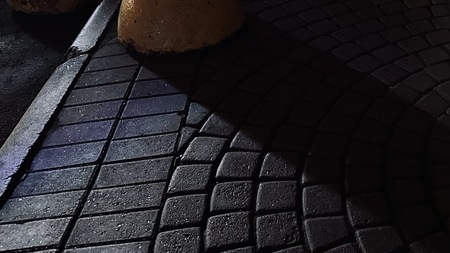
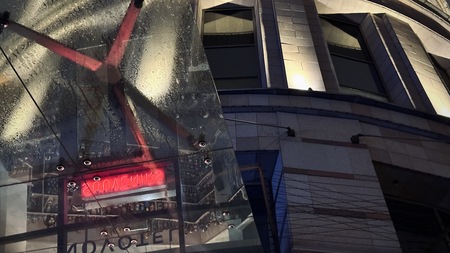
Проект содержит две серии фотографий, посвященных Эрмитажу и Санкт-Петербургу. Серии иллюстрируют уникальность музейного мира в разнообразии текстур и материалов,
и тесное взаимодействие современных технологий со старым городом.
Лидия Мирная создала арт-фотографию, посвящённую Эрмитажу и Санкт-Петербургу. Проект включает две серии, которые показывают взаимодействие современных технологий со старым городом.
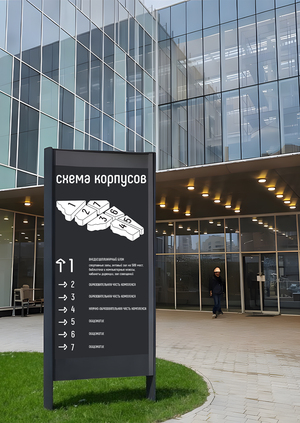
Дарья Пупышева создала систему навигации для НМИЦ имени В.А.Алмазова, которая помогает ориентироваться в расширяющейся экосистеме центра. Проект включает навигационные стенды, настенные и подвесные указатели, выполненные с использованием алюминия и виниловой пленки.
Кристина Конорева разработала навигационную систему для учебного комплекса НОК НМИЦ им. В. А. Алмазова. Система включает настенные и напольные указатели, а также таблички аудиторий, созданные из матовой самоклеящейся плёнки.
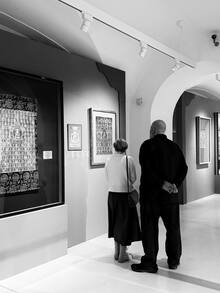
Автор Варвара Табакова создала серию фотографий, раскрывающих жизнь в Эрмитаже и красоту неба над Петербургом. Проект включает в себя две серии с конкретными названиями: «Реальная жизнь» и «Небо Петербурга».
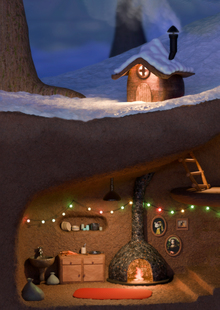
Виктория Юрьева создала историю о жизни маленькой мышки в зимнем лесу, где она готовится к празднованию Нового Года. Проект включает в себя несколько текстовых фрагментов, описывающих уютный домик и праздничные приготовления животного.
We use cookies to improve the operation of the website and to enhance its usability. More detailed information on the use of cookies can be fo...
Show more
Press space bar to start a drag.
When dragging you can use the arrow keys to move the item around and escape to cancel.
Some screen readers may require you to be in focus mode or to use your pass through key
Press space bar to start a drag.
When dragging you can use the arrow keys to move the item around and escape to cancel.
Some screen readers may require you to be in focus mode or to use your pass through key
Press space bar to start a drag.
When dragging you can use the arrow keys to move the item around and escape to cancel.
Some screen readers may require you to be in focus mode or to use your pass through key
Press space bar to start a drag.
When dragging you can use the arrow keys to move the item around and escape to cancel.
Some screen readers may require you to be in focus mode or to use your pass through key
Press space bar to start a drag.
When dragging you can use the arrow keys to move the item around and escape to cancel.
Some screen readers may require you to be in focus mode or to use your pass through key
Press space bar to start a drag.
When dragging you can use the arrow keys to move the item around and escape to cancel.
Some screen readers may require you to be in focus mode or to use your pass through key
Press space bar to start a drag.
When dragging you can use the arrow keys to move the item around and escape to cancel.
Some screen readers may require you to be in focus mode or to use your pass through key
Press space bar to start a drag.
When dragging you can use the arrow keys to move the item around and escape to cancel.
Some screen readers may require you to be in focus mode or to use your pass through key
Press space bar to start a drag.
When dragging you can use the arrow keys to move the item around and escape to cancel.
Some screen readers may require you to be in focus mode or to use your pass through key
Press space bar to start a drag.
When dragging you can use the arrow keys to move the item around and escape to cancel.
Some screen readers may require you to be in focus mode or to use your pass through key
Press space bar to start a drag.
When dragging you can use the arrow keys to move the item around and escape to cancel.
Some screen readers may require you to be in focus mode or to use your pass through key